74
L
INE KEY AND PROGRAMMABLE KEYS PAGING KEY
Configuring a Paging Key
Mitel Web UI
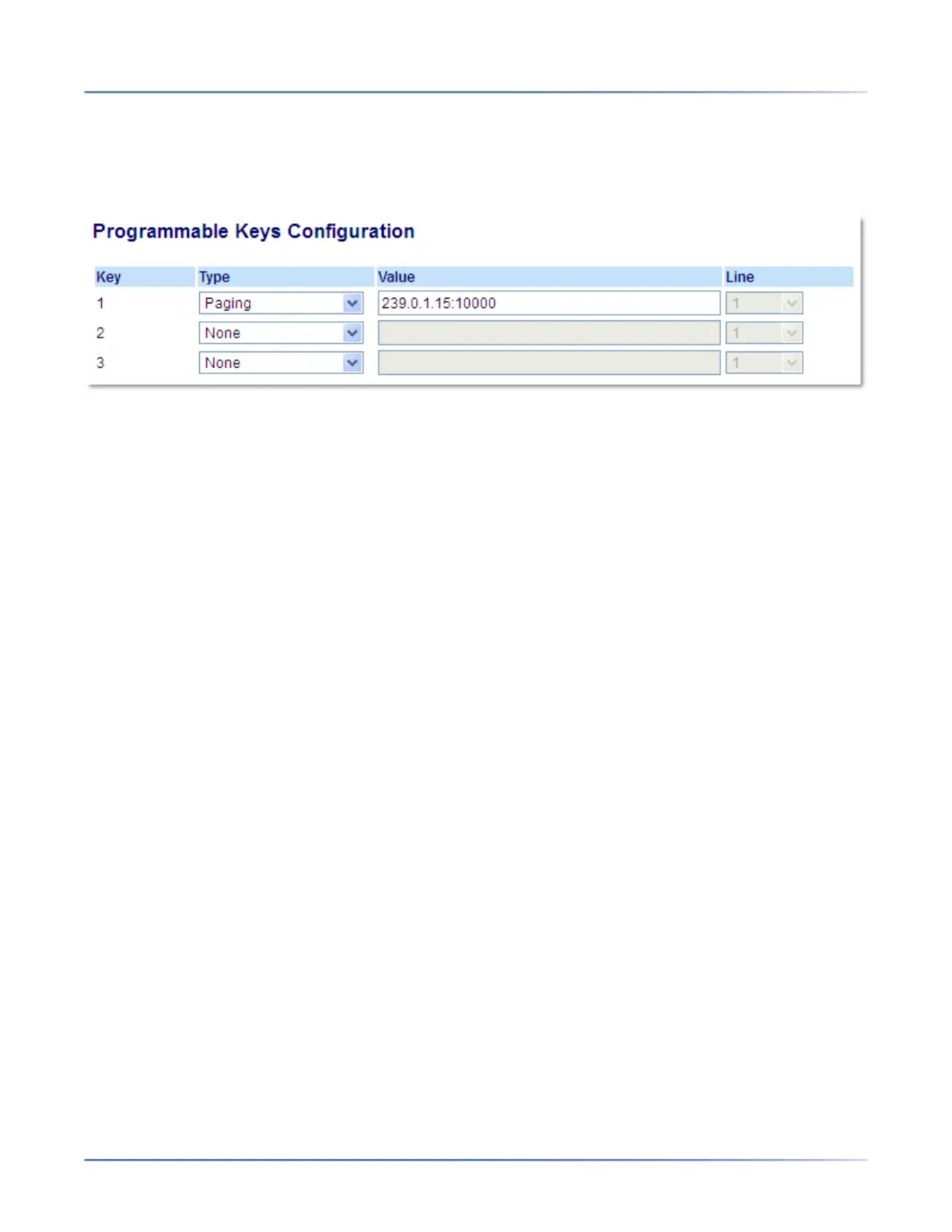
1. Click on Operation > Programmable Keys.
2. Select from Key 1 through Key 3.
3. In the Type field, select Paging.
4. In the Value field, enter a multicast IP address and a port number for the Paging key. When you press
this key, the phone initiates an outgoing multicast RTP session to the specified address using the
specified port (e.g. 239.0.1.15:10000).
NOTE: The Value field allows for one multicast address entry only.
5. To receive RTP steams for Group Paging, you must also configure the Paging Listen Addresses
parameter at the path, Basic Settings > Preferences > Group Paging RTP Settings . For more
information about setting this parameter, see Group RTP Paging .
6. Click Save Settings.
Using the Paging Key
The following procedure describes the use of the Paging key on the IP phone. The procedure assumes
you have already configured the Paging key using the Mitel Web UI.
NOTE:
1. The recipient of a Paging call can set a global Do Not Disturb (DND) to ignore any incoming pages.
2. For incoming Paging, the phone uses the Intercom configuration settings. The incoming Page is
dependent on the Allow Barge In parameter setting and the Idling/On Call state.This option is only
available if external Directory sources have been configured by your Administrator.
IP Phone UI
1. On the IP phone, press the key you configured for Paging.
2. The phone opens a multicast RTP session and an outgoing OR incoming phone screen displays.
3. Press the Drop key to end the multicast RTP session and return to the idle screen.
NOTE: If you enable global DND on the phone, the incoming multicast RTP session is dropped.



 To Next Page