63
L
INE KEY AND PROGRAMMABLE KEYS LAST CALL RETURN KEY
If the call is parked successfully, the response is either a greeting voice confirming that the call was
parked, or a hang up occurs. The parked call party hears music on hold.
3. If the call fails, you can pick up the call (using the next procedure) and press the Park key again to
retry Step 2.
Picking Up a Parked Call
1. Pick up the handset on the phone.
2. Enter the extension number where the call was parked.
3. Press the Pickup key. If the call pick up is successful, you are connected with the parked call.
Last Call Return Key
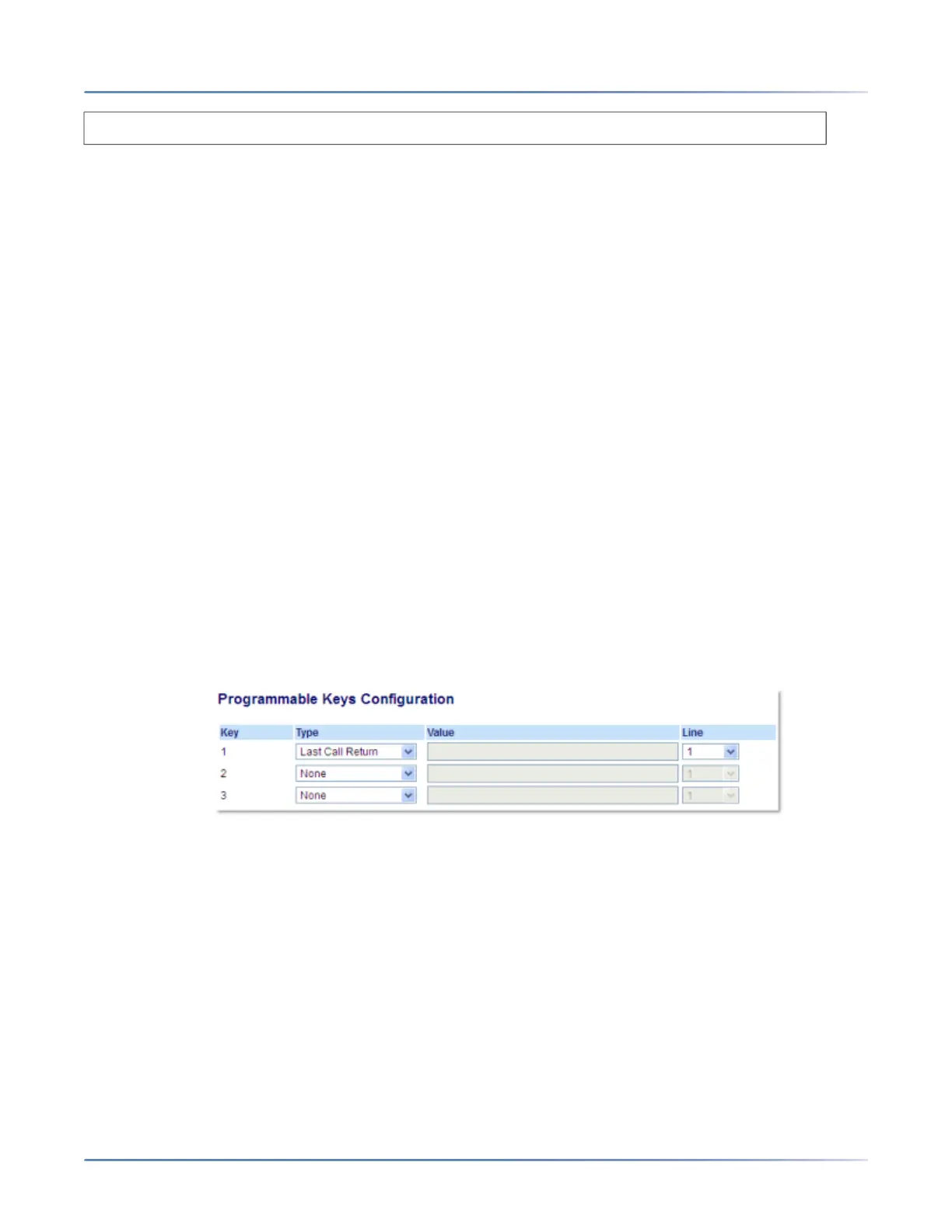
Using the Mitel Web UI, you can configure the Last Call Return function on a key. If you configure Last
Call Return on a key, and a call comes into your phone, after you are finished with the call and hang up,
you can press the key configured for Last Call Return and the phone dials the last call you received. When
the Sylantro call manager detects an Last Call Return request, it translates this request and routes the
call to the last caller.
Configuring a Last Call Return Key
Mitel Web UI
1. Click on Operation > Programmable Keys.
2. Select from Key 1 through Key 3.
3. In the Type field, select Last Call Return.
4. In the Line field, select the line to apply this feature Valid values are 1 and 2.
5. Click Save Settings.
Call Forward Key
Using the Mitel Web UI, you can configure the Call Forward function on a programmable key. Use call
forwarding when you want a specific account on your phone to be forwarded to another number when
your phone is in the busy state or the no answer state, or both. Pressing the Call Fwd key on the phone
Enter the extension number where you want to park the call, followed by # key.



 To Next Page