80
M
AKING CALLS REDIAL
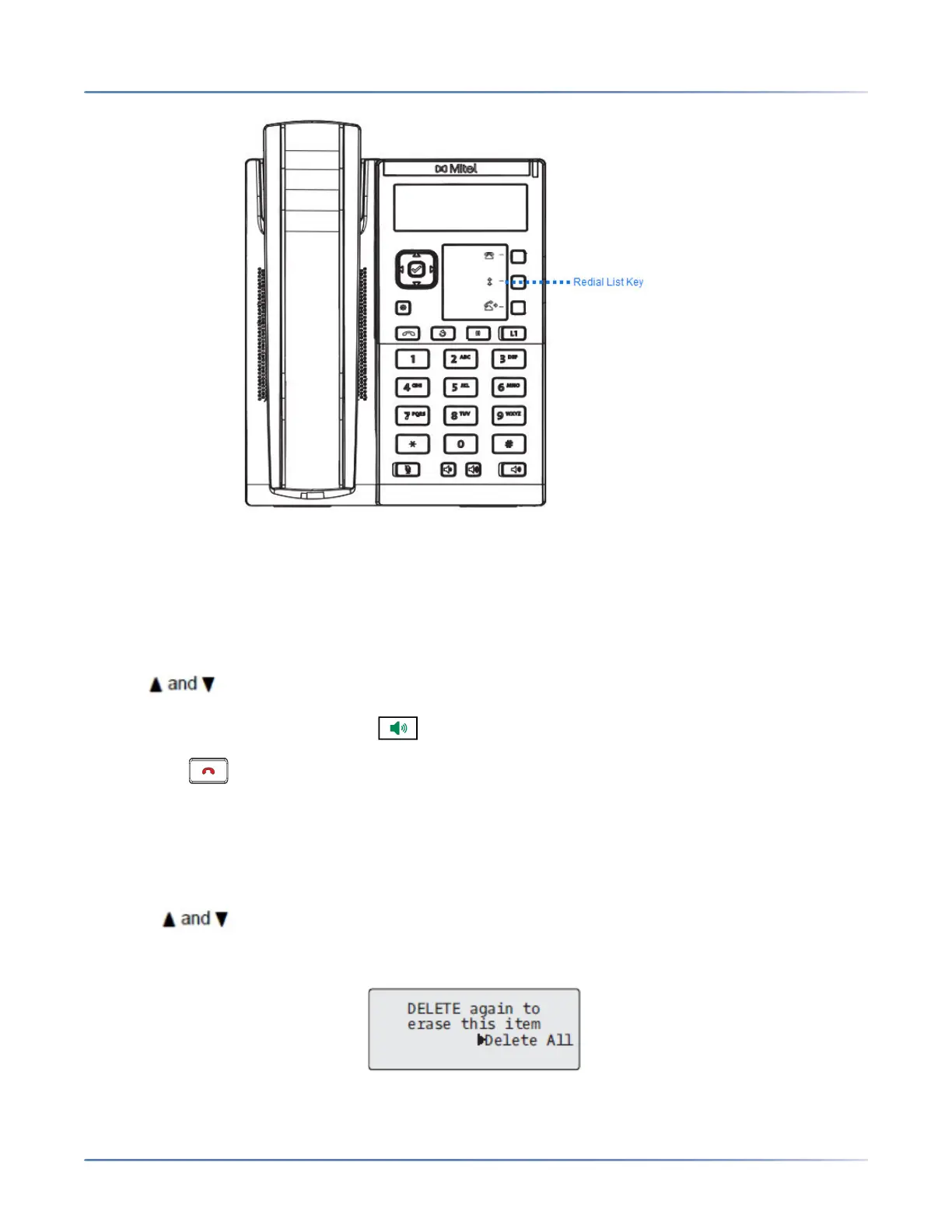
Accessing the Redial List
IP Phone UI
1. Press the Redial hard key or configured Redial key to access the Redial List. The information for your
most recent call is displayed.
NOTE: To redial the last called number, press the Redial key again.
2. Use to scroll through the list to view the other numbers.
3. To dial the displayed number press , or lift the handset, or press any line keys.
4. Press the key to cancel.
Deleting An Item from the Redial List
IP Phone UI
1. Press the Redial hard key or configured Redial key.
2. Press to find the item you want to delete.
3. Press the configured Delete Key.
4. Press the Delete Key again at the prompt to erase the item.



 To Next Page