81
M
AKING CALLS MUTE
IP Phone UI
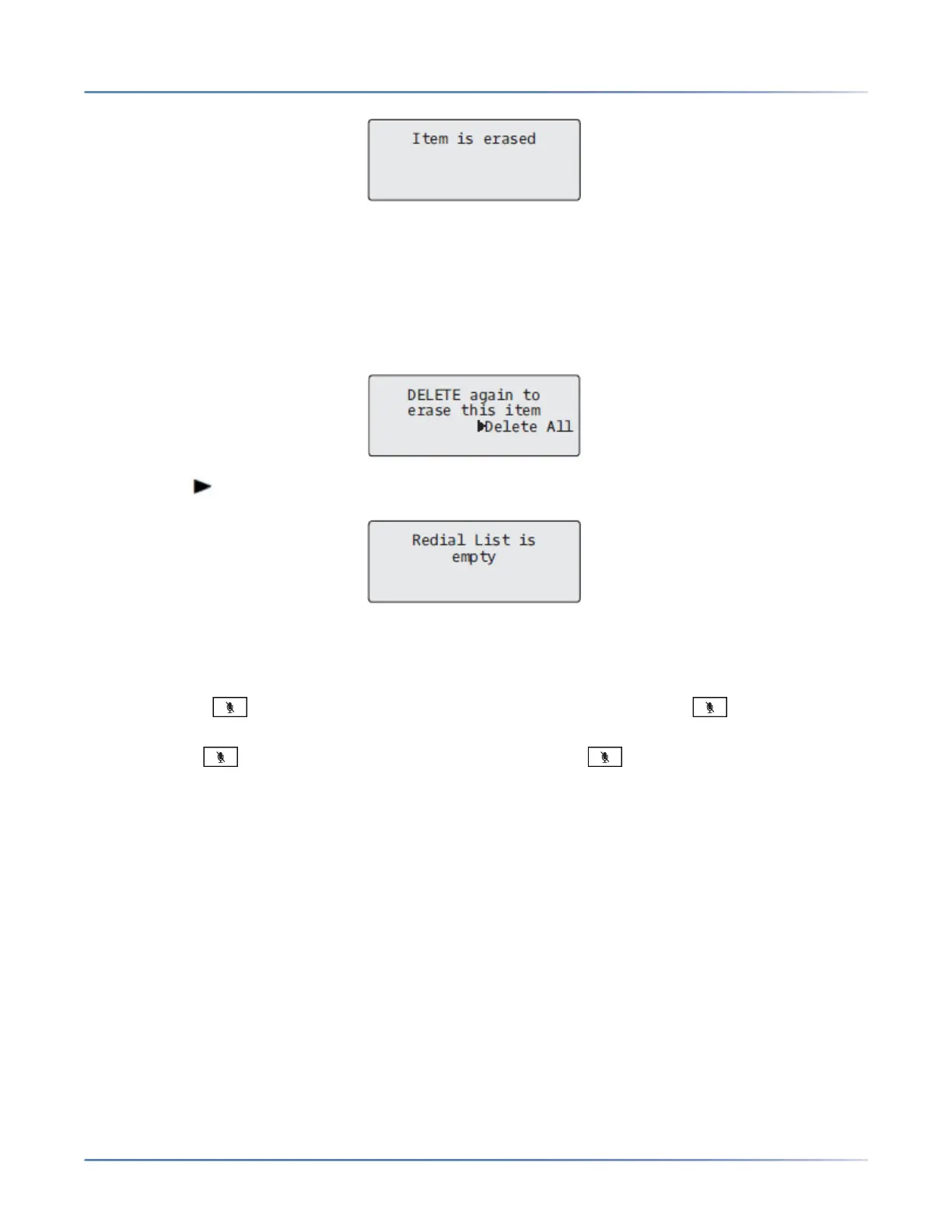
Delete All Items
1. Press the Redial hard key or configured Redial key.
2. Press the configured Delete key.
3. Press the Delete All key at the prompt to erase all items from the Redial List.
Mute
You can use the key to mute the handset or speakerphone. When you use the key on your
phone, you cannot be heard on an active call or on a conference. Formuted calls, the handsfree LED
flashes and the key LED is on. To switch mute on or off,press .
NOTE: If you place a muted call
on hold, the phone automatically takes the call off mute when you reconnect to the call.



 To Next Page