47
C
USTOMIZING YOUR PHONE EMERGENCY DIAL PLAN
Mitel Web UI
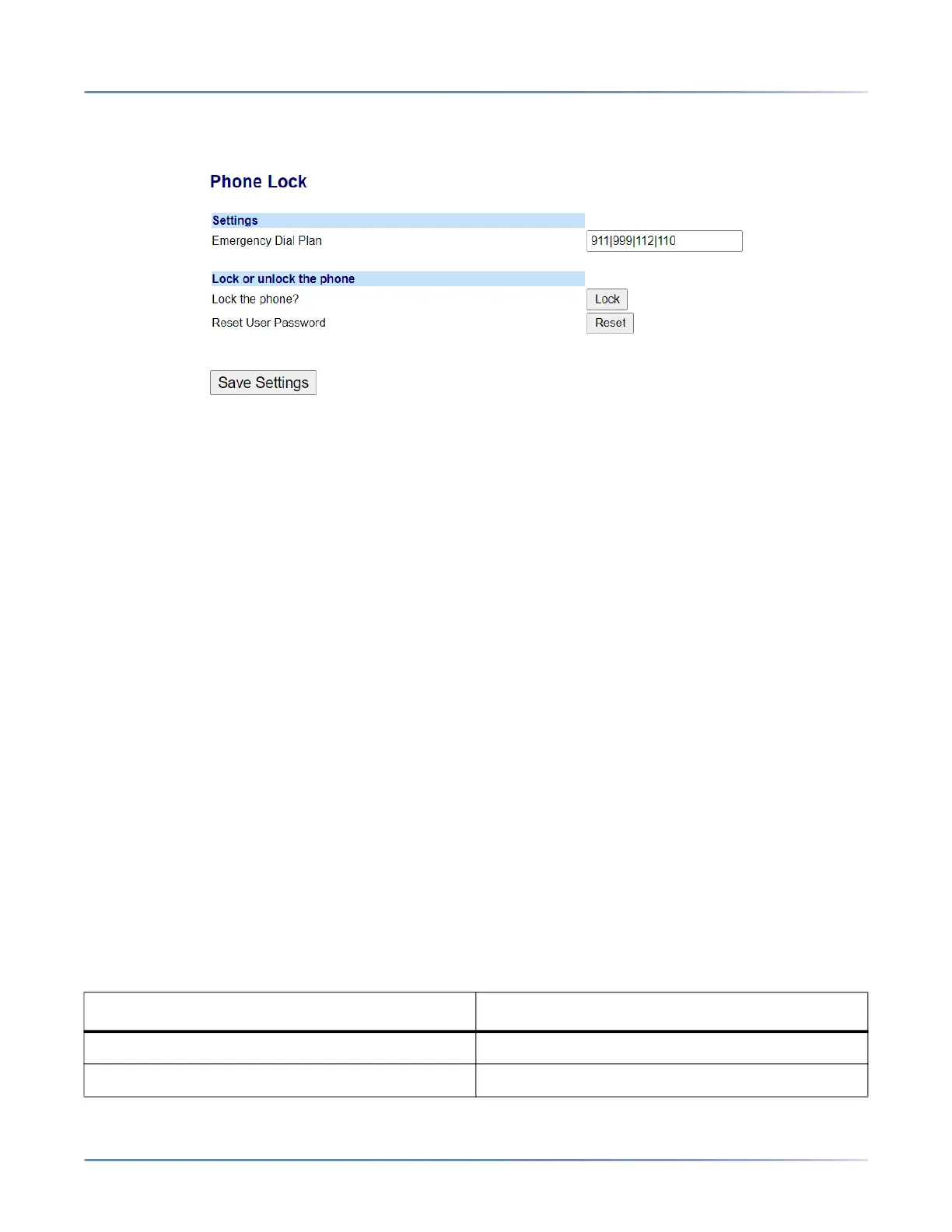
1. Click on Operation > Phone Lock.
Locking the Phone
2. In the Lock the Phone? field, click Lock . The phone locks dynamically and displays the following
message: Phone is locked.
Unlocking the Phone
3. Click on Operation > Phone Lock.
4. In the Unlock the Phone? field, click Unlock. The phone unlocks dynamically and displays the
following message: Phone is unlocked.
Emergency Dial Plan
Public telephone networks in countries around the world have a single emergency telephone number
(emergency services number), that allows a caller to contact local emergency services for assistance
when required. The emergency telephone number may differ from country to country. It is typically a
three-digit number so that it can be easily remembered and dialed quickly. Some countries have a
different emergency number for each of the different emergency services.
You can specify the digits to dial on the IP phone for contacting emergency services. Once you specify
the emergency number(s) on the phone, you can dial those numbers directly on the keypad when required
and the phone automatically dials to those emergency services.
You can set the emergency dial plan using the Mitel Web UI only.
NOTE:
1. Emergency dial plan pattern matching is only functional when the live dialpad feature is enabled. For
more information on the live dialpad feature, see “Live Dialpad*”.
2. Contact your local phone service provider for available emergency numbers in your area.
The following table describes the default emergency numbers on the IP phones.
Emergency Number Description
911 A United States emergency number.
999 A United Kingdom emergency number.



 To Next Page