28
C
USTOMIZING YOUR PHONE RING TONES AND TONE SETS
Installing Custom Ring Tones Using the Mitel Web UI
NOTE:
1. Access to the Custom Ringtones Web UI menu is only available if enabled by your System Adminis-
trator.
2. Ringtones must be in .wav format. The IP phones support the following WAV file specifications:
– G.711 μ-law and a-law Codec
– 20 ms packet size
– Mono 8KHz
3. Individual WAV files cannot exceed 1 MB in size (the total combined size of the eight WAV files cannot
exceed 8 MB).
4. Filenames must contain only ASCII characters.
Mitel Web UI
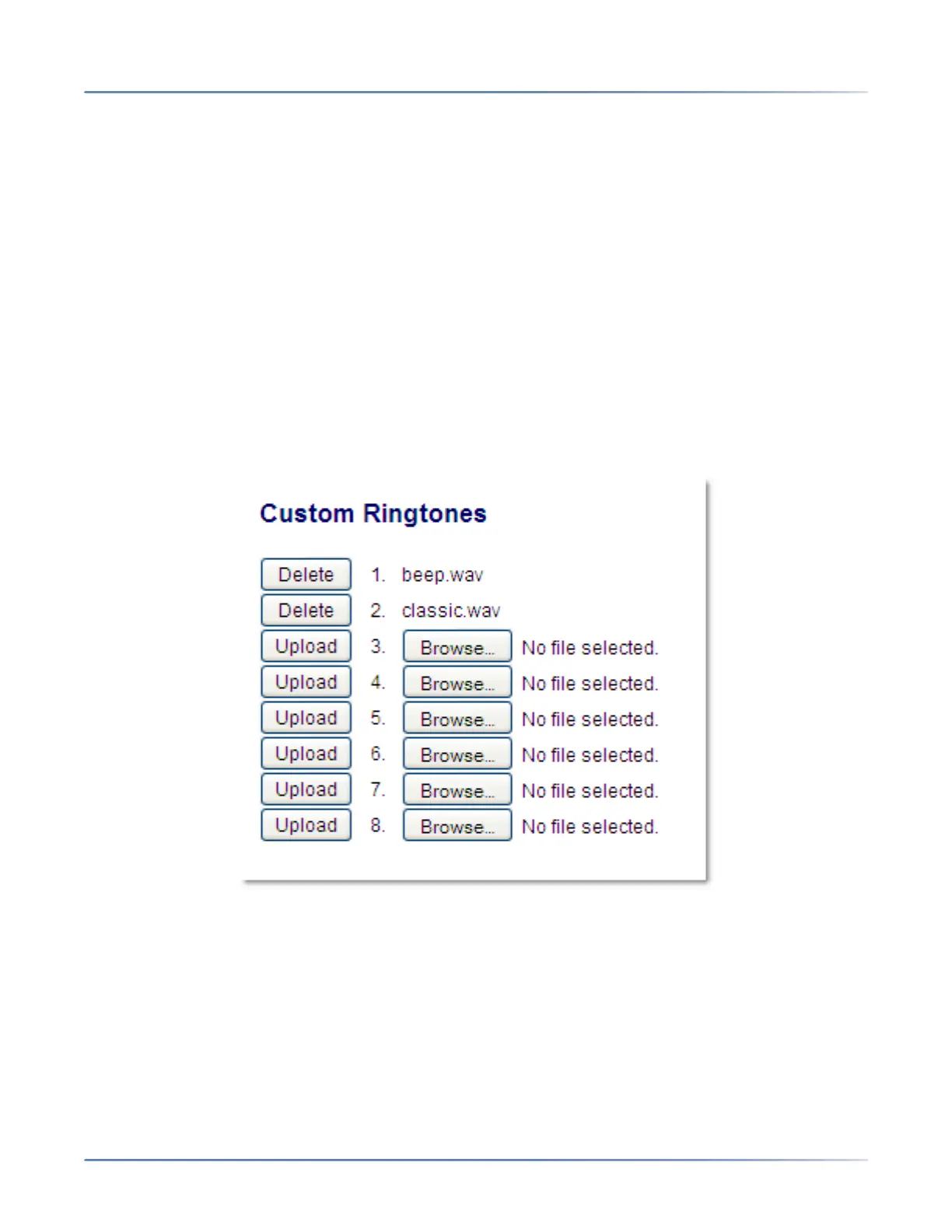
1. Click on Basic Settings > Custom Ringtones.
2. Press the Browse... button corresponding to the desired ringtone position (e.g. 1).
3. Navigate to the folder containing the WAV file you want to upload, select the file using your left mouse
button, and press the Open button. The filename should now be displayed to the right of the respec-
tive Browse... button.
4. Press the Upload button to upload the file to the phone.
5. Repeat Steps 2 to 4 to upload additional WAV files to the phone.
NOTE: Press the Delete button to delete the desired ringtone from your phone.



 To Next Page