69
L
INE KEY AND PROGRAMMABLE KEYS CONFERENCE KEY
3. In the Type field, select Redial.
4. Click Save Settings.
Conference Key
The 6905 IP phone offers two methods of conferencing:
• Local conferencing (default method)
• Centralized conferencing (for Sylantro and BroadSoft Call managers)
The Conference key allows you to create conference calls when utilizing any one of the method above.
NOTE: For more information with regards to creating conference calls, see “Conferencing Calls”
Configuring a Conference Key
Mitel Web UI
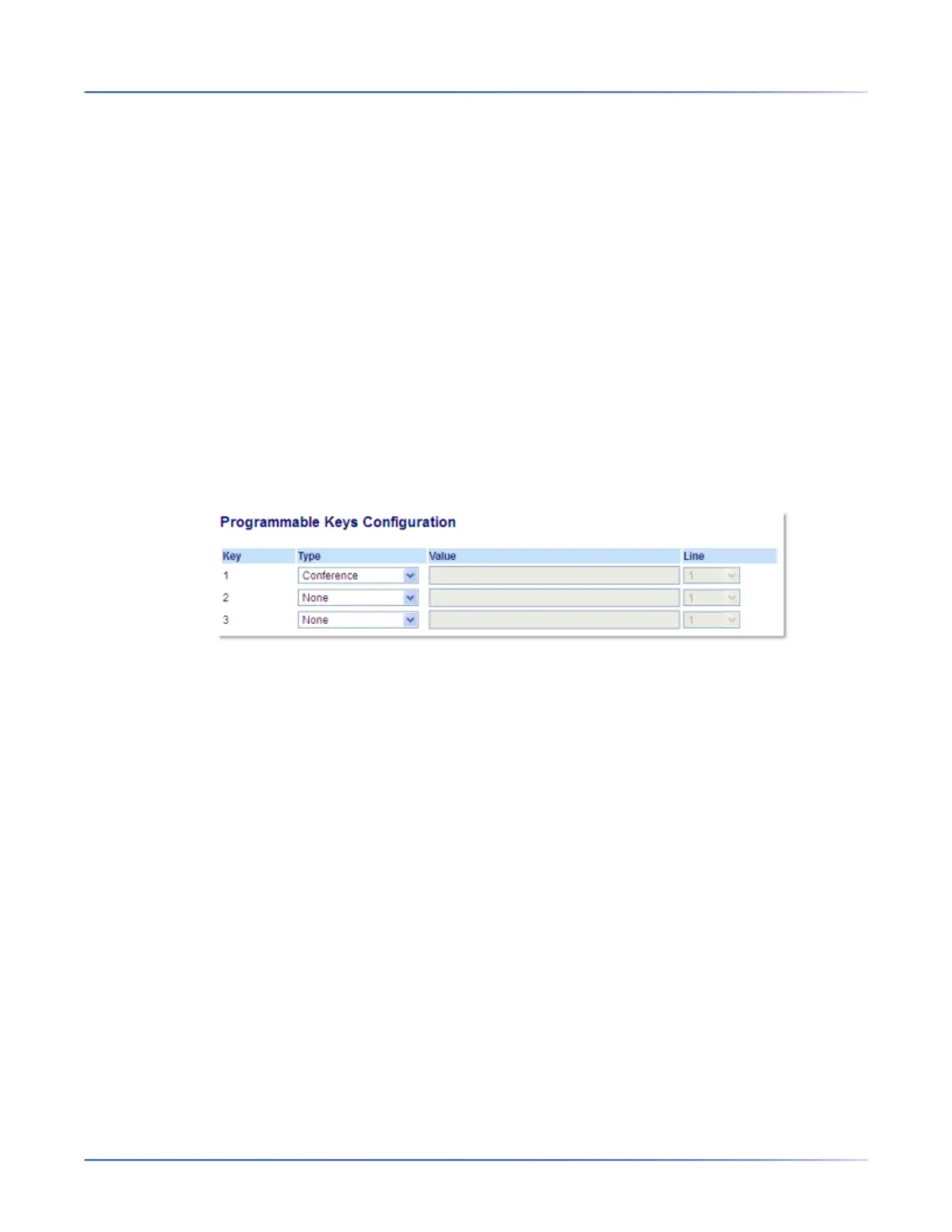
1. Click on Operation > Programmable Keys.
2. Select from Key 1 through Key 3.
3. In the Type field, select Conference.
4. Click Save Settings.
Transfer Key
By default, the Transfer key is programmed on Key 3. However, using the Mitel Web UI, you can reassign
the Transfer key to any of the three programmable keys on the phone



 To Next Page