61
L
INE KEY AND PROGRAMMABLE KEYS PARK/PICKUP KEYS
Configuring a Sprecode Key
Mitel Web UI
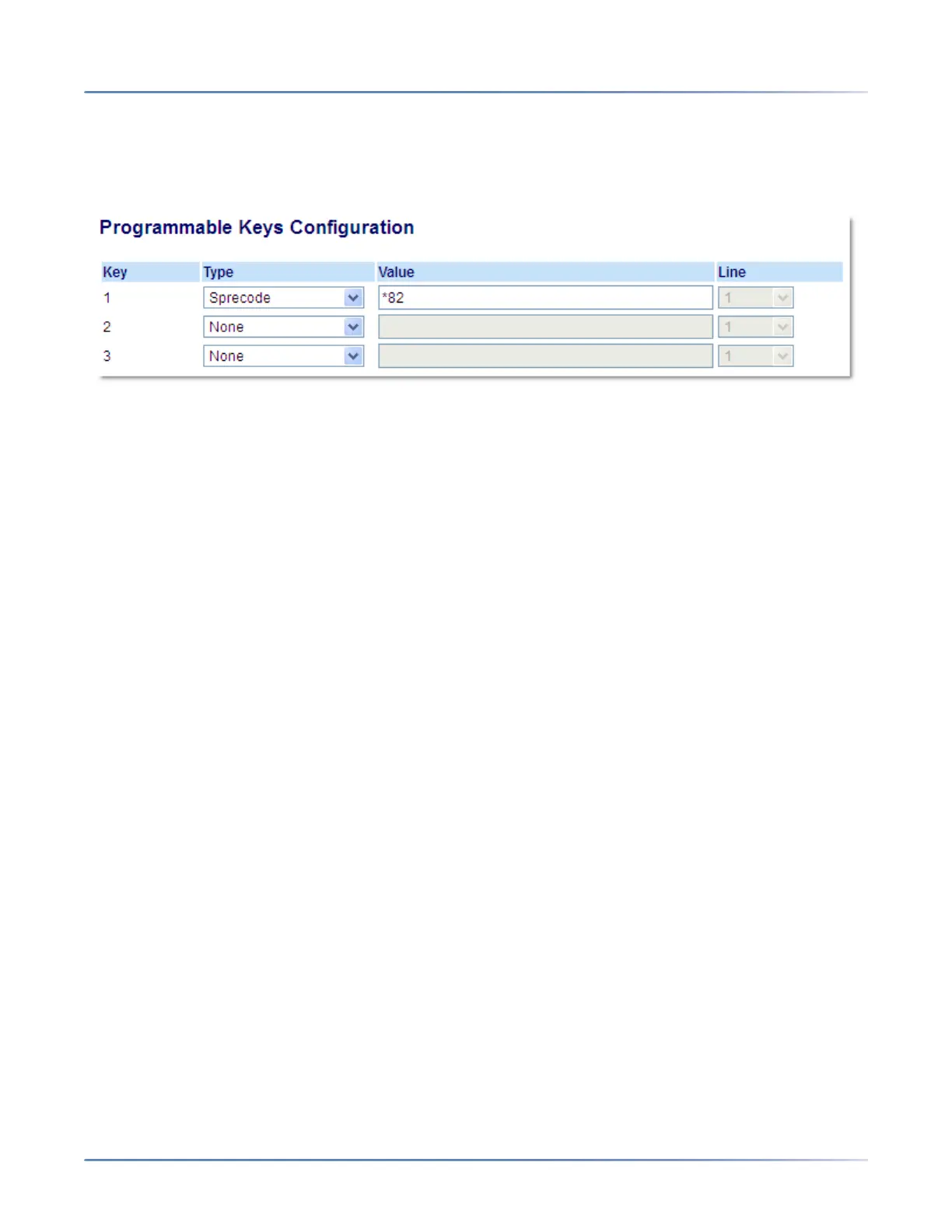
1. Click on Operation > Programmable Keys.
2. Select from Key 1 through Key 3.
3. In the Type field, select Sprecode.
4. In the Value field, enter the appropriate value for accessing specific services from the server.
NOTE: For values to enter in this field, contact your System Administrator.
5. Click Save Settings.
Park/Pickup Keys
The 6905 phone has a park and pickup call feature that allows you to park a call and pickup a call when
required. The IP phones support the Park/Pickup feature on the Asterisk, BroadWorks, Sylantro, and ININ
call managers.
The park/pickup feature performs as follows:
• When a call comes in and you pickup the handset, you can press the applicable Park key to park the
call
• After the call is parked, you can press the Pickup key, followed by the applicable value to pickup the
call
Administrators can configure the Park and Pickup keys for any line using the configuration files or the
Mitel Web UI.



 To Next Page