48
C
USTOMIZING YOUR PHONE EMERGENCY DIAL PLAN
Defining an Emergency Dial Plan
Mitel Web UI
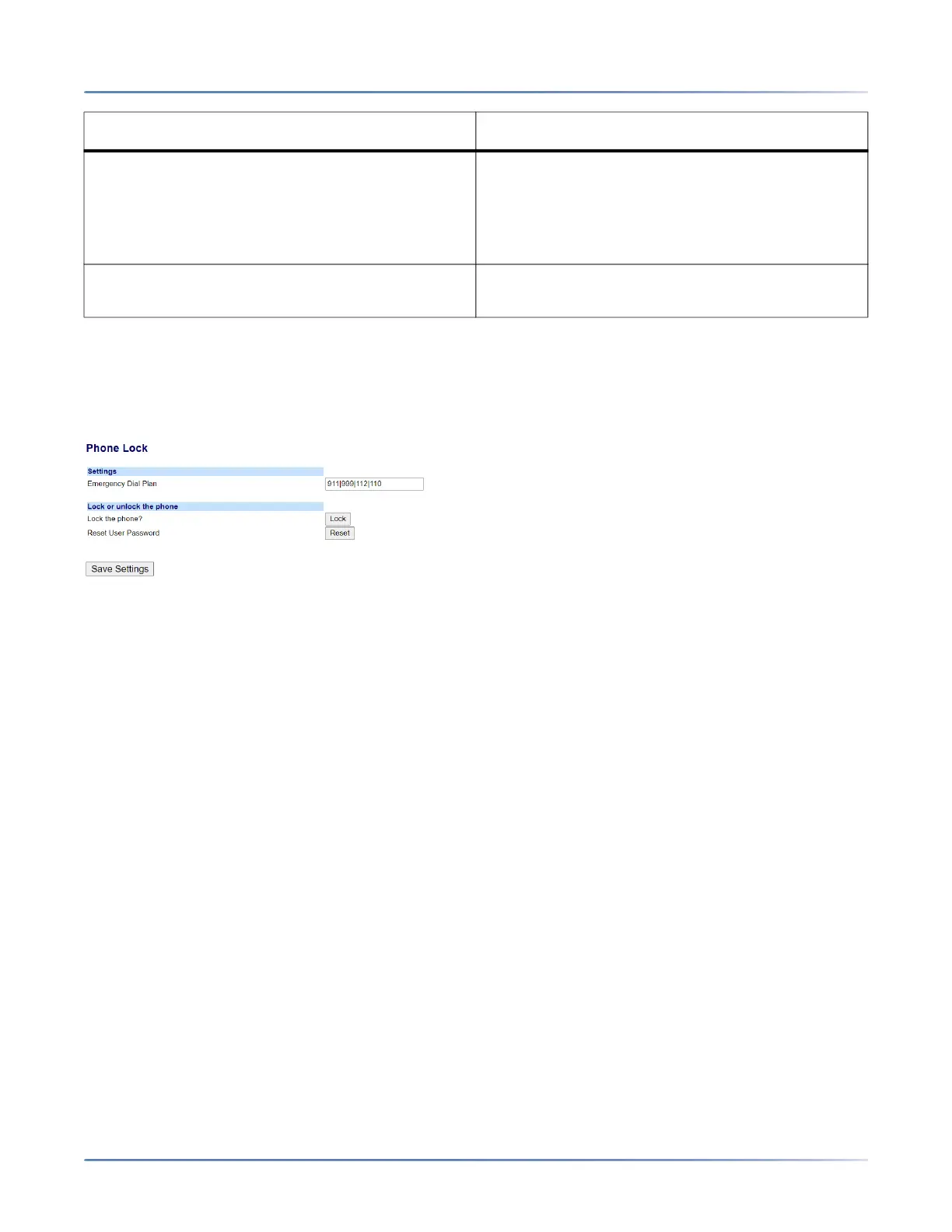
1. Click on Operation > Phone Lock.
2. In the Emergency Dial Plan field, enter the 3-digit number used in your local area to contact emer-
gency services. For multiple numbers, enter a | between each emergency number.
For example:
911|110
Default for this field is 911|999|112|110.
3. Click Save Settings to save the emergency dial plan to your phone.
112 An international emergency telephone number for
GSM mobile phone networks.
In all European Union countries it is also the
emergency telephone number for both mobile
and fixed-line telephones.
110 A police and/or fire emergency number in Asia,
Europe, Middle East, and South America.
Emergency Number Description



 To Next Page