8
G
ETTING STARTED PLUGGING IN AND STARTING THE PHONE
Getting Started
The 6905 must be set up and configured prior to its first use. This section describes phone behavior and
start up screens you may see when the phone is first plugged in, or when it is restarted.
Plugging in and Starting the Phone
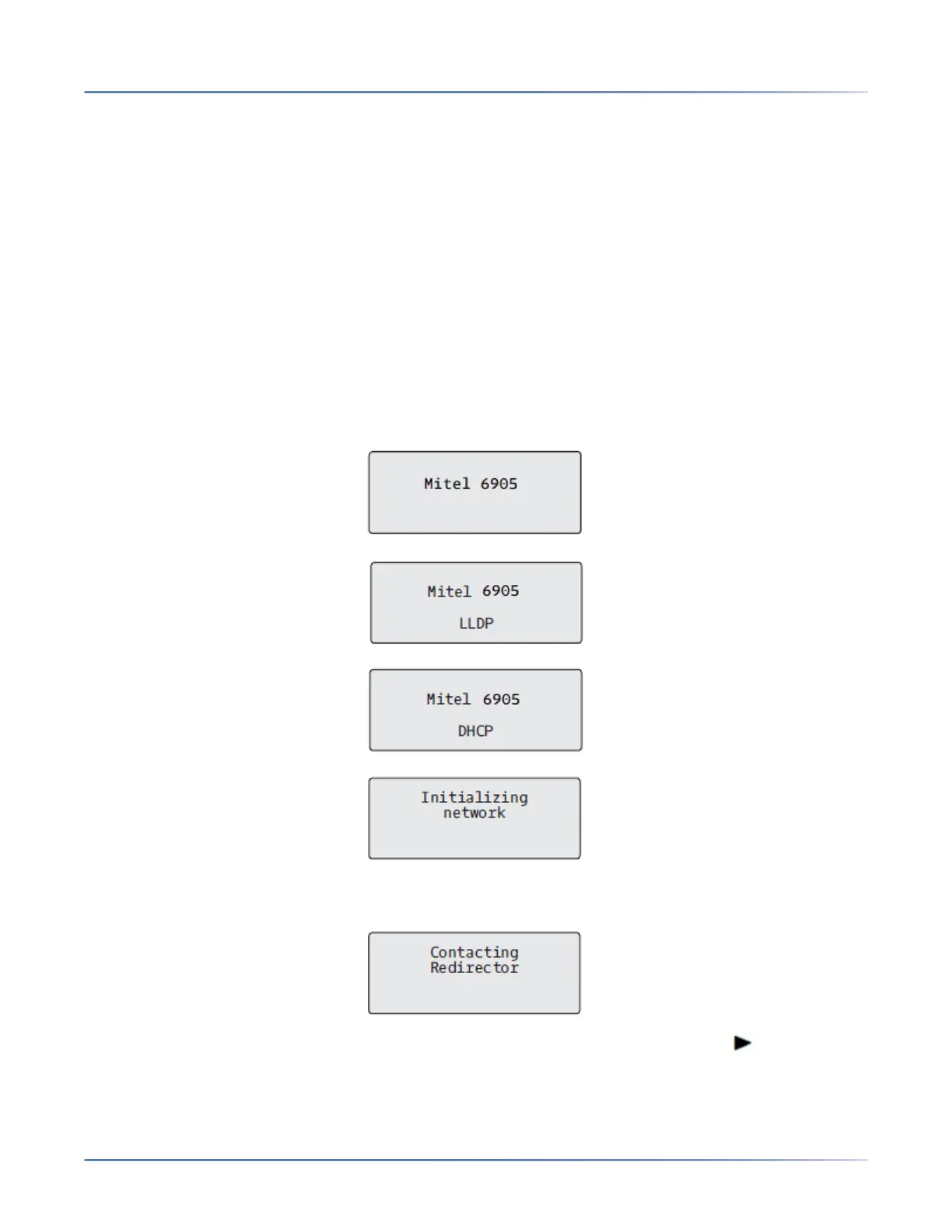
The 6905 automatically begins the start up sequence as soon as it is connected. The phone goes through
this process the first time you plug in your phone and every time you restart your phone.
NOTE: Some start up screens only appear the first time you connect your phone, or if your phone has been
factory defaulted.
The phone displays the following startup screens:
During the first start up, the 6905 phone attempts to contact the Redirection and Configuration Server
for current server information. No personal information is transmitted from the phone during this process.
The 6905 phone may also look for configuration servers on your local network (press Skip to
continue without checking for servers).



 To Next Page