82
R
ECEIVING CALLS ANSWERING AN INCOMING CALL
Receiving Calls
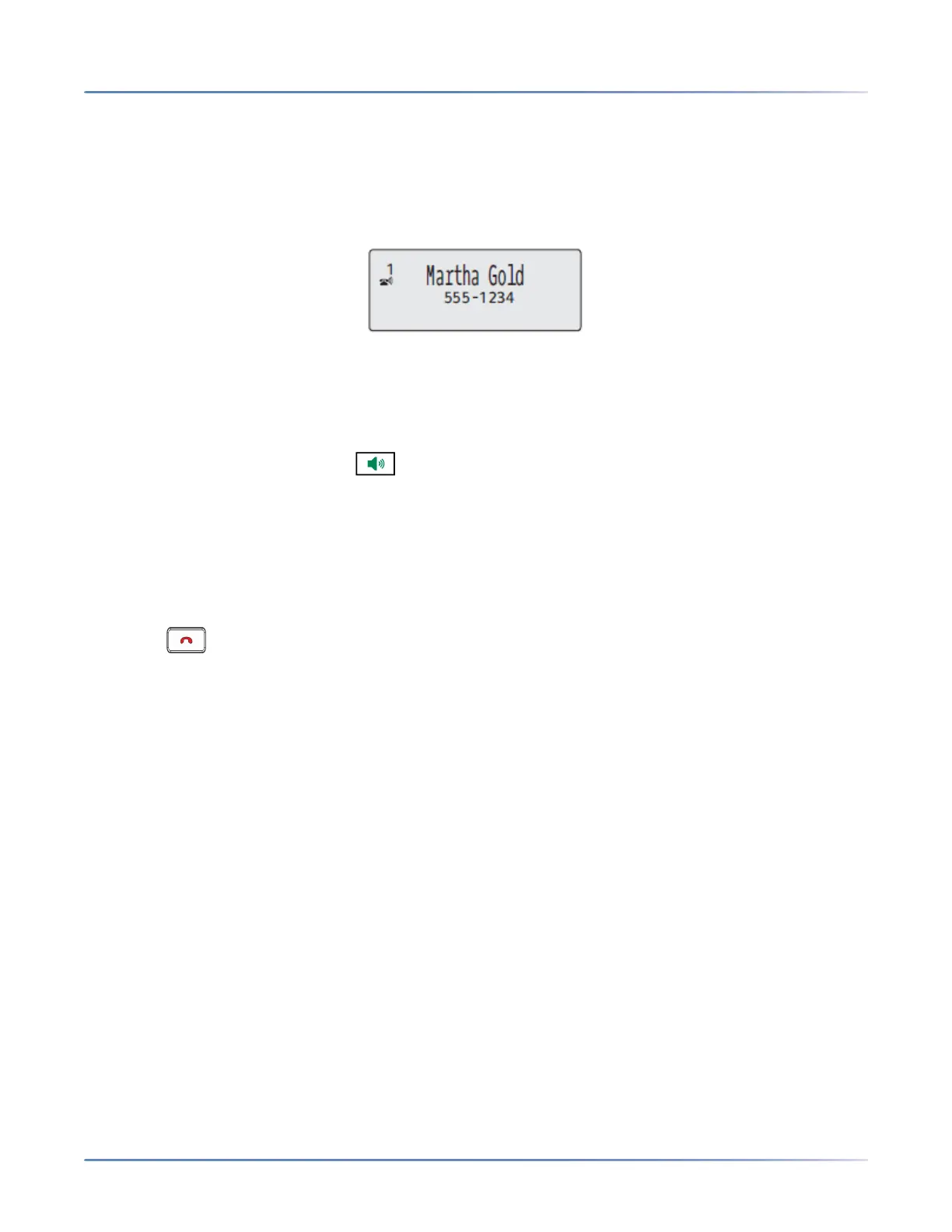
When a call is ringing at your extension, you see the inbound call screen. The line/call appearance LED
flashes quickly for the incoming call.
Answering an Incoming Call
IP Phone UI
1. For hands free operation, press or the line/call appearance key for the incoming call.
or
Lift the handset for handset operation.
If the phone is already connected to a call, pressing the line/call appearance key for the new incoming call
automatically places the connected call on hold and answers the new call. To reconnect to a party, press
the line/call appearance key for that call.
If you cannot answer the call, the caller goes to voicemail (if configured for your extension).
NOTE: The key can be used to cancel the call pickup procedure.
Deflecting an Incoming Call
While call forwarding allows you to forward calls to a pre-defined number, and whereby most call transfers
requires you to first answer the incoming call, call deflection allows you to manually determine, while a
call is incoming, what the destination number should be.
You can enter a destination number using the dialpad keys or deflect a call quickly to a programmable
key configured with Speeddial functionality. Applicable key types include:
• Speeddial
• Speeddial/Xfer
• Speeddial/Conf
NOTE:
1. Live dialpad is disabled when entering destination numbers using the call deflection feature.
2. When the "No Answer" Call Forward mode is configured and enabled on the phone, incoming calls
will not be forwarded to the defined "No Answer" number if you are in the process of deflecting the
incoming call.
For example, during an incoming call, with the "No Answer" Call Forward mode configured to forward
incoming calls after five rings, if you press the Transfer key and in the process of deflecting the call
five rings elapse, the call will not be forwarded. This is true even if you decide not to deflect the call



 To Next Page