92
MAKING CALLS REDIAL
The Redial List stores information for up to the last 100 numbers you called. Your phone logs the
name/number of the called party, when you called, and the line used. You can view, scroll, and delete line
items in the Redial List from the IP phone UI as wells as copy selected entries to the Local Directory. You
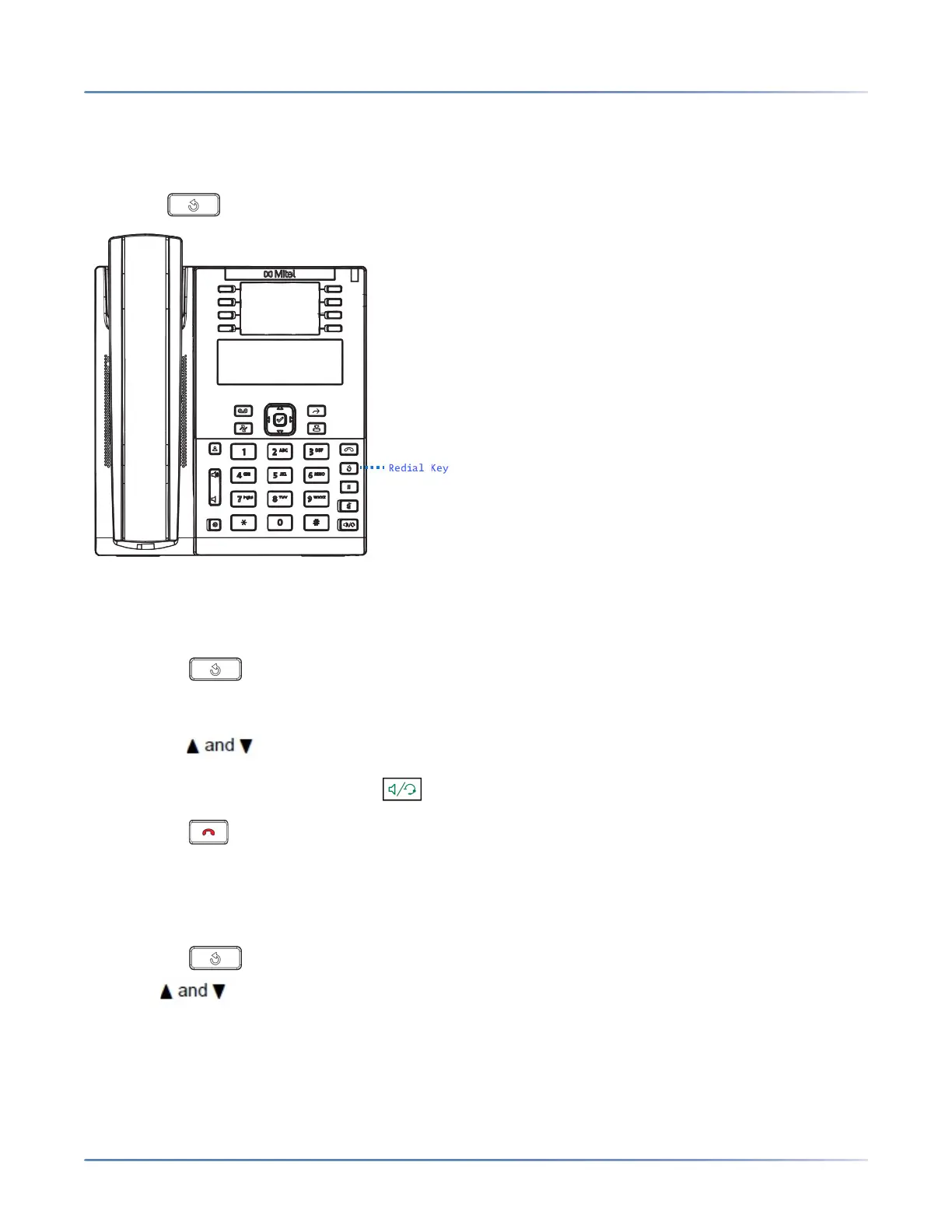
can also dial out directly using a displayed entry in the Redial List. On the 6910, you access the Redial
List by the key.
ACCESSING THE REDIAL LIST
IP PHONE UI
1. Press the key to access the Redial List.
The information for your most recent call is displayed.
NOTE: To redial the last called number, press the Redial key again.
2. Use keys to scroll through the list to view the other numbers.
3. To dial the displayed number press , or lift the handset, or press any line keys.
4. Press the key to cancel.
DELETING AN ITEM FROM THE REDIAL LIST
IP PHONE UI
1. Press the key.
2. Press keys to find the item you want to delete.
3. Press the configured Delete Key.



 To Next Page