81
LINE KEYS AND PROGRAMMABLE KEYS SERVICES KEY
USING THE ICOM KEY
IP PHONE UI
1. Press the Icom key.
2. If no number was defined when configuring the key, enter the extension number of the person you
want to intercom.
3. After a beep tone, your phone automatically connects with the remote extension and you can speak
through its speaker.
4. To cancel intercom, press or hang up the handset.
5. When you are finished speaking, hang up the phone by placing the handset back on-hook or by
pressing . When you hang up, the remote phone also hangs up.
SERVICES KEY
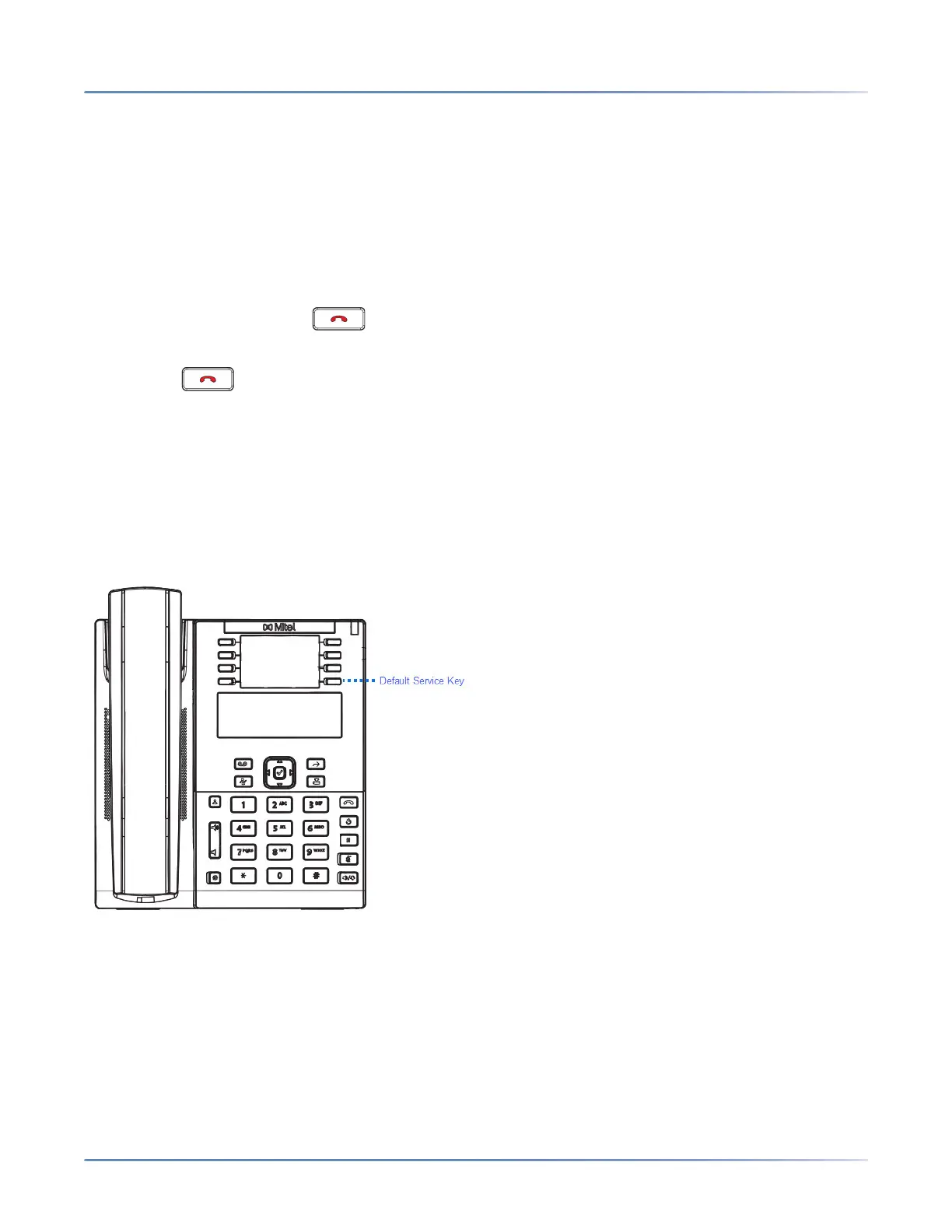
The 6910 allows you to configure a Services key that, when pressed displays the Services Menu. The
Services key can also access any XML applications setup by your System Administrator.
By default, the Services key is programmed on Key 8. However, using the Mitel Web UI, you can assign
the Services function to any programmable key.



 To Next Page