11
GETTING STARTED V
OICE SERVICES
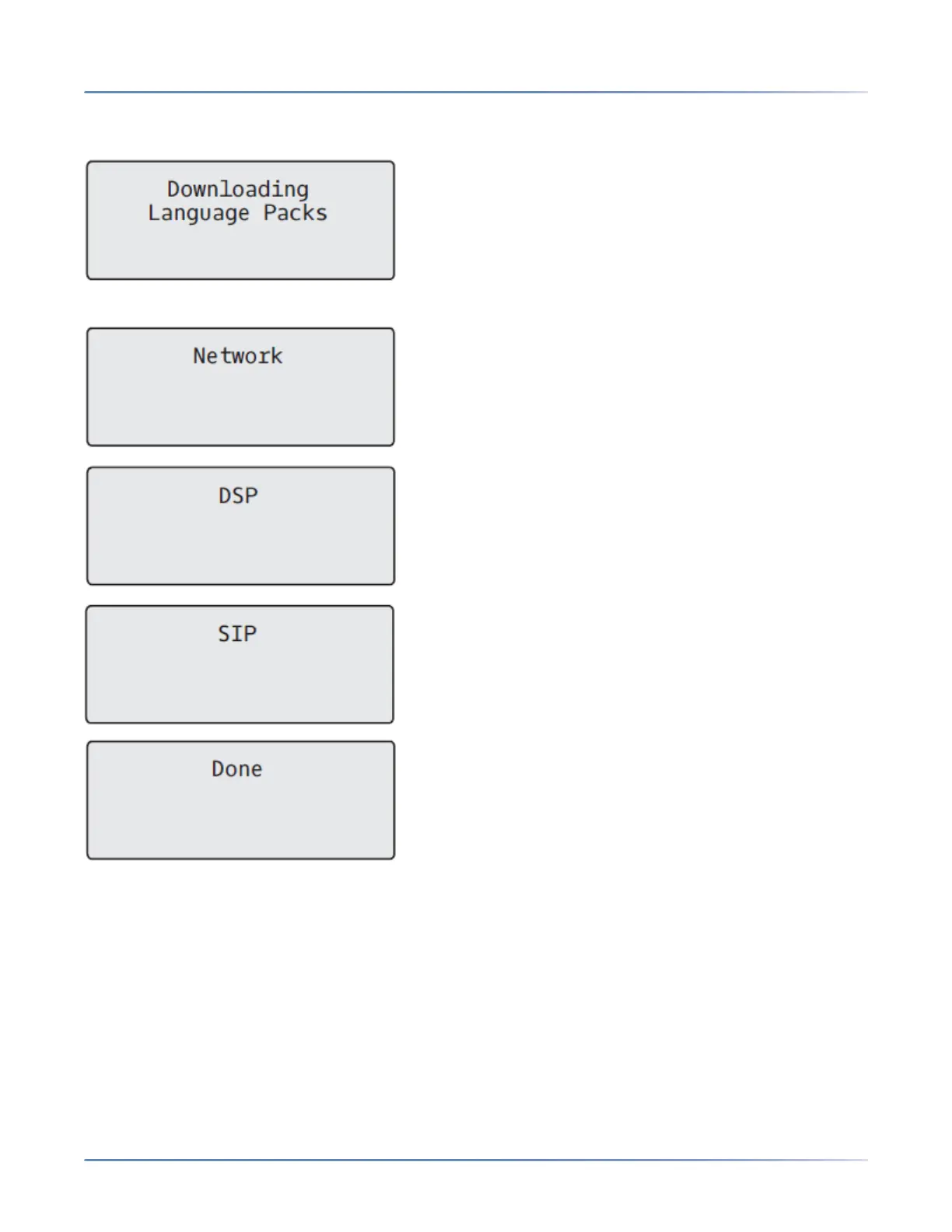
If language packs were loaded to your phone by your System Administrator, the following screen displays
during startup.
When the configuration update is complete, the phone displays the following screens:
Voice Services
Voice Services can be configured on Mitel 6910 SIP phones to provide remote workers access to the
same rich communication capabilities as provided to in-office workers.
After the initial boot-up of the SIP phone, a Voice Services screen auto-prompts the user to select an
appropriate service.
NOTE: After a factory default, if the phone is configured through Web UI reboot message is displayed on
the Web UI and the phone reboots in the configured environment.
The user can select from one of the following service options:



 To Next Page