75
LINE KEYS AND PROGRAMMABLE KEYS CALL HISTORY KEY
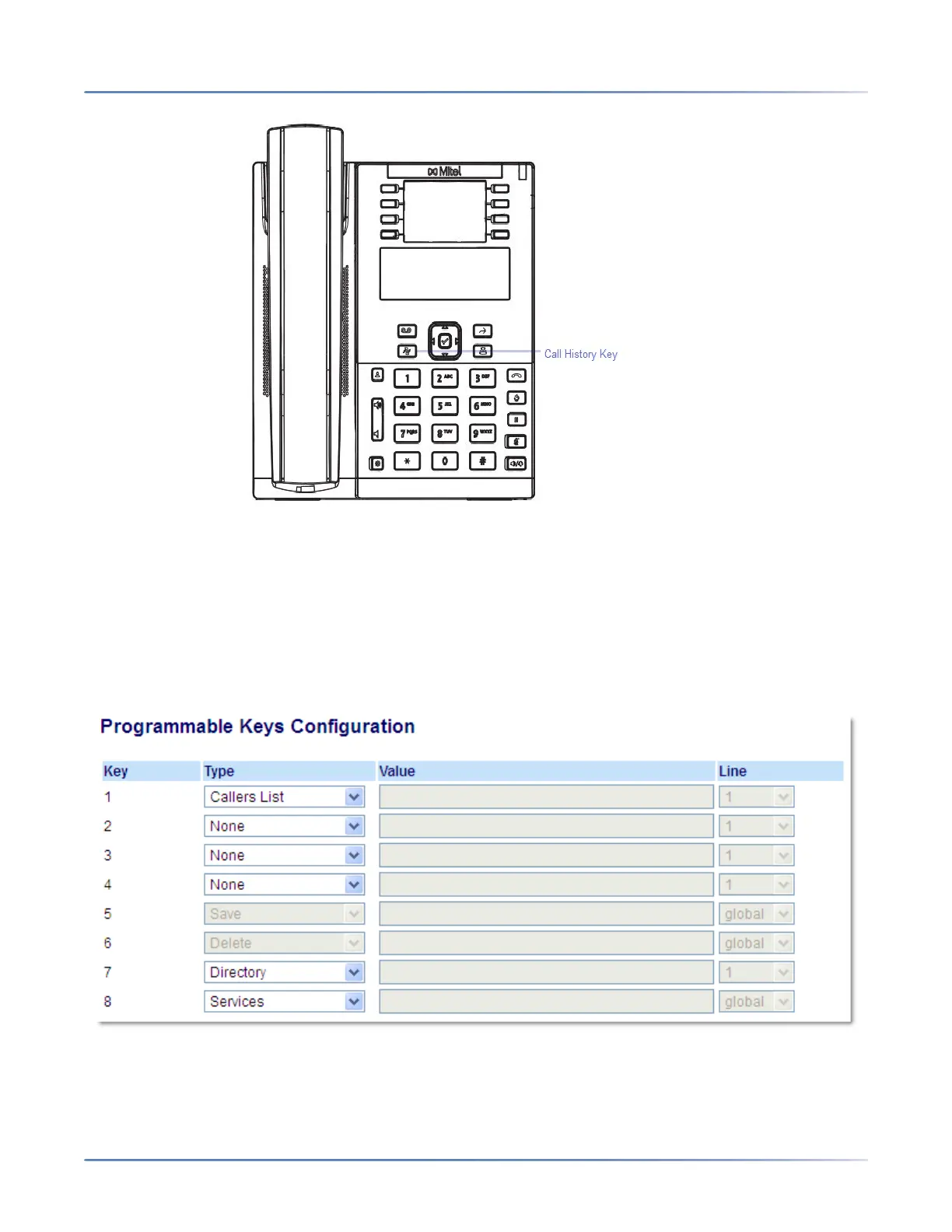
The Call History is a stored log of your external missed, forwarded, and answered calls. You can use the
Callers List key to access a list of callers that called your phone
NOTE: For more information about the Callers List, see Callers List
CONFIGURING A CALLERS LIST KEY
Mitel Web UI
1. Click on Operation > Programmable Keys.
Programmable Keys
2. Select from Key 1 through Key 8.
3. In the Type field, select Callers List.



 To Next Page