116
MANAGING CALLS DND AND CALL FORWARD
DND CONFIGURATION
Do Not Disturb (DND) is a feature on the phone that prevents the phone from ringing and receiving
incoming calls. When DND is enabled with CFWD, any incoming calls can be call forwarded to voicemail
or another number. See "Call Forward Configuration" for more information about call forwarding to other
numbers.
On the 6910, you can set DND on the phone-side for a specific account or for all accounts on the phone.
You can set three modes for DND using the Mitel Web UI at the path, Basic Settings > Preferences >
General > DND Key Mode: Account, Phone (default), and Custom. DND performs according to the mode
you set.
You can then configure a DND key for the phone using the Mitel Web UI at the path, Operation > Program-
mable Keys. You can enable and disable DND by toggling the key or by setting DND for a specific account
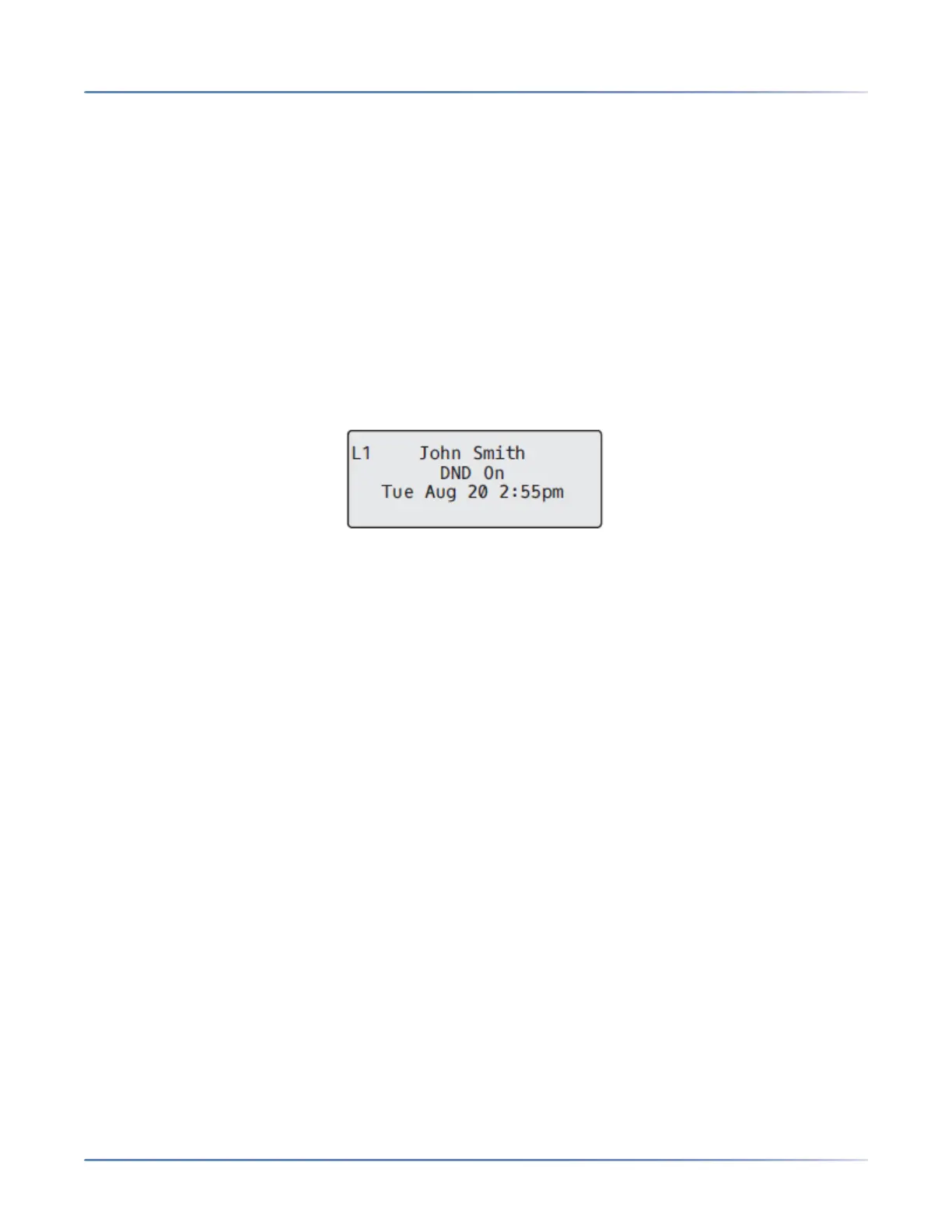
at the path, Basic Settings > Account Configuration. Once you enable DND, DND On displays on the LCD
for the applicable account.
NOTE: If there is only one account configured on the phone, then the mode setting is ignored and the
phone behaves as if the mode was set to Phone.
The following describes the key behavior for each DND mode.
• Account: The DND key toggles the account in focus on the IP phone UI, to ON or OFF if DND enabled
for that account.
• Phone (default): The DND key toggles all accounts on the phone to ON or OFF.
• Custom: The DND key displays custom screens on the IP phone UI. User can select whether to
enable/disable DND per account, enable DND on all accounts, or disable DND on all accounts.
NOTE:
a. If you make changes to the configuration for DND via the IP phone UI, you must refresh the Mitel
Web UI screen to see the changes.
b. If DND is enabled for an account, the Message Waiting Indicator (MWI) LED will turn on when
the DND-enabled account is in focus.
CONFIGURING A DND KEY
To configure a DND key, see the section, “Do Not Disturb (DND) Key”.
NOTE: If there is no DND key configured or if it is removed, DND is disabled on the IPphone.



 To Next Page