112
MANAGING CALLS CALLERS LIST
NOTE:
1. When the Callers List is full, the oldest call records are deleted to accommodate theinformation of new
callers.
2. If the telephone number of an incoming or outgoing call matches a number that youhave programmed
with a name in the Directory, the Callers List display the samename and number.
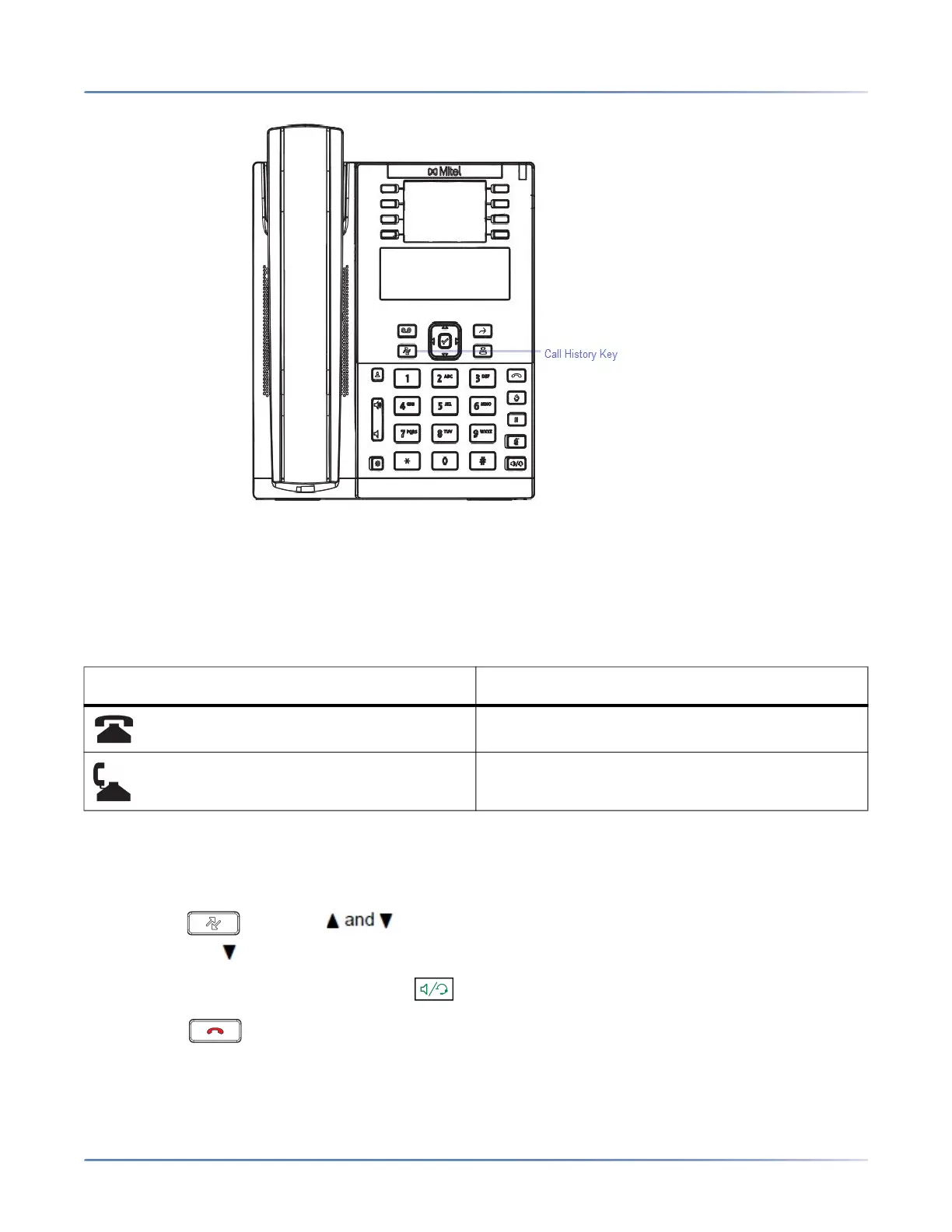
The following table identifies and describes the icons displayed in the Callers List.
ACCESSING THE CALLERS LIST
IP PHONE UI
1. Press the key. Press keys to move through the Callers List. Press 2 to see the most
recent call, or to see the oldest call on your list.
2. To dial the displayed number just press , lift the handset, or press any Line keys.
3. Press the key to cancel.
ICON DESCRIPTION
Indicates an unanswered call in the Callers list.
Indicates an answered call in the Callers list.



 To Next Page