115
MANAGING CALLS VOICEMAIL
A download window displays.
3. Click OK.
4. Enter the location on your computer where you want to download the Callers List and click Save.
The callerslist.csv file downloads to your computer.
5. Use a spreadsheet application to open and view the Callers List.
VOICEMAIL
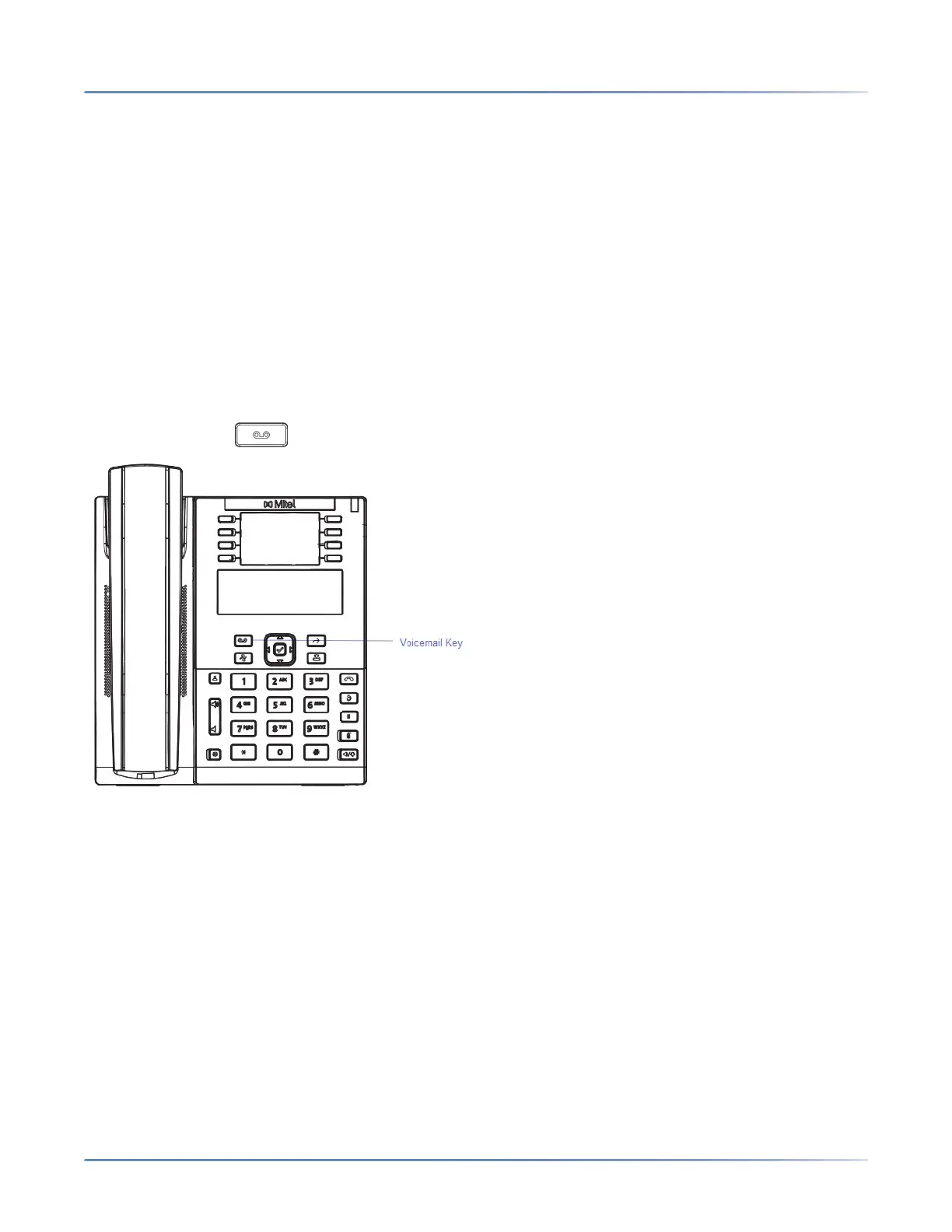
The 6910 SIP phone provides a hardkey for configuring voicemail.
NOTE: Voicemail functionality must be configured by your System Administrator.
When voicemail functionality is enabled, the MWI (Message Waiting Lamp) on the phone flashes red indi-
cating that there are unattended voice messages in your voice mailbox. You can access your voicemail
service by pressing (Voicemail hardkey).
DND AND CALL FORWARD
The 6910 has a feature that allows you to configure Do Not Disturb (DND) and Call Forward (CFWD) for
multiple accounts on the phone. You can set specific modes for the way you want the phone to handle
DND and CFWD. The three modes you can set on the phone for these features are:
• Account
• Phone
• Custom
The following paragraphs describe account-based DND and CFWD:
• DND Configuration
• Call Forward Configuration



 To Next Page