107
MANAGING CALLS DIRECTORY
NOTE: If there are no hits, a "No Matches Found" message is displayed.
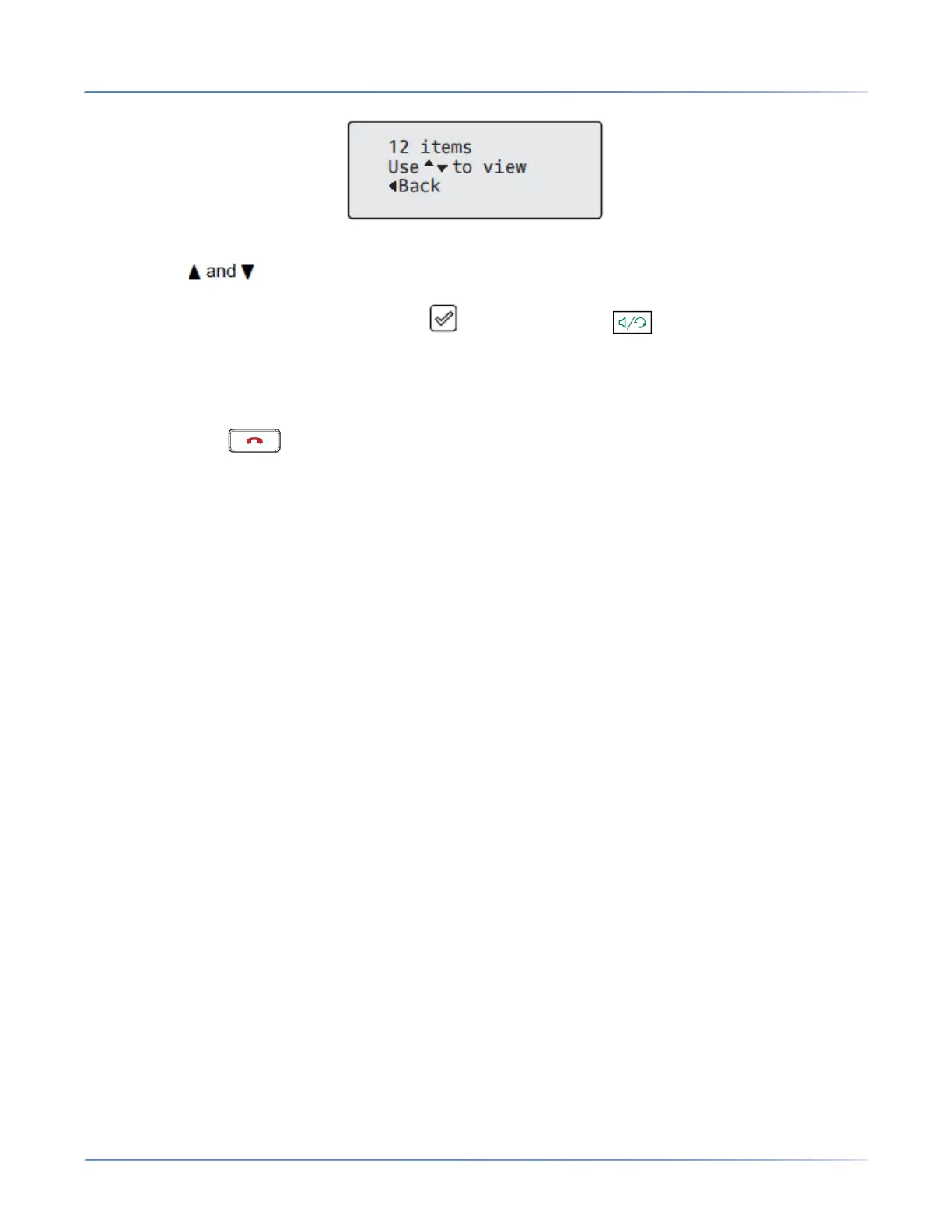
4. Press the keys to view the entries in the consolidated search list.
a. To place a call to the entry, press the button, Line button, button, or simply pick up the
handset.
b. To copy the entry to the Local Directory (if the entry is from an external Directory source), press
the # Copy key.
c. To edit the entry’s details (if the entry is from the Local Directory), press the # Edit key.
d. Press the key at any time to exit.
LOCAL DIRECTORY FEATURES
The internal Local Directory contains the contacts that have been created or copied directly to the phone
using the phone UI. If no external directory sources are available, pressing on the Directory key will open
the Local Directory menu. From the Local Directory menu, you can
WARNING: IF YOU PLAN ON UPGRADING OR DOWNGRADING AT ANY TIME IN THE FUTURE AND
WOULD LIKE TO RETAIN YOUR LOCAL DIRECTORY INFORMATION, IT IS RECOMMENDED TO
SAVE YOUR LOCAL DIRECTORY ENTRIES BEFORE ANY UPGRADE OR DOWNGRADE BY USING
THE PHONE’S WEB UI UNDER THE OPERATION > DIRECTORY MENU SEE “DOWNLOADING THE
DIRECTORY TO YOUR PC” FOR DETAILS.
search for a contact, place a call to the selected contact, add new contacts to the Local Directory, delete
all contacts, delete individual contacts, or edit existing contacts.
NOTE:
• Up to 1000 Directory contacts can be stored locally on the phone.
You can also assign an individual contact ring tone to contacts in your Local Directory. Individual contact
ring tones can be used during incoming calls to help you identify the party calling. You can select
contact-specific ring tones (from the phone’s 15 preloaded as well as the 8 custom ring tones) for respec-
tive contacts in your Local Directory, which will be played back when a call from the respective contact is
incoming.
Individual contact ring tone support is dependent on the phone’s directory lookup functionality. During an
incoming call, the Local Directory is examined against the phone number of the incoming call. If a match
is found and the contact has an associated contact ring tone, the contact ring tone is played. If a match
is not found or if a contact ringtone is not assigned, the standard ring tone for the line being used to field
the incoming call is played.
NOTE:
1. In instances where a custom ring tone is selected as the individual contact ring tone for a Local Direc-
tory contact and subsequently the custom ring tone is deleted, the standard ring tone will be played.
2. Individual contact ring tone support is applicable to the Local Directory only. If you would like to apply
a ring tone for a contact in an external directory source (e.g. CSV-based directories, Exchange



 To Next Page