114
MANAGING CALLS CALLERS LIST
MISSED CALLS INDICATOR
The IP phone has a missed calls indicator that increments the number of missed calls to thephone. This
feature is accessible from the IP phone UI only.
The number of calls that have not been answered increment on the phone’s idle screen as #Missed
Calls. As the number of unanswered calls increment, the phone numbers associatedwith the calls are
stored in the Callers List. The user can access the Callers List and clear thecall from the list. Once the
user accesses the Callers List, the # Missed Callson the idle screenis cleared.
Accessing and Clearing Missed Calls
IP PHONE UI
1. Press programmed Callers List key on the phone.
2. Use the keys to scroll through the line items in the Callers List. The icon indicates a
missed call.
3. To clear a line item from the Callers List, select the line item you want to delete and press the
programmed Delete key twice. The line item is deleted from the Callers List.
DOWNLOADING THE CALLERS LIST TO YOUR PC
You can download the Callers List to your PC for viewing using the Mitel Web UI. When you download
the Callers List, the phone stores the callerlist.csv file to your computer in comma-separated value (CSV)
format.
You can use any spreadsheet application to open the file for viewing. This file displays the phone number,
caller name, and the line that the call came in on.
Download the Callers List
Use the following procedure to download the Callers List to your PC using the Mitel Web UI.
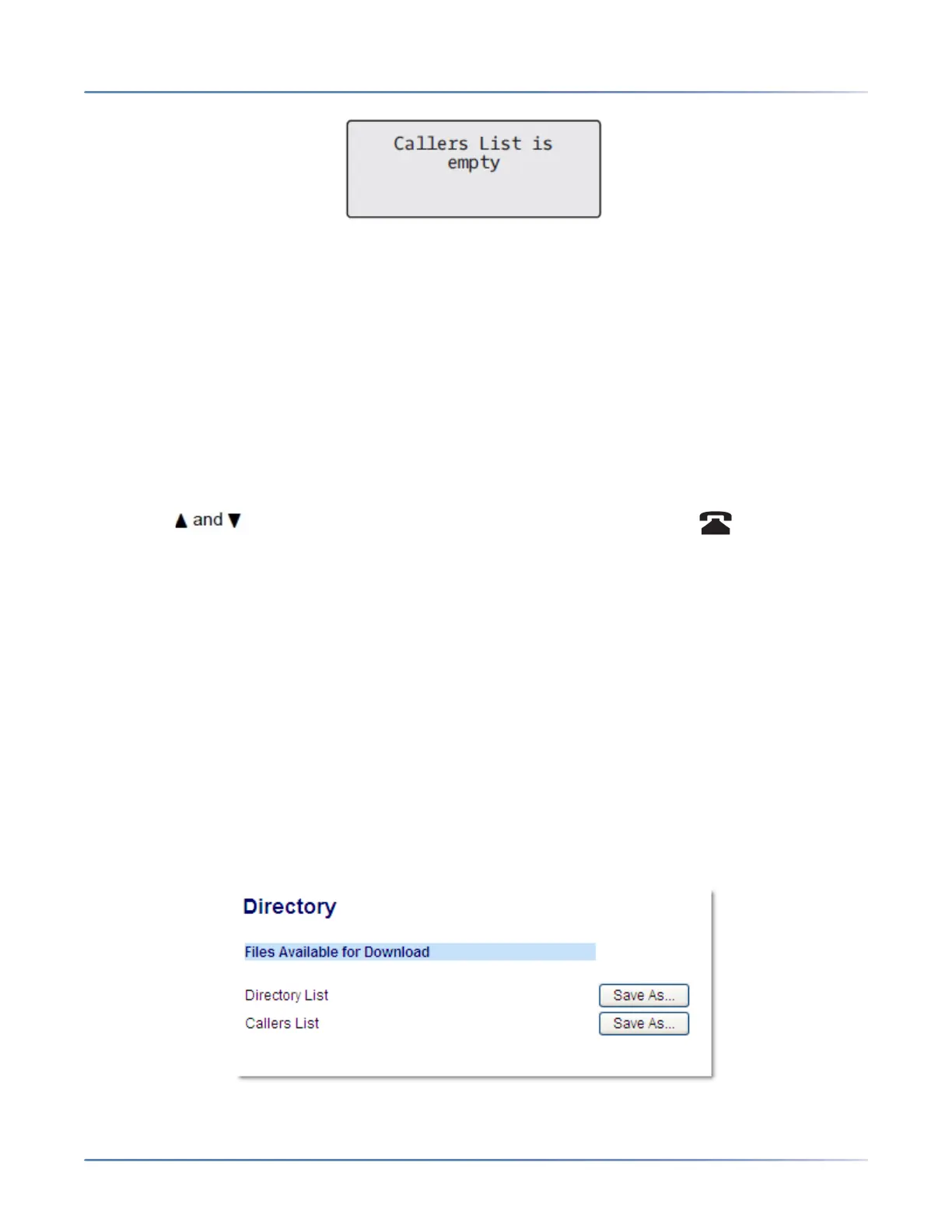
1. Click on Operation > Directory.
2. In the Callers List field, click on Save As.



 To Next Page