134
ADDITIONAL FEATURES PLAY CALL WAITING TONE
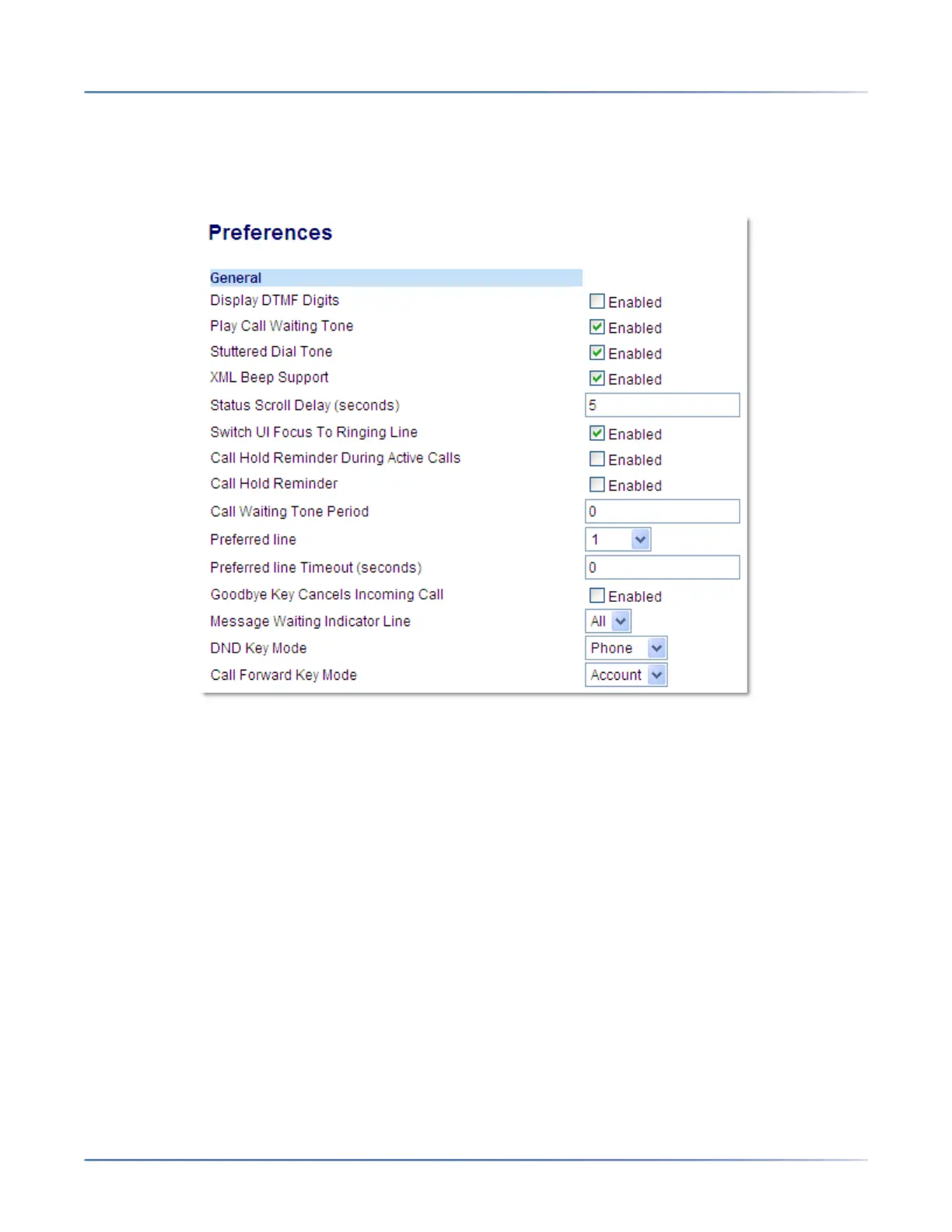
CONFIGURING DISPLAY OF DTMF DIGITS
MITEL WEB UI
1. Click on Basic Settings > Preferences > General.
2. Enable the Display DTMF Digits field by checking the check box.
Disable this field by unchecking the box). Default is disabled.
3. Click Save Settings.
PLAY CALL WAITING TONE
You can enable or disable the playing of a call waiting tone when you are on an active call and a new call
comes into the phone.
You can configure this feature using the Mitel Web UI.



 To Next Page