55
LINE KEYS AND PROGRAMMABLE KEYS CREATING A SPEED DIAL KEY
– Operation > Keypad Speed Dial
• By pressing and holding a programmable key or keypad key
• Using the IP phone UI at the path:
– Options > Preferences > Speed Dial Edit
SPEED DIAL PREFIX
The speed dial feature also allows you to specify a preset string of numbers followed by a + that the phone
dials automatically after pressing the speed dial key. You can use this feature for numbers that contain
long prefixes.
For example, if you had the following speed dial configuration in the Mitel Web UI:
Key 1
Type: Speeddial
Value: 1234567+
Line: 2
Then, after you press key 1 on the phone, the prefix number displays on the phone screen. The phone
proceeds to dial the prefix number automatically and pauses for you to enter the remaining phone number
using the keypad on the phone.
Use the following procedures to set speed dial on the 6910 IP phone.
PRESS-AND-HOLD TO CREATE A SPEED DIAL (APPL CABLE TO
PROGRAMMABLE KEYS AND KEYPAD KEYS)
Pressing and holding down a programmable key or keypad key on the phone initiates a speed dial feature.
NOTE: When creating a speed dial for a key on the IP phone, you must select a key thathas no preassigned
function (key must be set to None).
IP PHONE UI
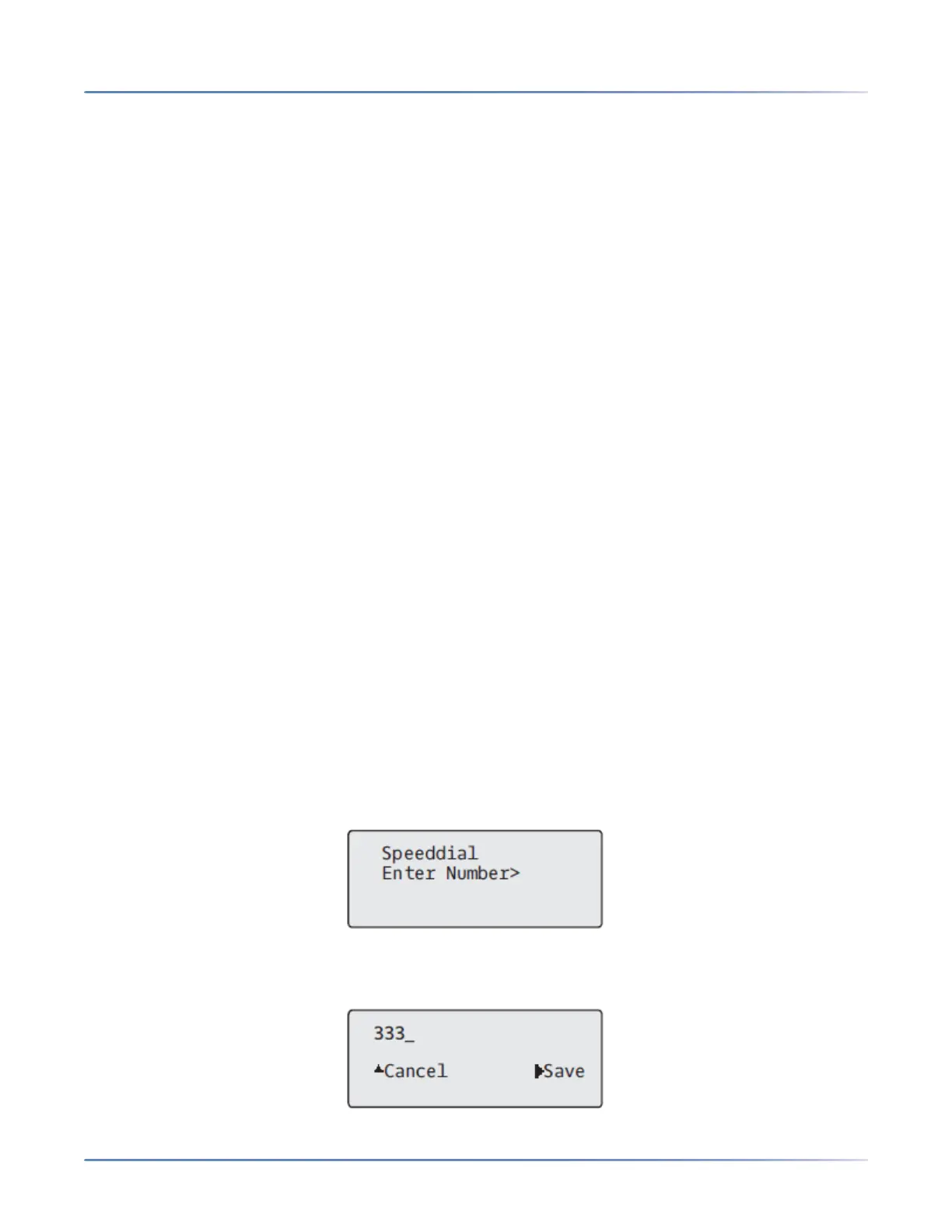
1. Press a programmable key or a number key on the keypad for three seconds. A screen displays with
the prompt, Enter Number>.
2. Enter a phone number or extension to assign to that speed dial key.
The following example illustrates the screen display:



 To Next Page