106
MANAGING CALLS DIRECTORY
3. See “Credentials” for information on how to input your user credentials for respective Directory
sources and test connections to the Directory source(s).
GENERAL DIRECTORY FUNCTIONS
Accessing and Navigating the Directory
IP PHONE UI
1. Press the programmed Directory key.
2. You can view the various Directory sources by pressing keys to scroll through the list.
3. Press Enter to enter a Directory source and press keys to scroll through the list of
contacts.
4. To dial the displayed number press or just lift the handset or press any Line key.
5. Press the programmed Directory key or key to cancel.
Performing a Search
Search functionality is applied across all the available and enabled directories. After entering the Search
menu, inputting the first few letters of the contact’s name, and then pressing 2 Search, you can quickly
select a contact and perform the desired action.
IP PHONE UI
1. Press the configured Directory key.
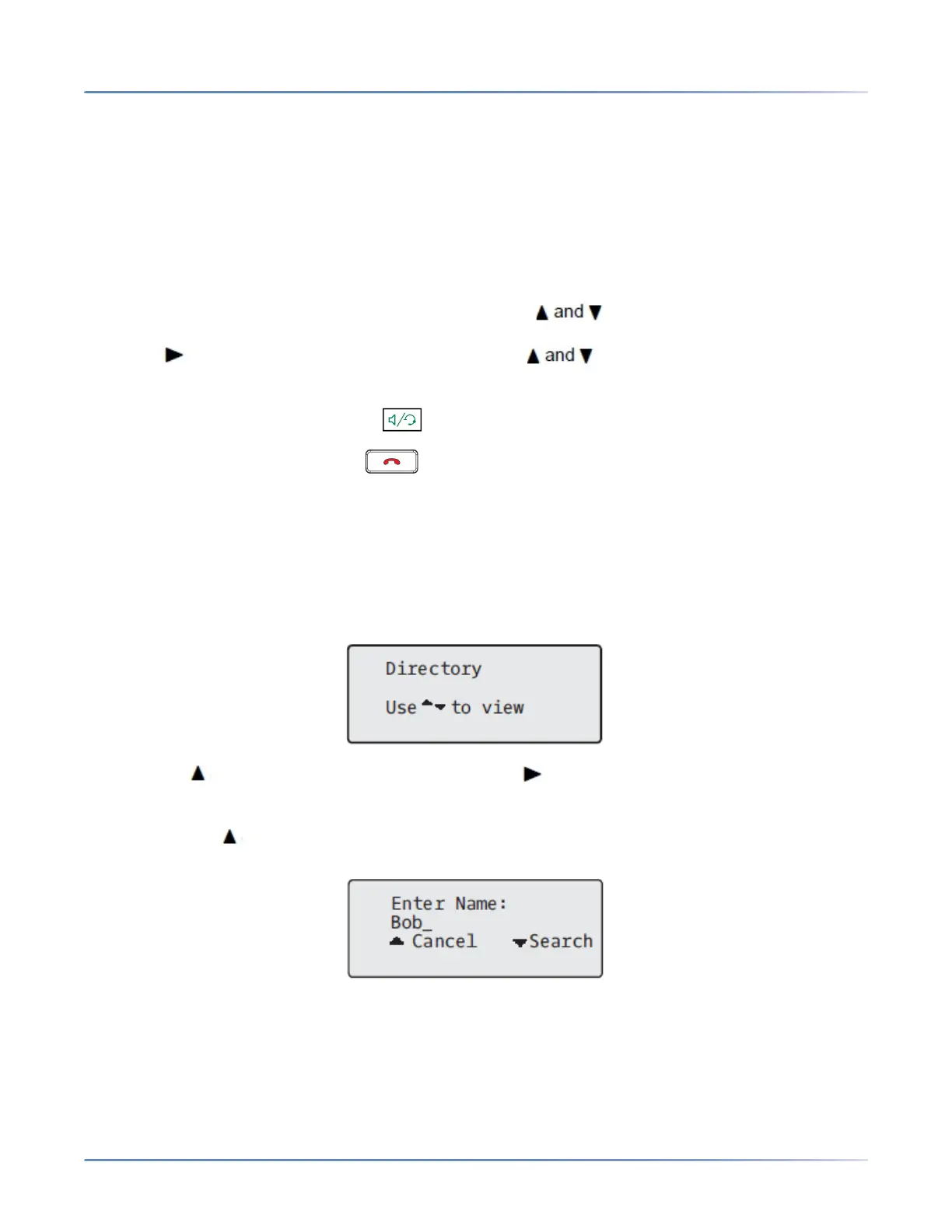
2. Press the key to view the All folder and press the Search key.
3. Use the dialpad keys to enter the name (first, last, full, or partial) of the entry you are searching for
and press the Search key.
A screen displays detailing the number of search hits.



 To Next Page