78
LINE KEYS AND PROGRAMMABLE KEYS TRANSFER KEY
NOTE: For more information with regards to creating conference calls, see Conferencing Calls
CONFIGURING A CONFERENCE KEY
MITEL WEB UI
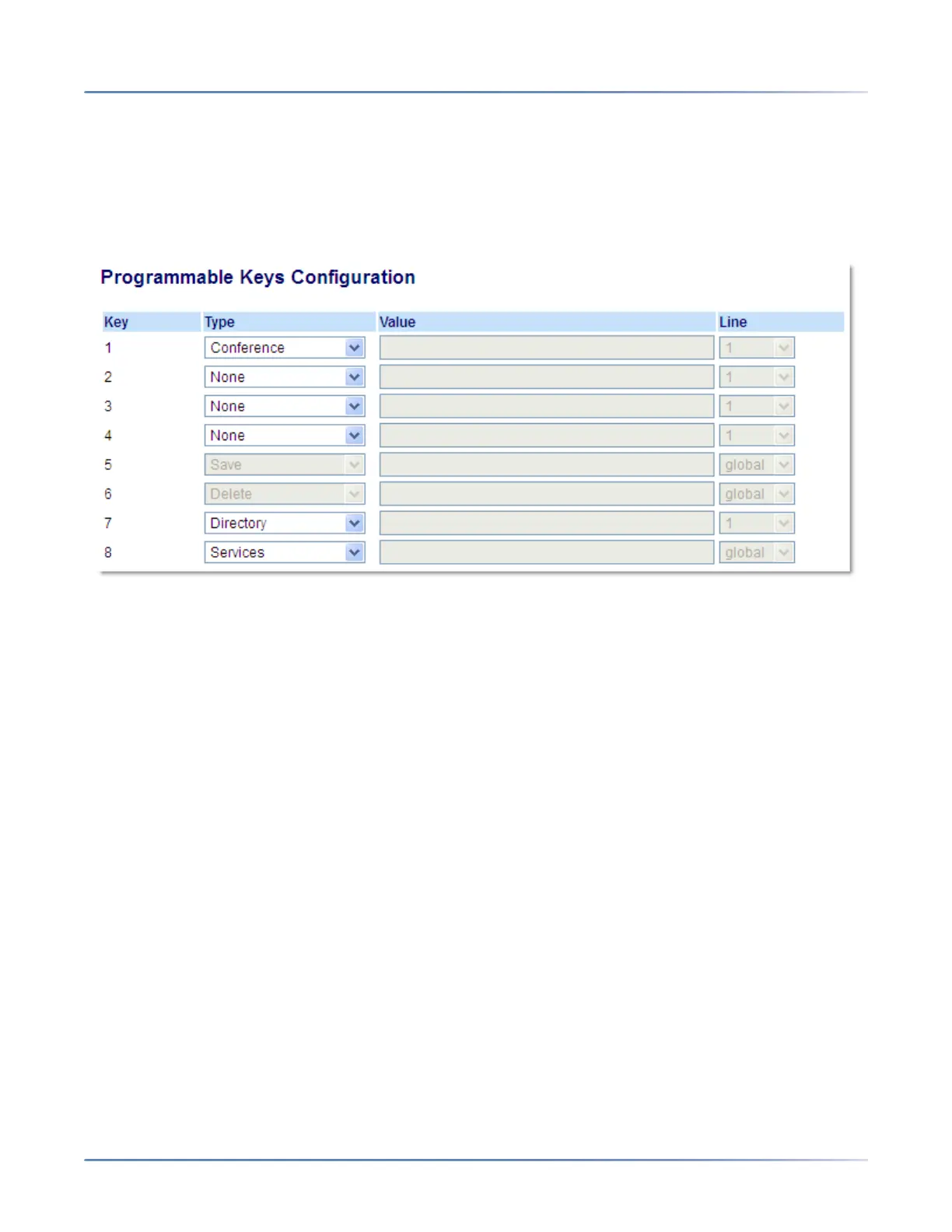
1. Click on Operation > Programmable Keys.
Programmable Keys
2. Select from Key 1 through Key 8.
3. In the Type field, select Conference.
4. Click Save Settings.
TRANSFER KEY
By default, the 6910 has a dedicated Transfer key. However, using the Mitel Web UI, you can assign the
Transfer function to any programmable key.



 To Next Page