28
CUSTOMIZING YOUR PHONE RING TONES AND TONE SETS
– Mexico
– Russia
– Slovakia
– UK
– US (default)
9. Press the key or select set.
The ring tone and tone Set you select is immediately applied to the IP phone.
MITEL WEB UI
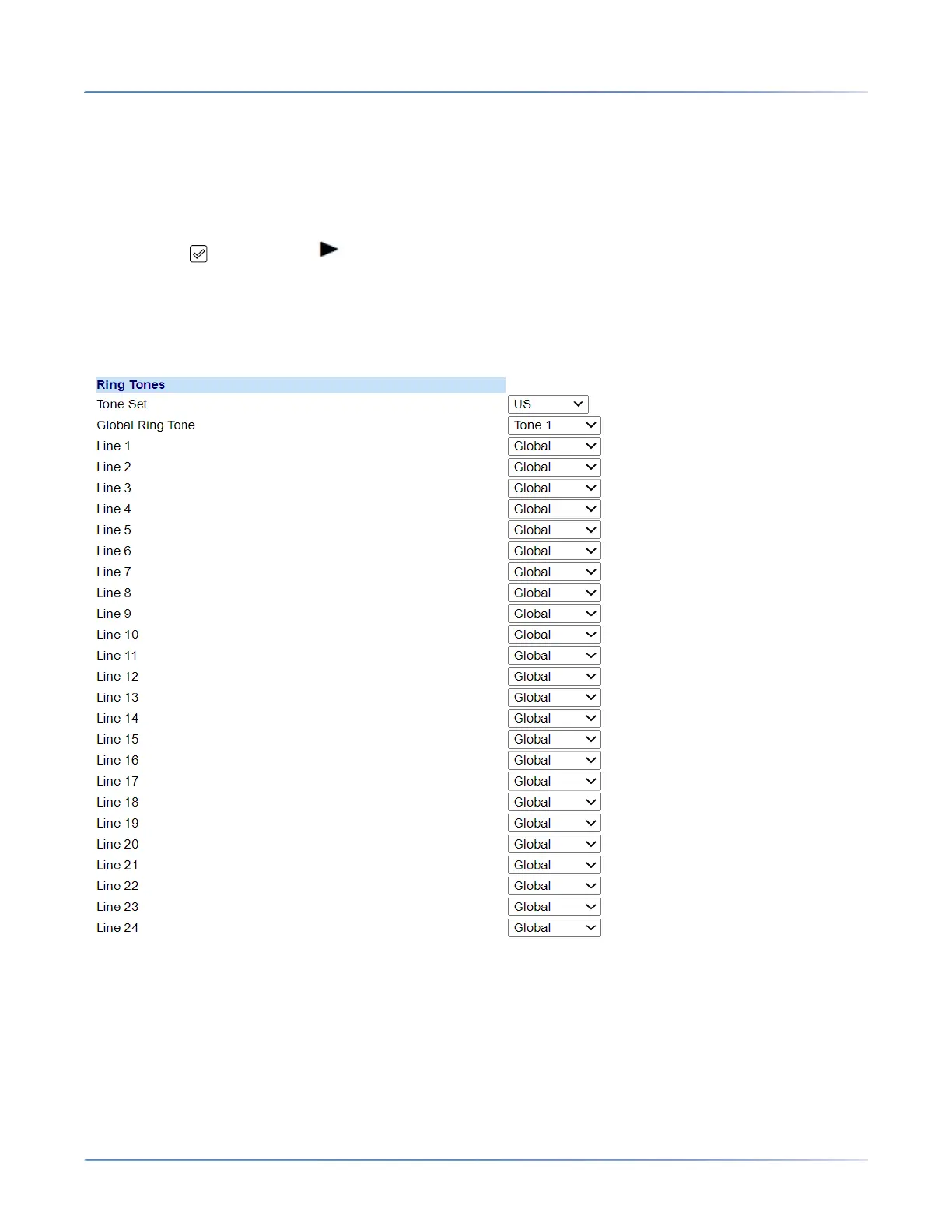
1. Click on Basic Settings > Preferences > Ring Tones.
For global configuration
2. In the Ring Tones section, select a country from the Tone Set field. Valid values are:
– Australia
– Brazil
– Canada
– Europe



 To Next Page