118/128
T25 System Manual Part 2: Restoring the System
© MOBOTIX AG • Security-Vision-Systems • Made in Germany
www.mobotix.com • sales@mobotix.com
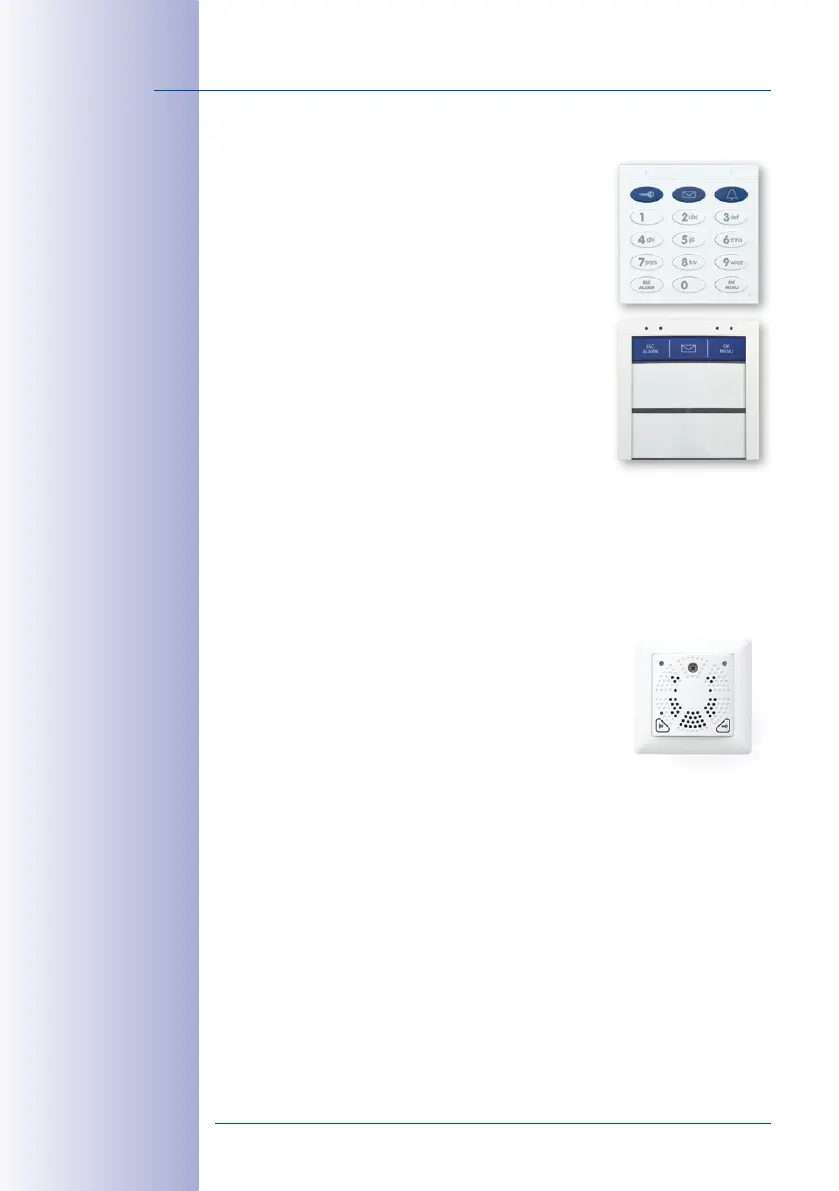
6.2.3 Exchanging a KeypadRFID/BellRFID Module– with System Restore
You need to disconnect the door station’s power supply before
exchanging the access module (KeypadRFID or BellRFID). To
restore the system after exchanging it, you will need an up-
to-date backup of the system configuration.
Proceed as Follows:
1. Disconnect the door station from the power supply (for
example, remove the network plug).
2. Remove the access module to be exchanged from the
frame as described in the
T25-System Manual Part 1
,
Section 2.4.7, «Removing, Exchanging and Modifying
Modules»
.
3.
Exchange the access modules. Take care not to damage
the cabling or mix up the connections. The connection
diagrams are provided in the
T25-System Manual Part 1
.
4. Reconnect the power supply, wait until the system has booted and run a system
restore via the video phone, as described in
Section 6.2.2, «Restoring the System»
.
The door station is now ready for operation and can once again be used with the
PINs and transponder cards set up for your system.
6.2.4 Exchanging an MX-DoorMaster– with System Restore
You need to disconnect the door station’s power supply before
exchanging the MX-DoorMaster. To restore the system after
exchanging it, you will need an up-to-date backup of the
system configuration.
Proceed as Follows:
1.
Disconnect the door station from the power supply (for example, remove the network
plug).
2. Exchange the MX-DoorMaster. Take care not to damage the cabling or mix up the
connections. The connection diagrams are provided in the
T25-System Manual Part 1
.
3. Reconnect the power supply, wait until the system has booted and run a system
restore via the video phone, as described in
Section 6.2.2, «Restoring the System»
.
The door station is now ready for operation and can once again be used with the
PINs and transponder cards set up for your system.
Contact your MOBOTIX
support team to
exchange a (used)
access module and
MX-DoorMaster that
no longer have fac-
tory default condi-
tion (the devices will
need to undergo a
hardware reset)


 To Next Page