57/128
Step4: Protect the System Using a Video Phone
© MOBOTIX AG • Security-Vision-Systems • Made in Germany
www.mobotix.com • sales@mobotix.com
2.5 Step4: Protect the System Using a Video Phone
You have now reached the last crucial step of the initial setup process. By protecting your
system, you can prevent unauthorized persons from accessing the door station and its
remote station(s).
As network devices, the T25 door camera and the Grandstream video phone generally
allow access to their configuration by entering the IP address in the address bar of a web
browser on a networked computer.
Default Access Data of Door Station Camera (Important for Using MxEasy):
• User name: admin
• Camera admin password: <Super PIN>
Default Access Data of Grandstream Video Phones:
• User name: admin
• Grandstream web password: admin
MOBOTIX recommends changing the web password of the video phones to protect
against unauthorized remote access. The door camera is already protected by the
Super PIN, which only you know. For both devices, leave the user name as “admin“.
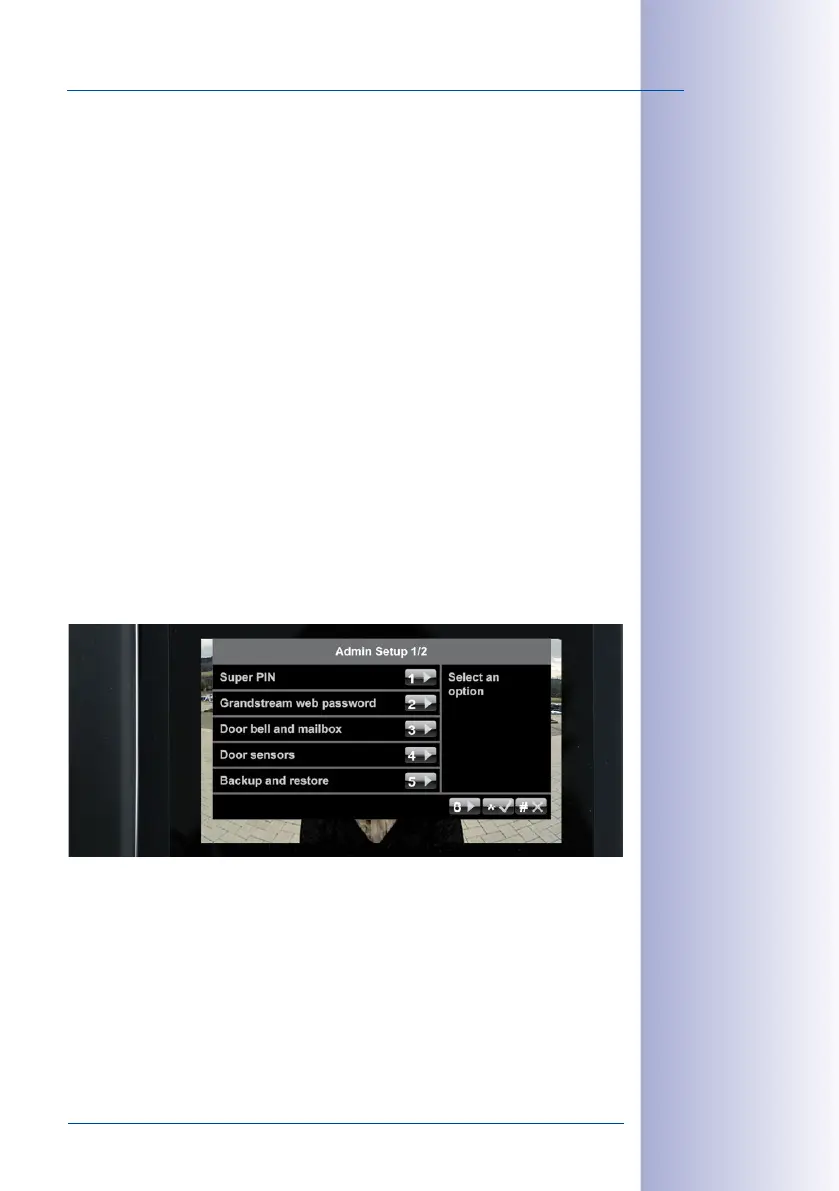
To protect your system, open the Admin Setup menu on a video phone (as described in
Section 2.4.2
). Continue with the following sections.



 To Next Page