121/128
Backing up and Restoring
© MOBOTIX AG • Security-Vision-Systems • Made in Germany
www.mobotix.com • sales@mobotix.com
6.2.7 Exchanging the T25-CamCore Camera Module– with System Restore
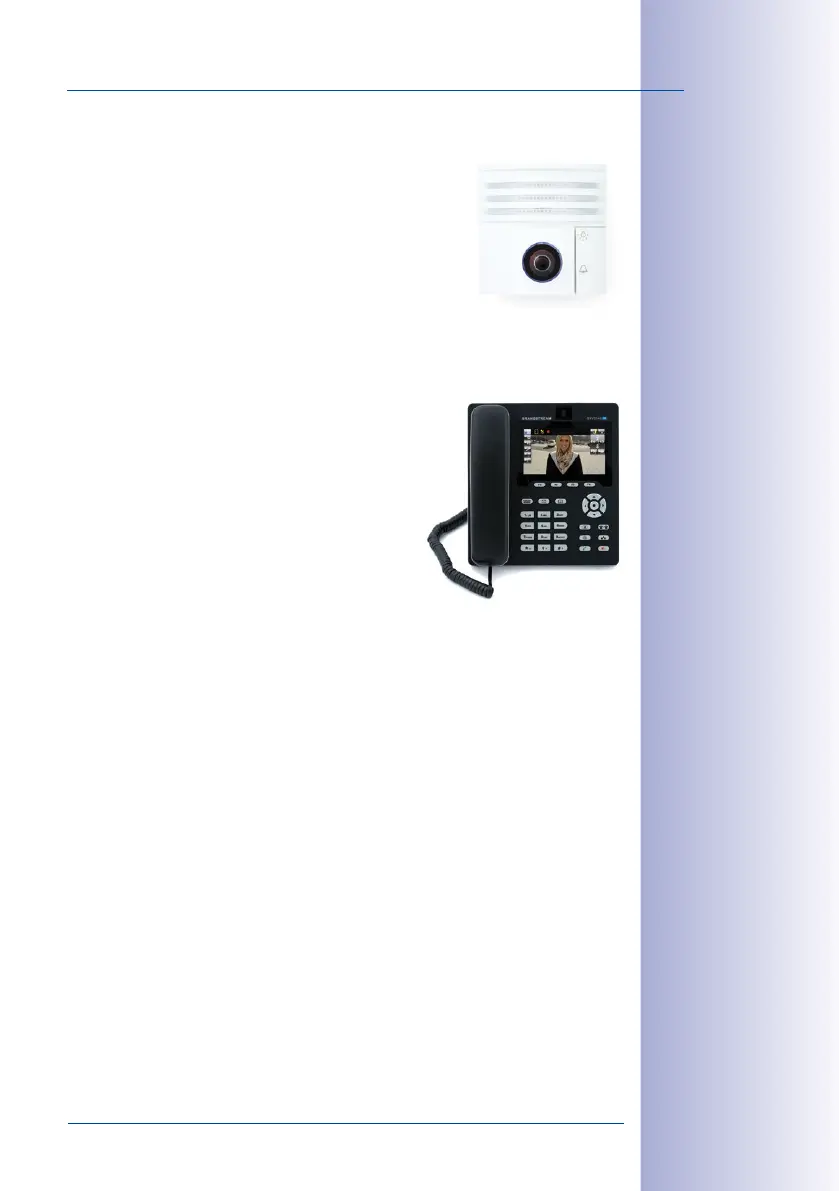
To restore the previous system environment after a door
camera has failed or been removed, contact your MOBOTIX
dealer or the MOBOTIX support team. The contact details are
provided on the MOBOTIX website (www.mobotix.com) in
the Support section.
As a safeguard against unwanted manipulation, you cannot
exchange the door camera yourself with a subsequent reboot
or new startup of a protected system.
6.2.8 Exchanging or Adding a Video Phone
To restore a previous system configuration after exchang-
ing or adding a Grandstream video phone, you need a
computer on which MxEasy is installed and a network
connection to the door station.
If you do not have such a computer, you can reset all the
Grandstream video phones connected to the network
and auto-configure them with a new initial setup. Note
that in this case, you will have to set up all your PINs
and transponder cards afresh.
If you have any questions about how to proceed with this, contact your MOBOTIX dealer
or the MOBOTIX support team. The contact details are provided on the MOBOTIX website
(www.mobotix.com) in the Support section.



 To Next Page