53/128
Step3: Configure the System Using a Video Phone
© MOBOTIX AG • Security-Vision-Systems • Made in Germany
www.mobotix.com • sales@mobotix.com
If you do not know whether and where door sensors are connected, simply try out the
dierent options and check them using the the status display.
Info Icon Description
Door opened
Door closed
Door locked
Door unlocked
Door sensor error/tampering
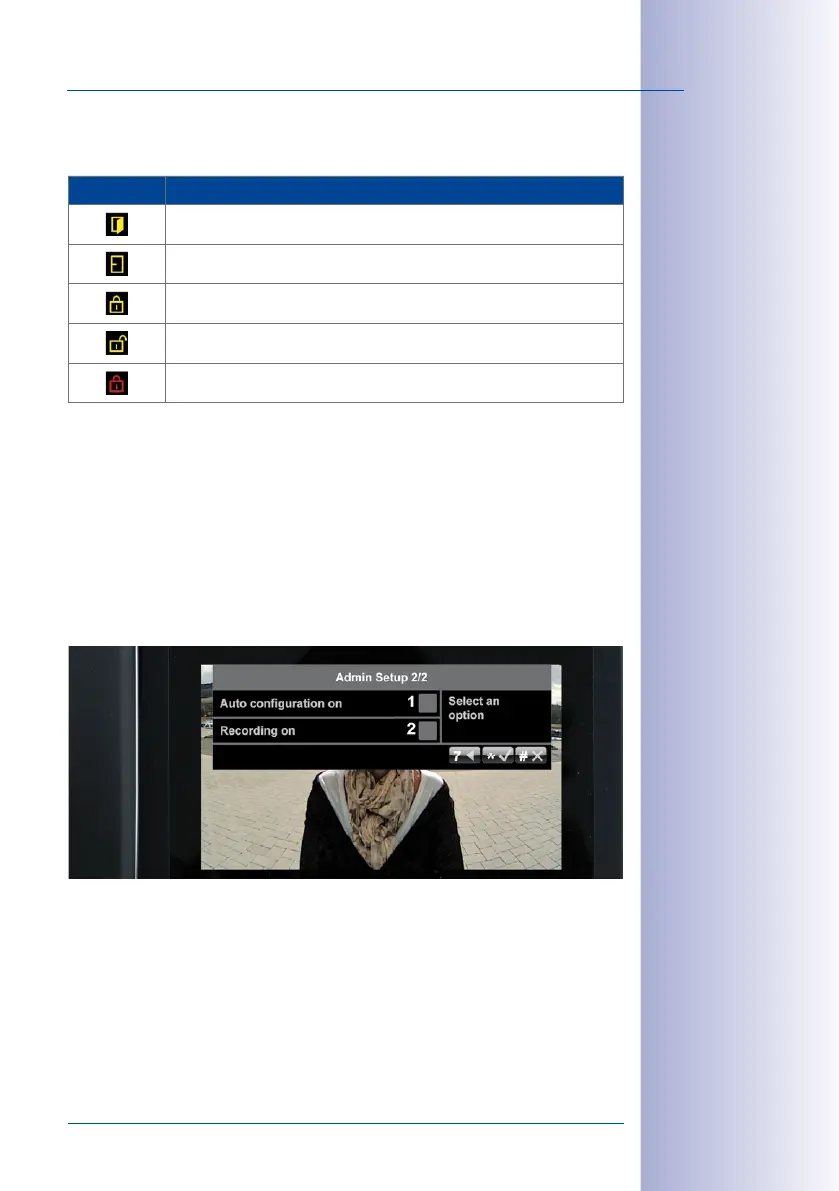
2.4.5 Activating Video Recording
The system is set up at the factory so that only voice mailbox messages are recorded by
the door camera.
To obtain additional video clips of other door events (for example, ringing doorbell, access
granted or denied, door opened), go to the Admin Setup menu and proceed as follows:
Activate Recording
1. Press 8 to go to page 2 of the Admin Setup menu.



 To Next Page