49/128
Step3: Configure the System Using a Video Phone
© MOBOTIX AG • Security-Vision-Systems • Made in Germany
www.mobotix.com • sales@mobotix.com
2.4.1 Changing the Menu and Voice Mailbox Greeting Language
This language setting also automatically selects the standard German/English voice mailbox
greetings (for example, a prompt for a visitor to leave a message if the door is not opened).
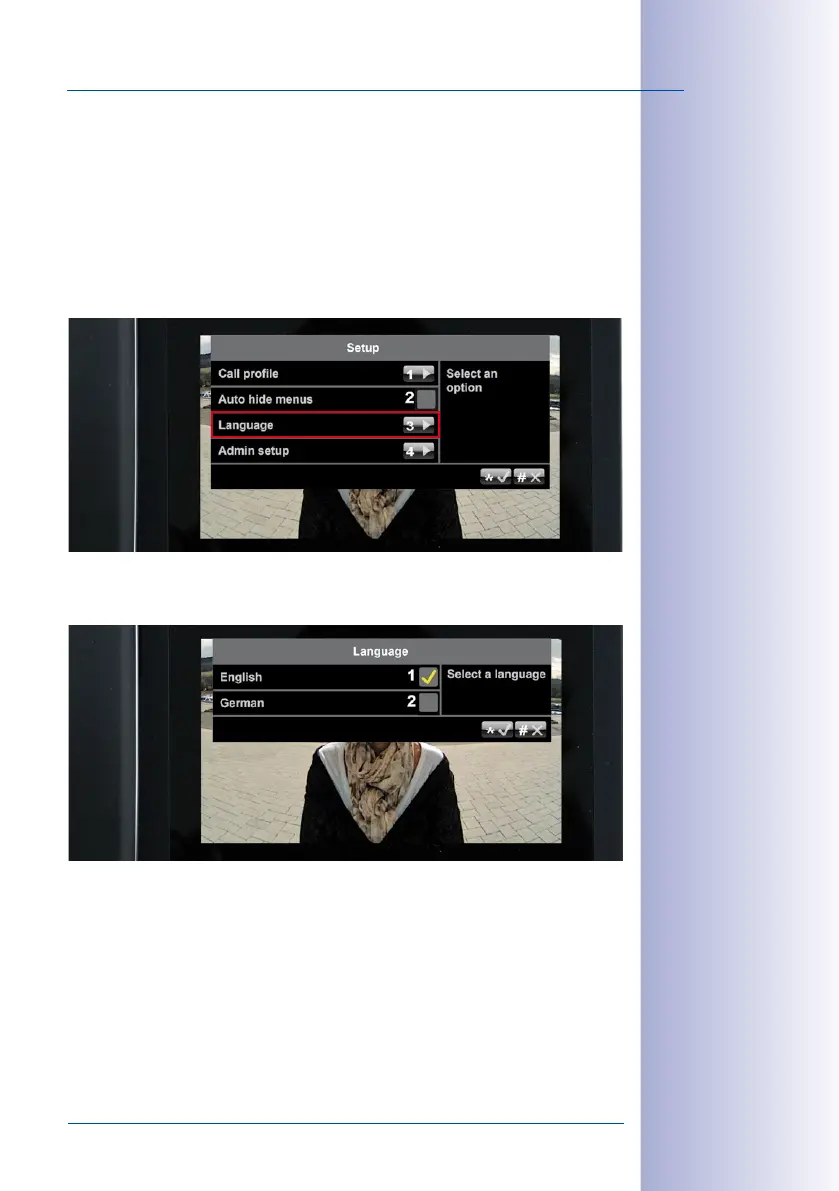
To change the language, select Setup on the main menu.
Change Language:
1. On the Setup menu, press 3 to select the Language menu item.
2. Press 1 to select English or 2 to select German. Confirm your selection (“*“ button)
or cancel (“#“ button).
Remain on the Setup menu and continue with
Section 2.4.2, «Opening the Admin Setup»
.



 To Next Page