26/128
T25 System Manual Part 2: Initial Setup without a Computer
© MOBOTIX AG • Security-Vision-Systems • Made in Germany
www.mobotix.com • sales@mobotix.com
2.1 Step1: Perform the Auto Configuration
The following assumes that the T25 has been installed and checked in conjunction with
Section 2.8, «Finishing the Installation»
of the
T25 System Manual Part 1
. First remove each
required Grandstream video phone from its packaging, connect the receiver and perform
the Auto Configuration as described here.
2.1.1 Starting the Video Phone
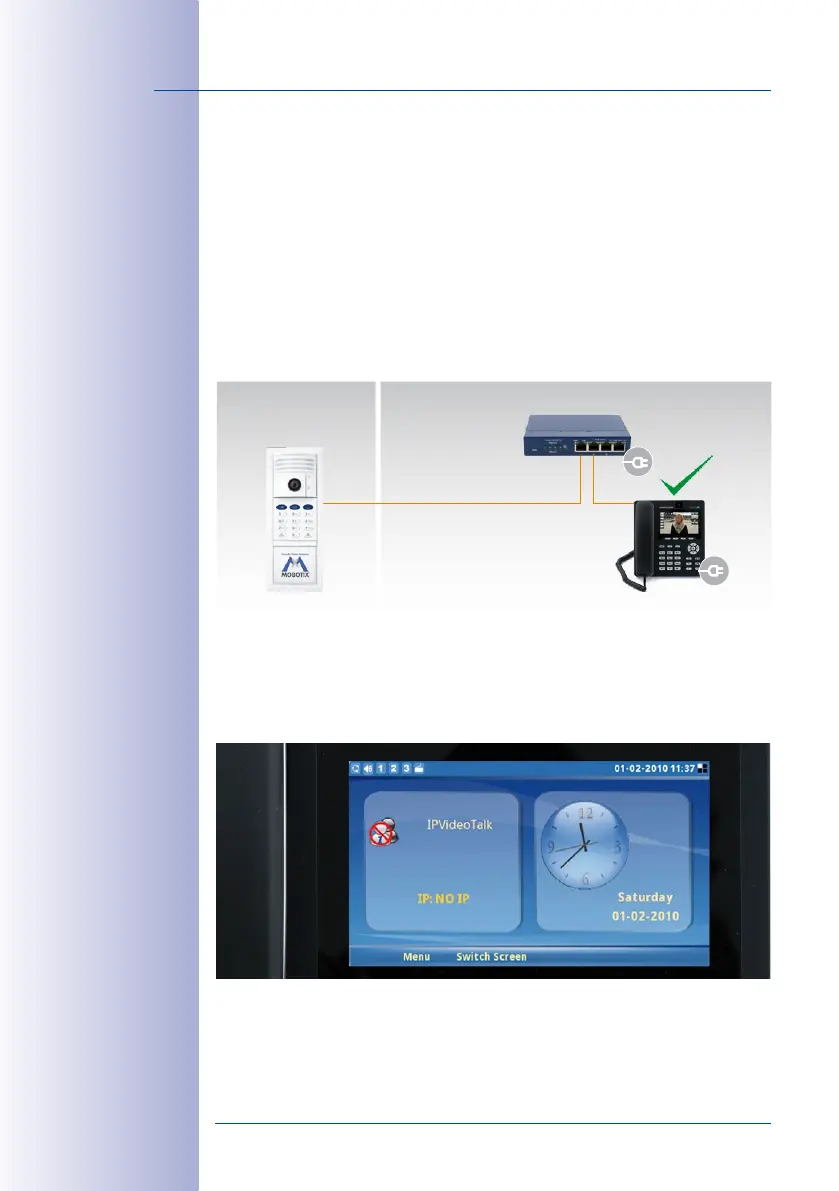
Connect the video phone to the network via a switch/router or the NPA PoE set, connect
the power plug and wait until the telephone has started up.
The display shows the message “NO IP“ (no IP address). The time and date have not
been updated. The preconfigured menu language is English.
Outdoors Indoors
Door station
PoE switch
VoIP video phone
Video phone must be
set to factory settings



 To Next Page