55/128
Step3: Configure the System Using a Video Phone
© MOBOTIX AG • Security-Vision-Systems • Made in Germany
www.mobotix.com • sales@mobotix.com
2.4.6 Functional Test Part 2
After you have set up your access module and the video phone (
Section 2.2, «Step2: Set
Up the KeypadRFID Access Module»
or
Section 2.3, «Step2: Set Up the BellRFID Access
Module»
, respectively, and
Section 2.4
), you should carry out a final functional test:
1. Check That the Blue User Cards Open the Door
Hold each blue user card that you previously trained to the access module to check that
the door opening mechanism is triggered. If the mechanism is not triggered, set up the
cards again on the access module (
Section 2.2.3, «Adding User Cards at the KeypadRFID
Module»
or
Section 2.3.5, «Adding User Cards at the BellRFID Module»
, respectively).
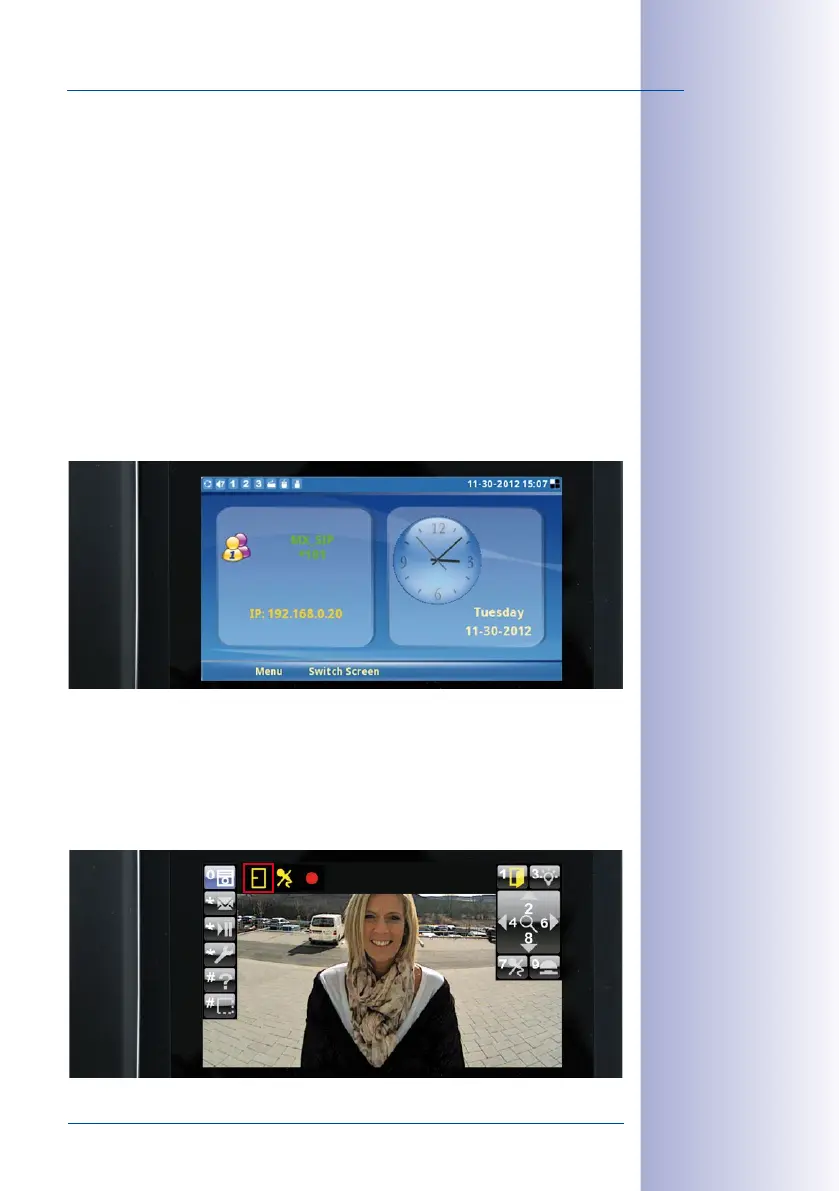
2. Check Date and Time Settings
Check the current settings on one of the video phone displays (receiver must be on the
hook).
If the date and/or time is incorrect, modify the settings on the KeypadRFID, as described
in
Section 2.2.4, «Setting the Time Zone, Time and Date»
.
3. Check Door Status Display
Check that actual entrance door statuses are displayed correctly on one of the video
phones.



 To Next Page