54/128
T25 System Manual Part 2: Initial Setup without a Computer
© MOBOTIX AG • Security-Vision-Systems • Made in Germany
www.mobotix.com • sales@mobotix.com
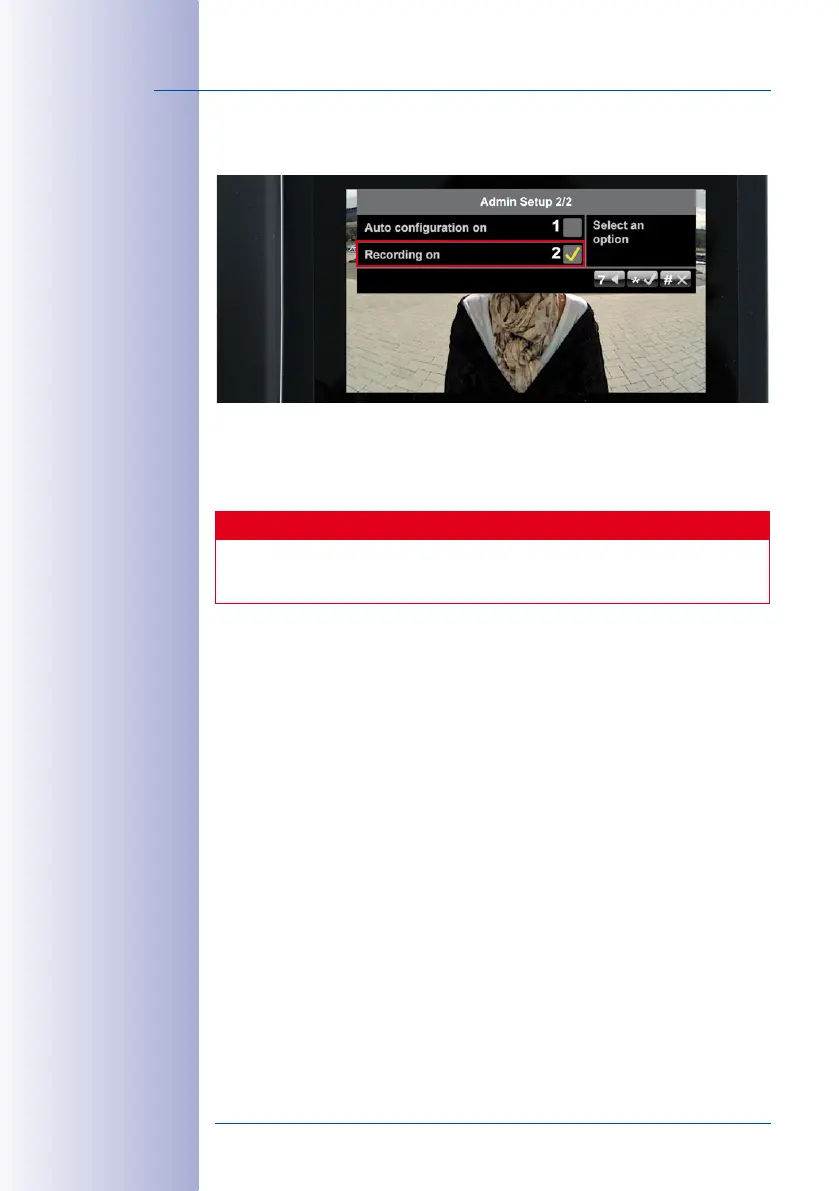
2. Press 2 to either activate recording (yellow check mark) or deactivate it again (no
check mark). Press the “*“ button to confirm.
3. Now exit the Admin Setup menu by pressing the “#“ button and complete the video
phone setup by carrying out a short functional test (see
Section 2.4.6, «Functional
Test Part 2»
).
Caution
If you have activated recording, please see the relevant legal guidelines for video
surveillance.



 To Next Page