34/128
T25 System Manual Part 2: Initial Setup without a Computer
© MOBOTIX AG • Security-Vision-Systems • Made in Germany
www.mobotix.com • sales@mobotix.com
2.2.2 Adding Admin Cards at the KeypadRFID Module
It is also necessary to set up the admin card during the initial
setup of the KeypadRFID, in addition to the Super PIN. The card
is required as a “T25 master key“ for authentication purposes to
allow you to set up and erase user cards and user access PINs and
specify important system settings (time, changing the Super PIN)
on the KeypadRFID.
You should keep the card in a safe place together with your T25
Product Pass. MOBOTIX recommends only using your blue user cards to avoid losing your
safety-critical admin card for everyday use (open the door, access your voice mailbox from
the KeypadRFID and so on).
General Information on Using Transponder Cards
When setting up a transponder card, you should ideally hold the card between the
thumb and index finger of one hand and move it as close as you can to the KeypadRFID
until a beep sounds. Make sure that the card does not touch and inadvertently trigger
any of the buttons.
During daily operation, you can usually hold the user card up to the KeypadRFID while
it is still in its protective case or in your wallet.
You can enter your Super PIN and press the OK/MENU button to avoid having to hold
the admin card up to the KeypadRFID. However, for security reasons (people looking
over your shoulder), you should only use this special function in an emergency, for
example, if you have lost your admin card.
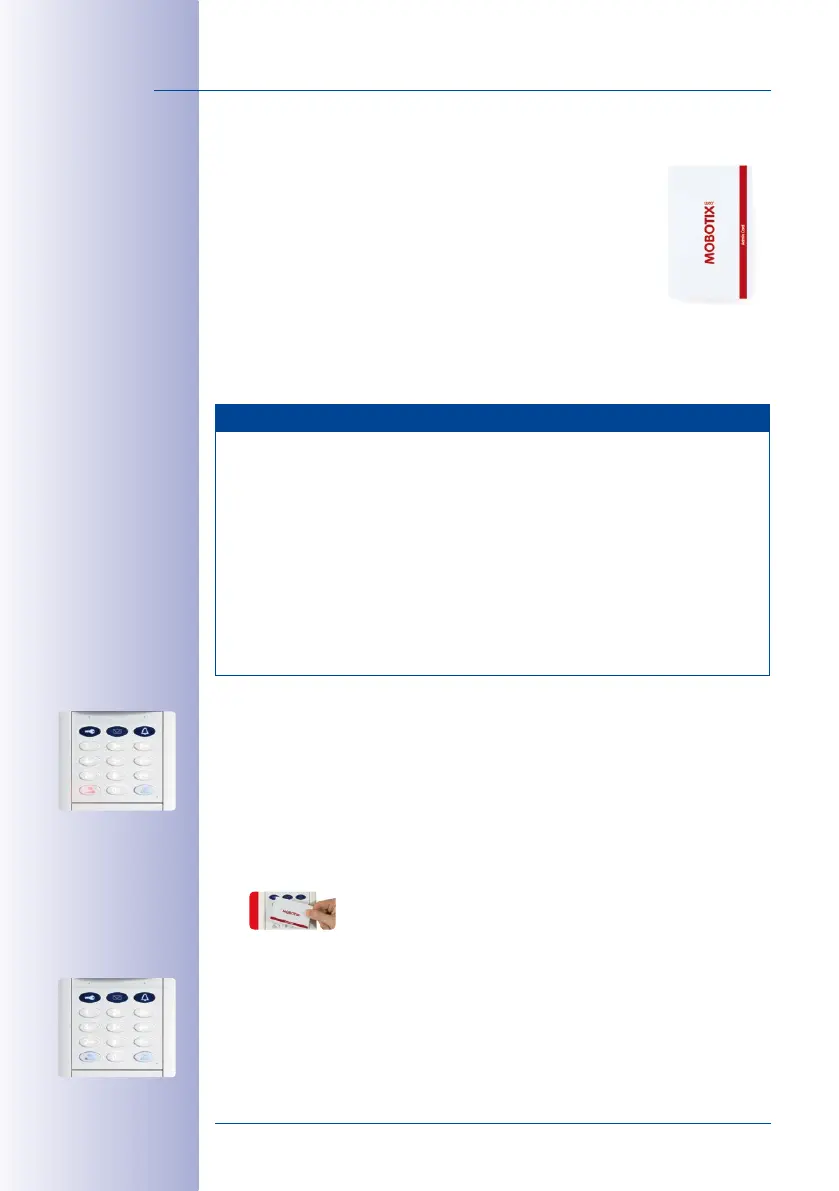
Add Admin Card:
Once you have entered your Super PIN, the number buttons on the KeypadRFID light up
white continuously, the KeypadRFID bell button, key button and OK/MENU button flash
blue and the ESC/ALARM button flashes red. You must set up the supplied red admin
card on the KeypadRFID and add it to the system while the KeypadRFID is in this state.
1. Hold your admin card up to the KeypadRFID buttons for about 5 seconds until the
beeping stops and the KeypadRFID shows a flashing ring pattern.
2. Afterwards, the bell button, key button, OK/MENU button and ESC/ALARM button
all flash blue on the KeypadRFID. Your admin card has now been set up and automatically
assigned the Personal and Transponder No. 0 by the system.
3. You have now completed the steps that are necessary to set up the KeypadRFID.
MOBOTIX recommends now setting up all the blue user cards that you require



 To Next Page