92/128
T25 System Manual Part 2: System Expansion with MxEasy
© MOBOTIX AG • Security-Vision-Systems • Made in Germany
www.mobotix.com • sales@mobotix.com
5 SYSTEM EXPANSION WITH MXEASY
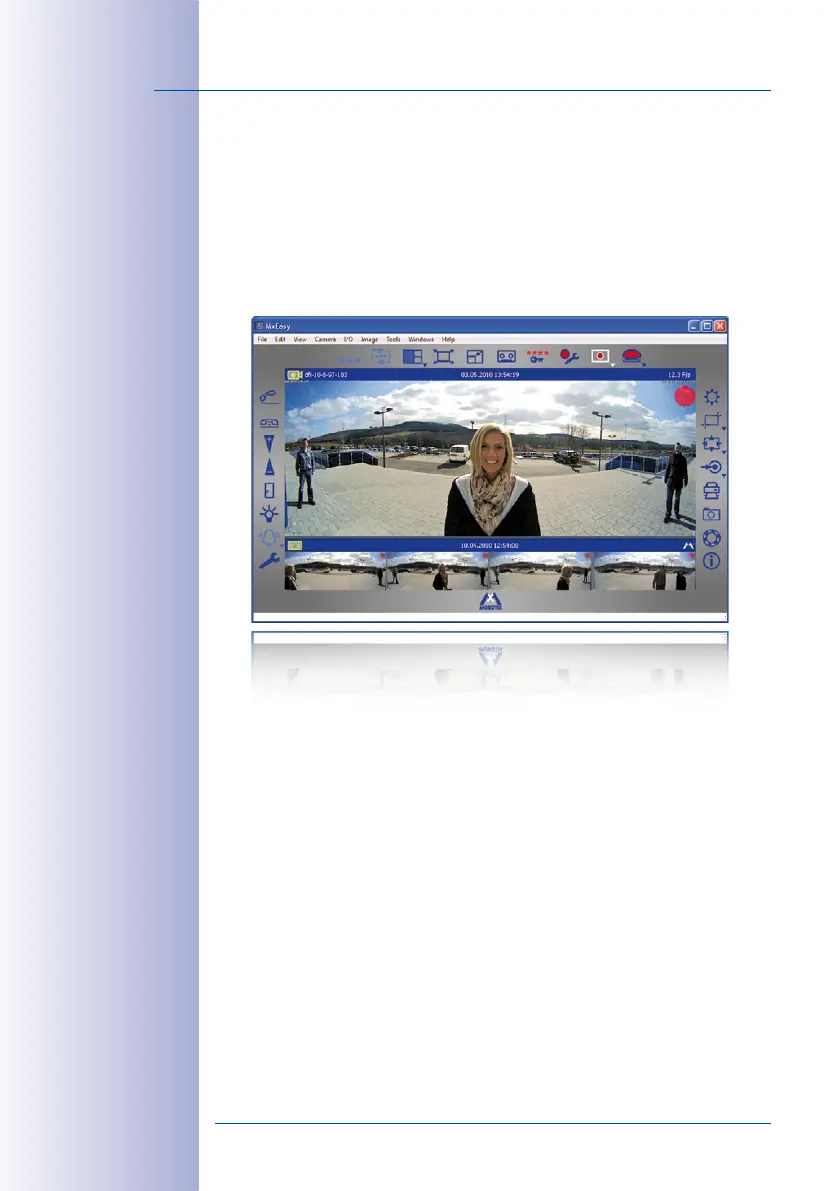
This chapter provides an overview of the extended functions oered by your Door Station
when used in conjunction with MOBOTIX video software MxEasy. For detailed informa
-
tion, please refer to the MxEasy user manual, which can be downloaded as a PDF free of
charge from www.mobotix.com in the Support> Manuals section.
The current version of MxEasy is also available to download from the MOBOTIX website
(www.mobotix.com under Support> Software Downloads> MxEasy).
Before you launch MxEasy for the first time, you should have set up the system for operation
without a computer as described in
Chapter 2
of this manual. In general, this is always
possible when a DHCP server is in use in the network (T25-CamCore camera module or
external server). Then follow the descriptions in
Section 5.1, «Setting Up Computers as
T25 Remote Stations»
.
Only in networks without a DHCP server (with static IP addresses) is it not possible to set
up the system for operation without a computer. In this case, the system is set up for
operation and Auto Configuration launched using MxEasy; only the Super PIN and the
transponder cards have to be entered or set up using the KeypadRFID. See
Section 5.2
for
a description of how to set up a T25 for operation in a network with a static IP address.
MxEasy: Completely
free of charge



 To Next Page