91/128
Changing the Super PIN at the BellRFID Module
© MOBOTIX AG • Security-Vision-Systems • Made in Germany
www.mobotix.com • sales@mobotix.com
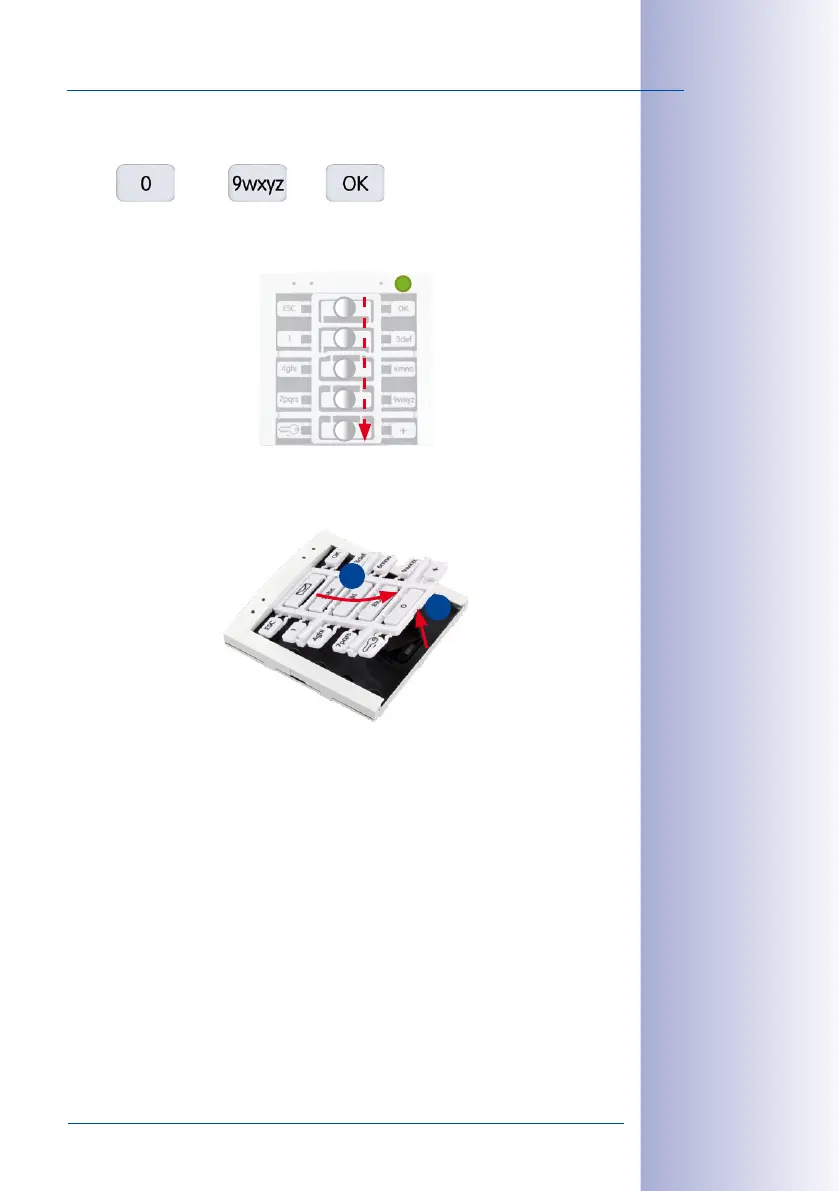
8. Again enter the new Super PIN and press the OK button.
The LEDs light up in a sequence to confirm that the Super PIN has been changed
and the feedback LED of the module briefly lights up green.
9. Disconnect the power supply of the door station, remove the keypad insert and slide
the bell buttons back into the module (see
Section 2.3.3, «Inserting the Function/Bell
Buttons»
).
4
5
3
2
1
LED Seaeunce
2
1



 To Next Page