66/128
T25 System Manual Part 2: KeypadRFID Access Configuration
© MOBOTIX AG • Security-Vision-Systems • Made in Germany
www.mobotix.com • sales@mobotix.com
3.3 Managing Transponders
3.3.1 Adding User Cards (Individual Number Assignment)
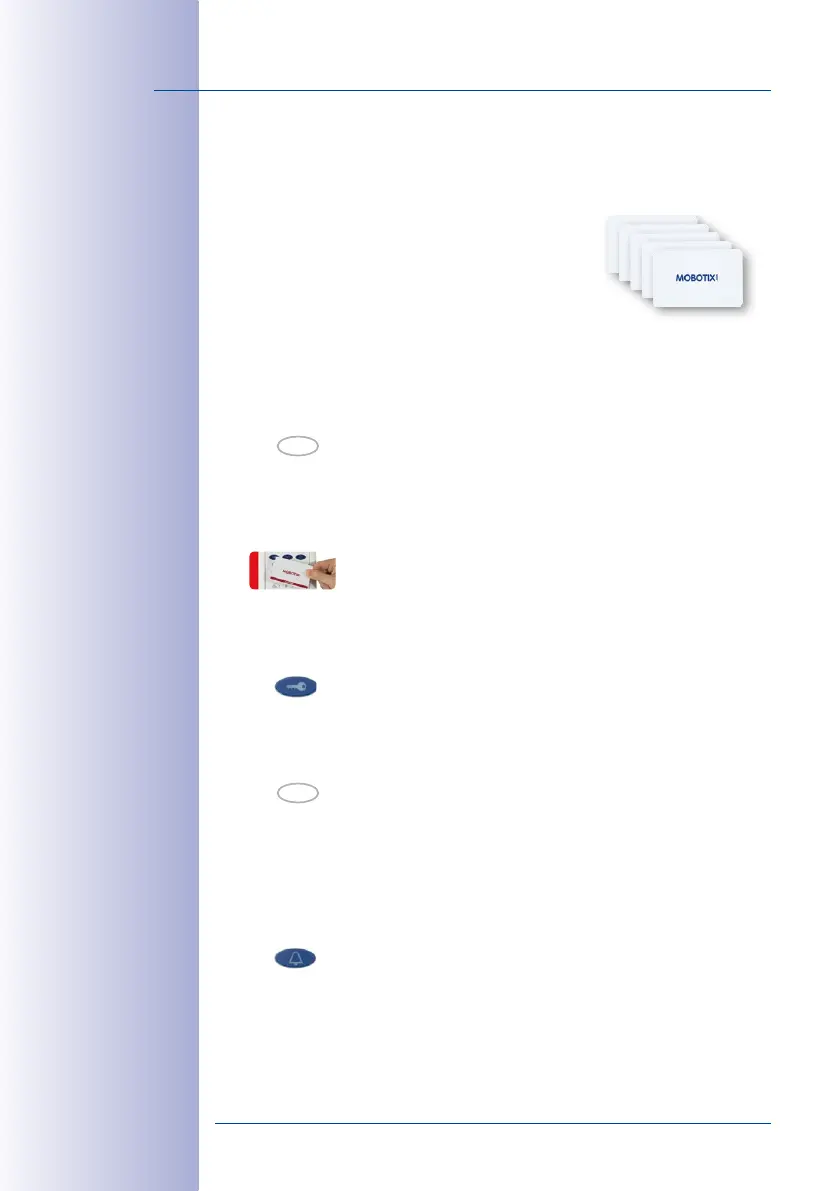
You need the red admin card to set up blue user cards.
Proceed as Follows:
1. Specify the individually-selected personal, contact
and/or transponder numbers as required and imme-
diately enter them on your T25 Product Pass (see
Section 3.2.2
).
2. Enter Configuration Mode: Press the OK/MENU button until you hear the second
beep (button flashes blue).
3. Hold your admin card up to the KeypadRFID buttons until you hear a beep and the
OK/MENU button lights up blue continuously.
4.
Enter Access Configuration Mode: Briefly press the blue key button, which then lights
up blue.
5. Enter Add Mode: Press the OK/MENU button until you hear the second beep (button
lights up blue).
6. Assign contact– method 1 (quick setup without contact number): Press the blue bell
button to enable the new card for checking and using the standard voice mailbox directly
via the KeypadRFID. If you wish to exclude the user card from voice mailbox interaction
via the KeypadRFID, do not press the bell button.
hold (2nd beep)
OK
OK



 To Next Page