67/128
Managing Transponders
© MOBOTIX AG • Security-Vision-Systems • Made in Germany
www.mobotix.com • sales@mobotix.com
Assign contact– method 2 (with contact number): If you have specified a contact
number, enter it now and press the blue bell button. This sets up a new doorbell
with a voice mailbox that can be checked with the user card by holding it up to the
KeypadRFID.
Assign contact– method 3 (with additional bell button module): If you are using
an additional bell button module (such as from a third-party manufacturer), press
the bell button that you wish to assign to the new user card as a contact.
7. Assign individual personal number: If you have specified a personal number, enter
it now and press the OK/MENU button. If not, skip this step and the card will auto
-
matically be assigned a new personal number.
8.
Assign individual transponder number: If you have specified a transponder number*,
enter it now and press the ESC/ALARM button until you hear the second beep. If
not, skip this step and the card will automatically be assigned a new transponder
number.
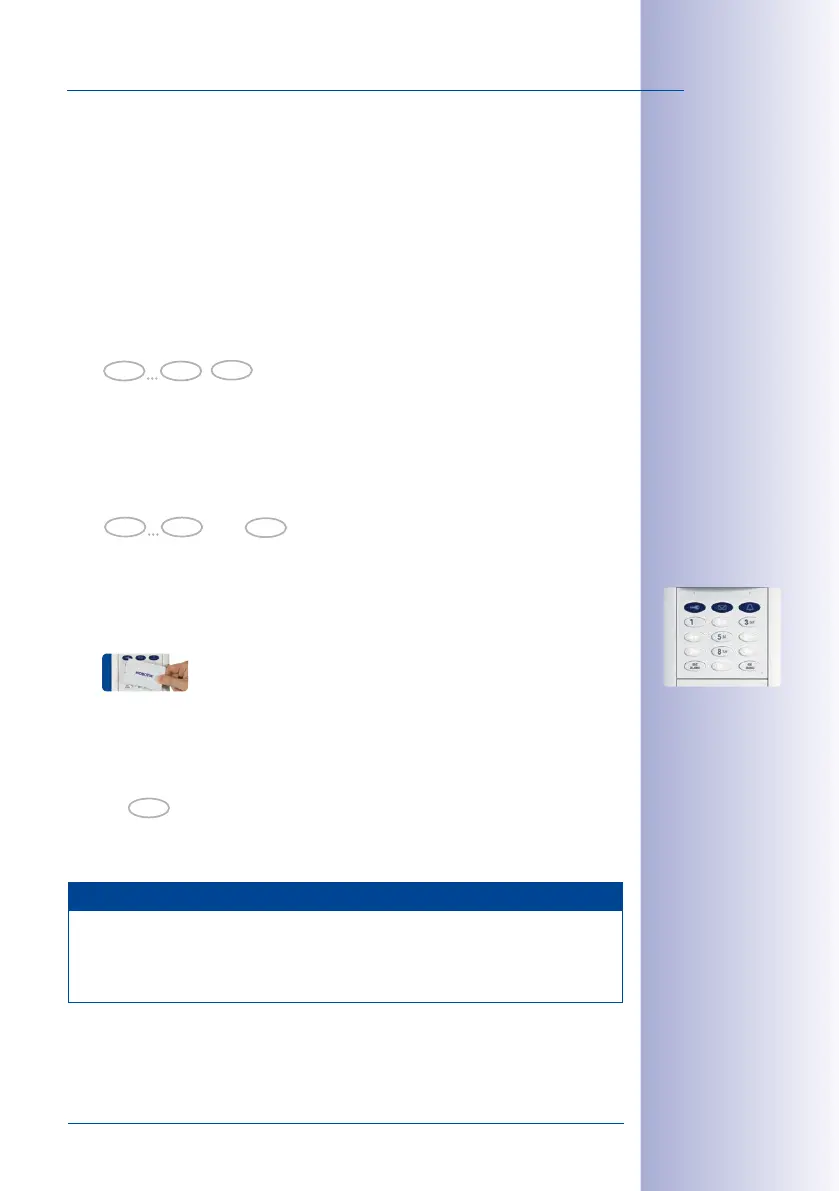
9. Present card: Hold the user card up to the KeypadRFID buttons until a beep sounds
and the KeypadRFID shows a flashing ring pattern. Make sure that the card does not
touch and inadvertently trigger any of the buttons.
10. As soon as the flashing pattern stops, setup for the new user card is finished. You
are now back in configuration mode (the OK/MENU button lights up blue). Press the
ESC/ALARM button to exit. After 60 seconds, the mode is exited automatically.
If you want to train additional user cards, repeat steps4 through 10.
Note
In case of a wrong entry, cancellation of entry via the ESC/ALARM button, or a delay
of more than 60 seconds, a low warning tone is sounded and the system reverts to
the regular operating mode (all buttons light up white). If required, re-enter into Add
mode as described above.
0 9
Person No.
OK
MOBOTIX recommends
setting up all the
cards and access PINs
associated with one
person to share the
same personal number
0 9
Transponder No.
ESC
hold (2nd beep)
* For example, the last
digits of the imprinted
card serial no.
ESC



 To Next Page