58/128
T25 System Manual Part 2: Initial Setup without a Computer
© MOBOTIX AG • Security-Vision-Systems • Made in Germany
www.mobotix.com • sales@mobotix.com
2.5.1 Changing the Grandstream Web Password
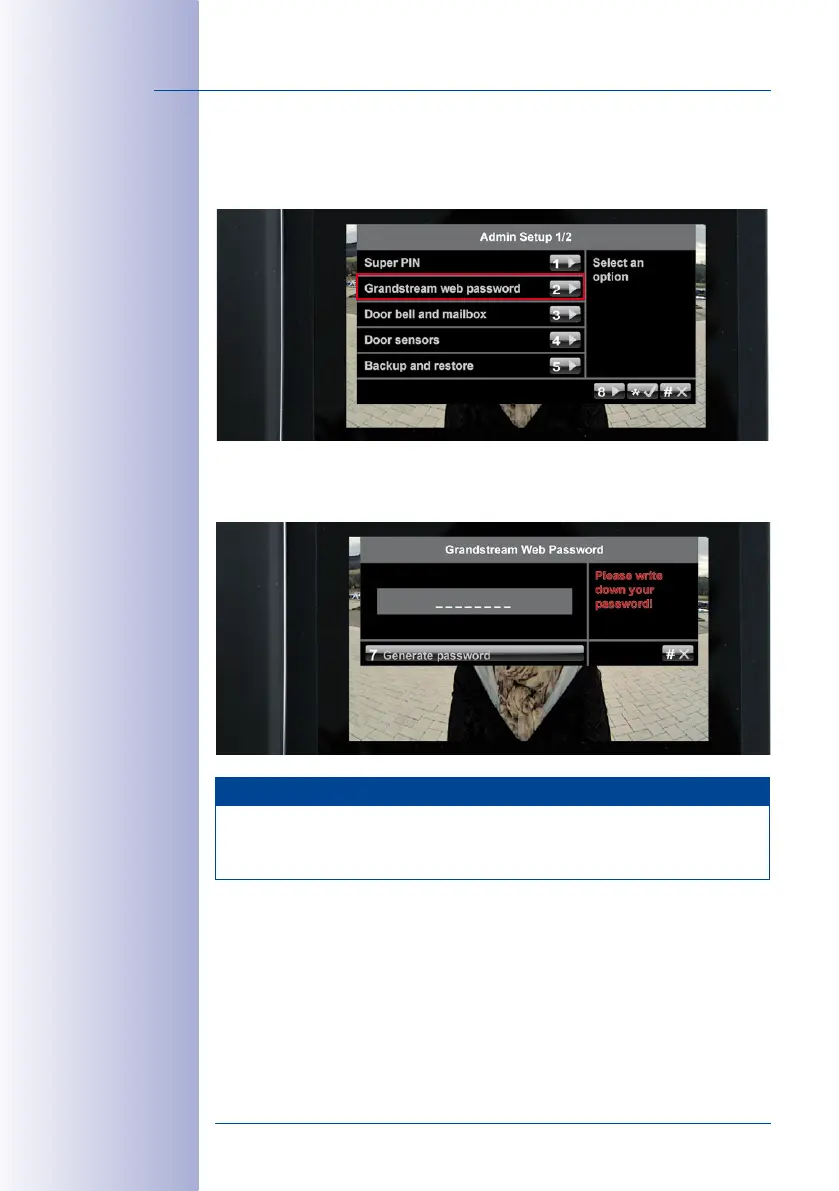
Open the first page (1/2) of the Admin Setup menu and press 2 to select the Grandstream
web password option.
Press 7 to generate a new password that includes letters and numbers. Make a note of
the new password in your T25 Product Pass (see
Section 3.2.2
). Exit this menu by pressing
the “*“ twice (only possible a few seconds after you have changed the password).
Note
The web password is changed simultaneously for all the Grandstream video phones
connected to the network. Therefore, make sure that all the video phones are properly
connected and switched on.



 To Next Page