32/128
T25 System Manual Part 2: Initial Setup without a Computer
© MOBOTIX AG • Security-Vision-Systems • Made in Germany
www.mobotix.com • sales@mobotix.com
2.2 Step2: Set Up the KeypadRFID Access Module
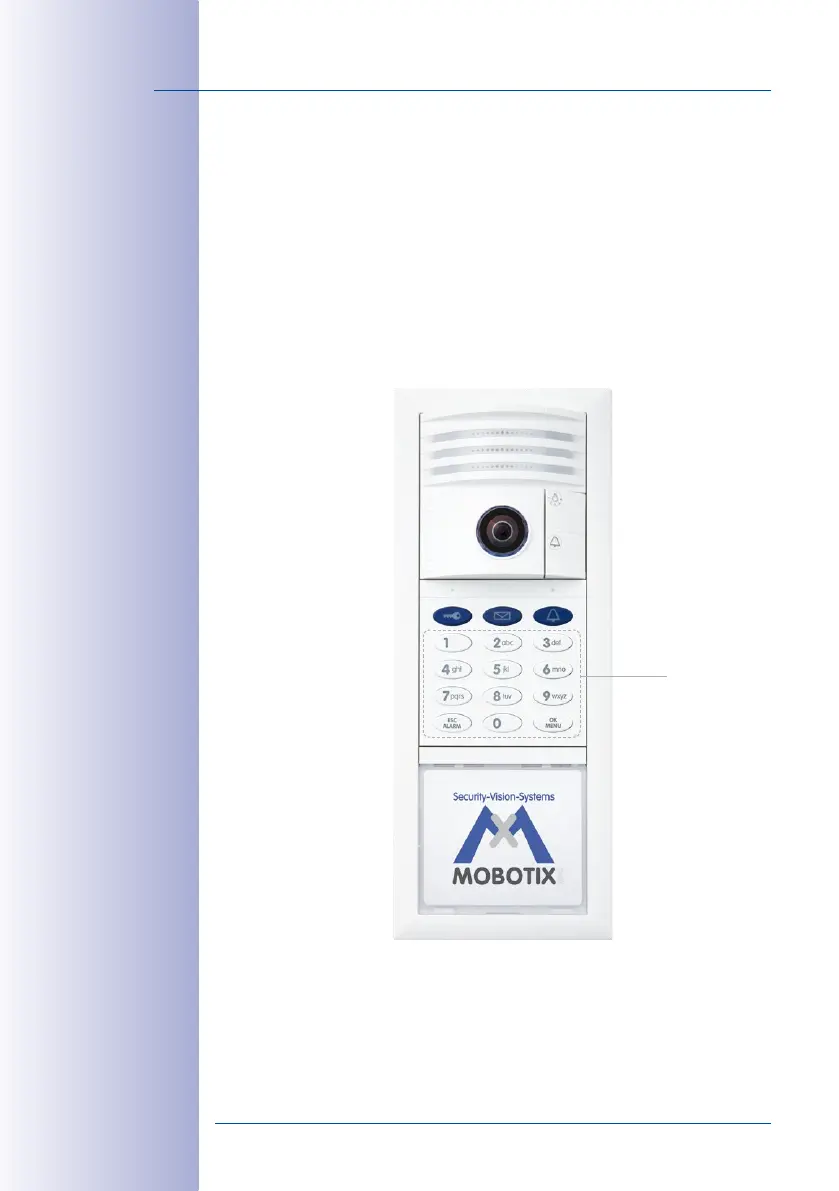
All actions described here are carried out on the n KeypadRFID module of the outdoor
station. When setting up a BellRFID module, proceed to
Section 2.3, «Step2: Set Up the
BellRFID Access Module»
. If it does not have an access module, proceed to
Section 2.4,
«Step3: Configure the System Using a Video Phone»
.
The KeypadRFID displays the following after Auto Configuration:
• All number buttons are flashing white
• The ESC/ALARM button is flashing red
• The OK/MENU button is flashing blue
Now you must enter the Super PIN and add the admin card.
Although you do not need to add user cards and set the time now (
Section 2.2.3
and
Section 2.2.4
), these actions are basic configuration steps that also need to be carried
out (MOBOTIX recommendation).
Blinking



 To Next Page