31/128
Step1: Perform the Auto Configuration
© MOBOTIX AG • Security-Vision-Systems • Made in Germany
www.mobotix.com • sales@mobotix.com
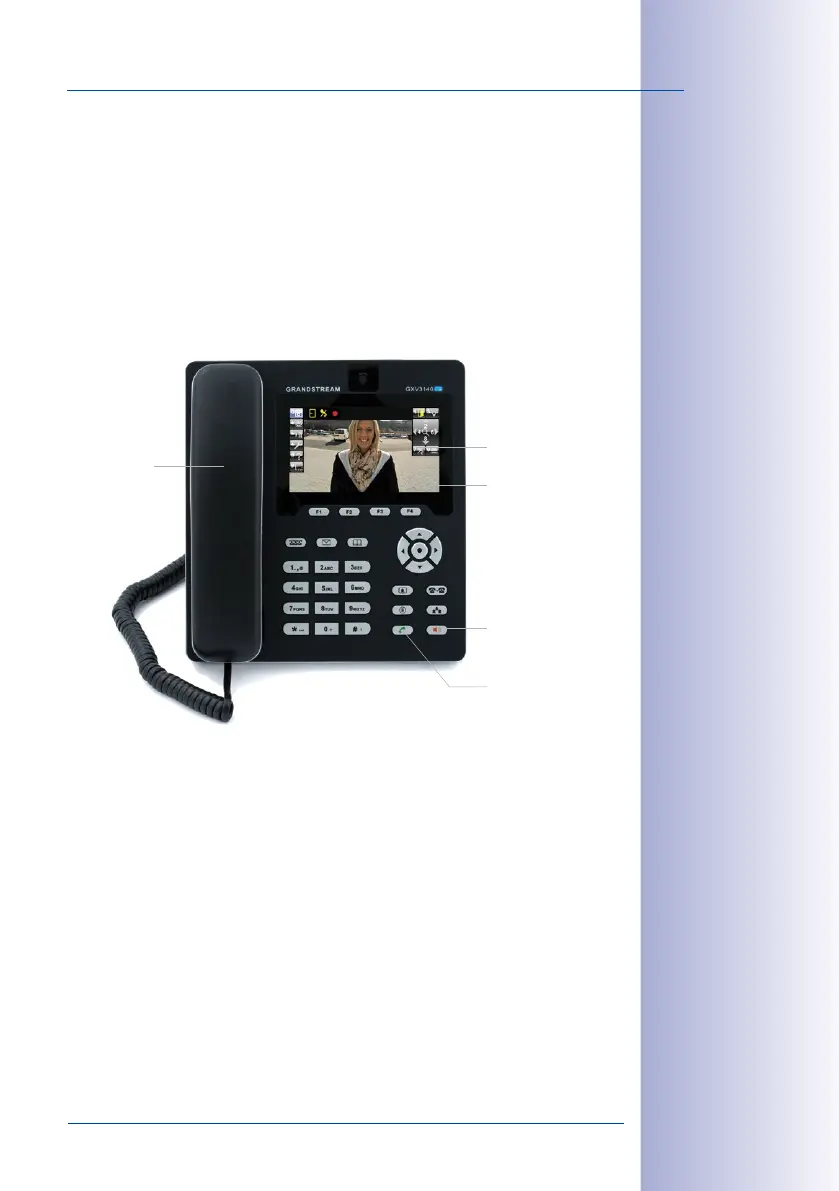
Operating Note: “Green Phone“ And “Red Speaker“ Buttons
If you press the green phone or red speaker button while the receiver is on the hook, you
establish a hands-free connection. The hands-free connection remains active until you either
pick up the receiver or press the red speaker button to terminate the connection to the T25.
Pressing the red speaker button when the receiver is already o the hook activates the
hands-free function. After you have replaced the receiver, the hands-free connection
remains active until you either pick up the receiver again or press the red speaker button
to terminate the connection to the T25.
Speaker phone/
cancel
Establishes a con-
nection
Live image from door
camera
Switch on micro-
phone by pressing
“7”
Establishes a
connection



 To Next Page