30/128
T25 System Manual Part 2: Initial Setup without a Computer
© MOBOTIX AG • Security-Vision-Systems • Made in Germany
www.mobotix.com • sales@mobotix.com
2. Check Connection Established from a Video Phone to the T25
When you pick up the receiver on a video phone, a video and sound connection is established
to the master door camera with the quick dial number *201.
3. Check Connection Established from One Video Phone to Another (Intercom Function)
If you want to call another video phone rather than the door station, all you need is the
video phone’s quick dial number (start display).
Establishing a connection:
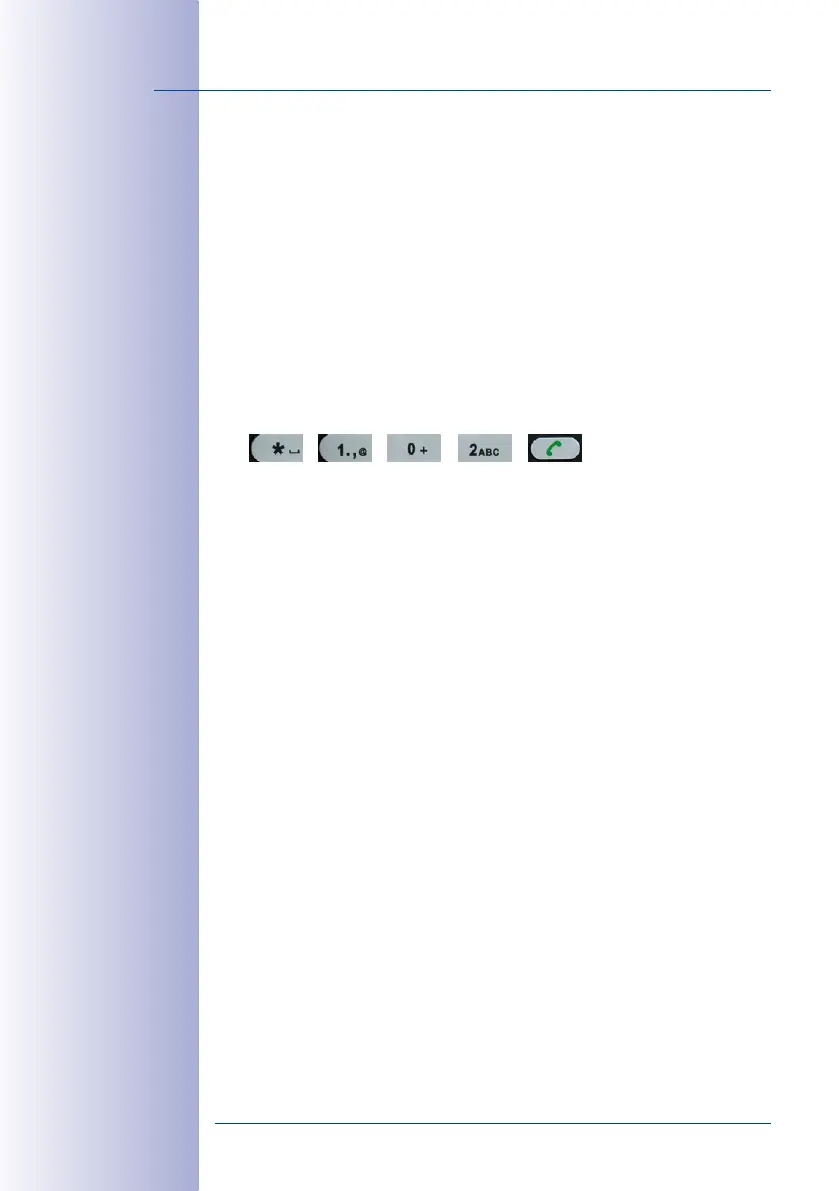
• Press the “*“ button and then enter the three-digit quick dial number of the video
phone you require (for example, *102).
• Pick up the receiver (press F4 to reject the call).
4. Check Connection Established From the T25 to Video Phones by Ringing Doorbell
All the connected video phones will ring when you press the bell button on the camera
module. Accept the call on any video phone (pick up the receiver).
You have now completed part 1 of the functional test. If the test was unsuccessful, check
the connections and the power supply to all the components. Now repeat the entire Auto
Configuration process as described in
Section 2.1.2
to
Section 2.1.3
. If the functional test
continues to fail, please contact your MOBOTIX partner or the MOBOTIX support team (for
more information, visit www.mobotix.com> Support).
Continue
• with Step2 (
Section 2.2
) if your door station has a KeypadRFID,
• with Step2 (
Section 2.3
) if your door station has a BellRFID,
• with Step3 (
Section 2.4
) if it does not have a KeypadRFID.



 To Next Page