36/128
T25 System Manual Part 2: Initial Setup without a Computer
© MOBOTIX AG • Security-Vision-Systems • Made in Germany
www.mobotix.com • sales@mobotix.com
2.2.3 Adding User Cards at the KeypadRFID Module
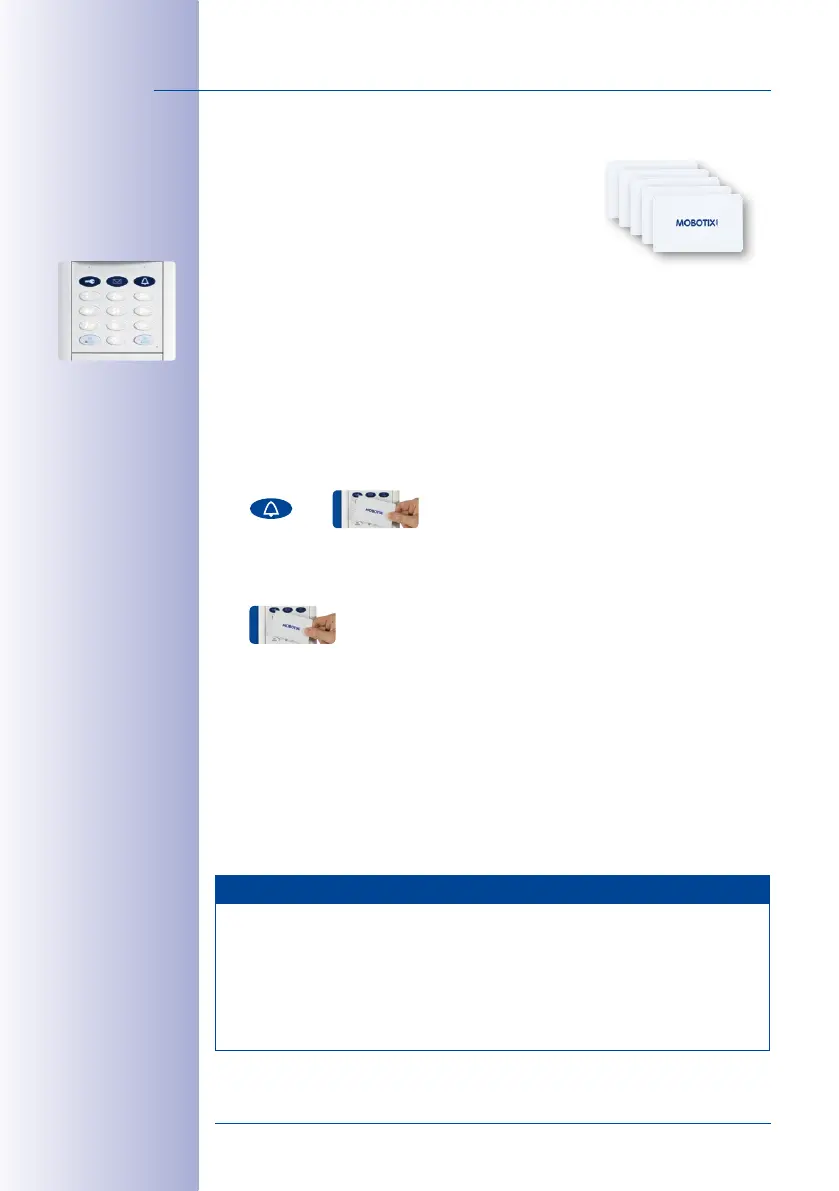
Registered blue user cards allow a user to open the door
without a key and listen to voice mailbox messages at the
door station. This section describes how to set up user
cards without assigning individually-selected Personal,
Contact or Transponder Numbers (standard T25 scenario).
Immediately after you have set up the admin card, the KeypadRFID remains in Add mode
for a further two minutes to allow you to set up additional cards (bell button, key button,
OK/MENU button and ESC/ALARM button all flash blue). In this case, continue with the
“Add User Card“ section (see below). Otherwise, you must first switch on Add mode again.
Add User Card (without Individual Number Assignment):
1. If you want a user of the specific card to have access to voice-mail at the T25 door
station, press the blue bell button before registering that card as keyless entry.
Regardless of this, you can always access your voice mailbox via your video phone.
2. Hold the first user card up to the KeypadRFID buttons until a beep sounds and the
KeypadRFID shows a flashing ring pattern.
3. The first user card has now been set up and automatically assigned the Personal
and Transponder No. 1 by the system.
4. You can now set up as many additional user cards as you require. The next card
is assigned the next sequential number, Personal and Transponder No. 2. The fol
-
lowing cards are assigned the numbers 3, 4, 5 and so on.
5. If you do not wish to set up any more user cards, press the ESC/ALARM button to
exit the Add mode or wait two minutes until this happens automatically. Proceed
to
Section 2.2.4, «Setting the Time Zone, Time and Date»
or
Section 2.4, «Step3:
Configure the System Using a Video Phone»
.
Notes
When you set up a card as part of an extended T25 scenario (see
Section 1.2
), you have
the option of assigning a custom Personal, Transponder and Contact No. For further
information, refer to
Chapter 3
of this manual.
In case of a wrong entry, cancellation of entry via the ESC/ALARM button, or a delay of
more than two minutes, a low warning tone is sounded and the system reverts to the
regular operating mode (all buttons light up white). If required, switch on Add mode again.



 To Next Page