120/128
T25 System Manual Part 2: Restoring the System
© MOBOTIX AG • Security-Vision-Systems • Made in Germany
www.mobotix.com • sales@mobotix.com
6.2.6 Exchanging Info Module Mx2wire+ Components
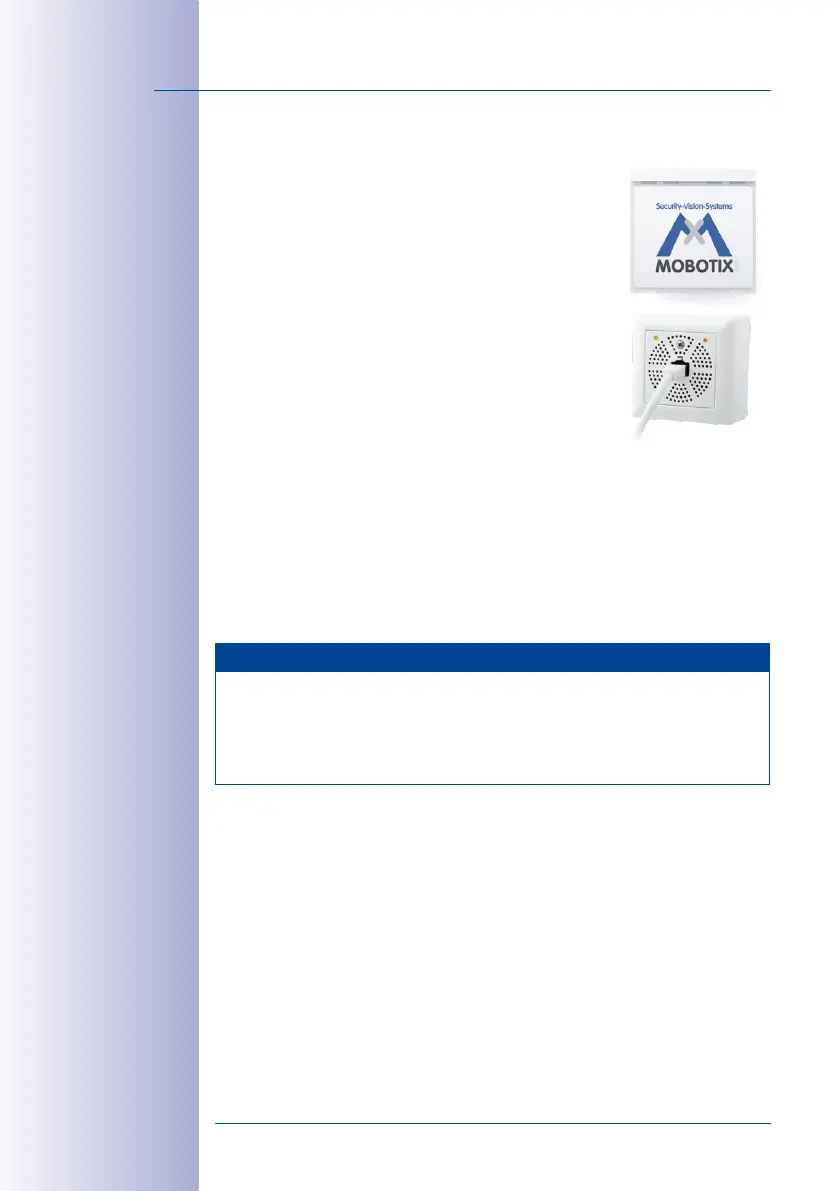
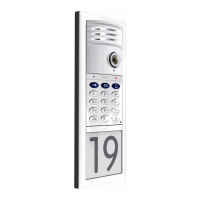
The T25’s two-wire cabeling set always consists of two devices:
the outdoor station’s Info Module Mx2wire+ and the Mx2wire+
indoor unit installed inside the building.
When you exchange them, the door station’s power supply is
disconnected automatically. The door station is automatically
ready for operation again once the power supply has been
reconnected. A system restore is not required.
Proceed as Follows:
1.
Disconnect the door station and Info Module Mx2wire+
components from the power supply.
2. Remove the Info Module Mx2wire+ to be exchanged
from the module frame as described in the
T25-System Manual Part 1
,
Section 2.4.7,
«Removing, Exchanging and Modifying Modules»
.
3. Exchange the old Info Module and indoor unit with the new devices. Take care not
to damage the cabling or mix up the connections. The connection diagrams are
provided in the
T25-System Manual Part 1
.
4. Power up the system again. After an automatic reboot, the door station is ready
for operation again.
Notes
The two Info Module Mx2wire+ units are matching pairs and preconfigured at the factory.
Matched units share the same network ID (see labels on the back of the Info Module
and on the indoor unit’s circuit board). In case of a defect, both units must always
be exchanged for a new Mx2wire+ pair that has been configured by MOBOTIX and
shipped in its original packaging.


 To Next Page