21/128
Expanding the System with a Computer and MxEasy
© MOBOTIX AG • Security-Vision-Systems • Made in Germany
www.mobotix.com • sales@mobotix.com
1.3.2 Worldwide Two-Way Communication
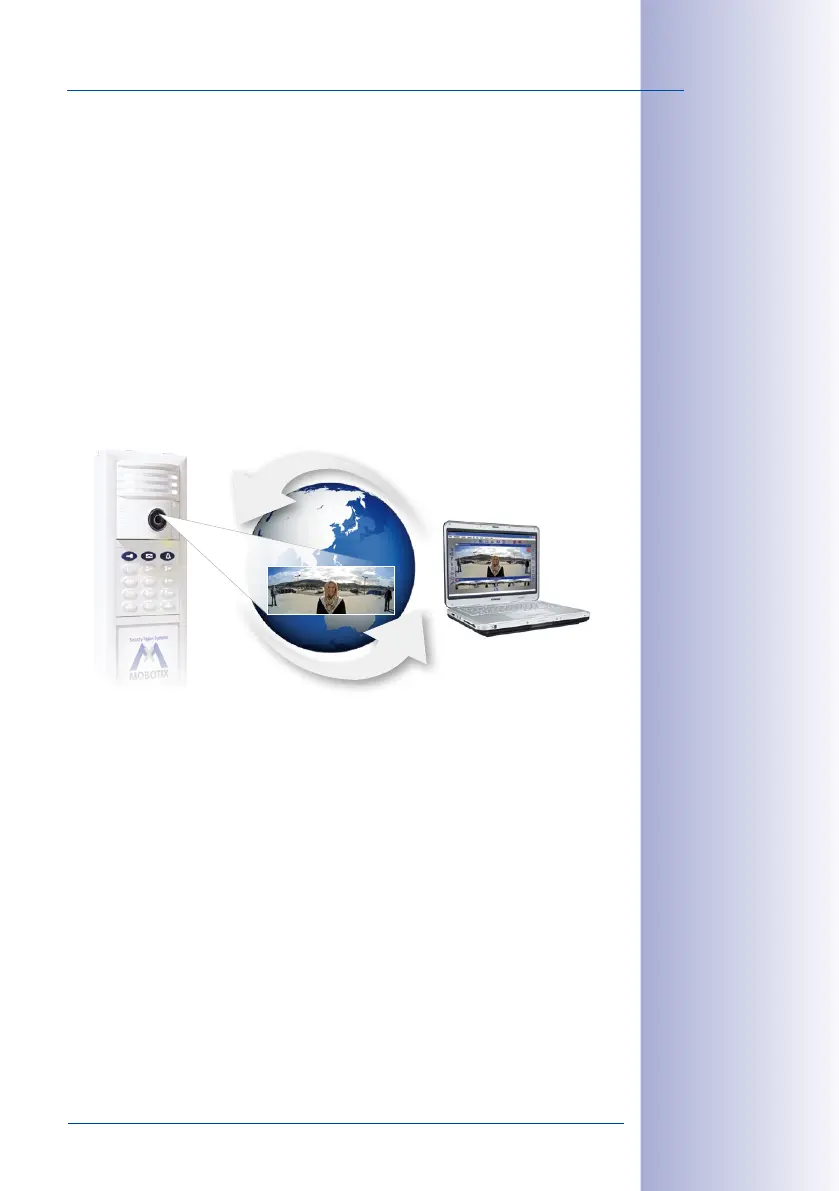
You will never have to miss an important visitor again – even when you are on-the-go
outside of your local network. Using a computer with MxEasy, you can establish an Internet
connection – for example, using a Wi-Fi access point or a UMTS/3G modem – to your door
station from anywhere in the world.
DynDNS (dynamic domain name system) is the perfect way to access your system. This
protocol enables you to access your computer from anywhere in the world. DynDNS does
not rely on one (frequently changing) IP address (for example, 213.117.53.215); instead,
it utilizes a custom name that you can register with a DynDNS service provider (for exam-
ple, www.dyndns.org). The integrated DynDNS client in your local router transmits the
new IP address to the DynDNS service provider each time a change is made. This way,
you can select the door station with your DynDNS name (for example, Name.dyndns.
org:19801).
When MxEasy is running, you can use an existing Internet connection to create a T25
remote station from which you can access all program functions. This way, you will receive
video and audio signals when someone rings the doorbell at your house. You can view
the live camera image on your monitor or display, speak with the visitor and operate the
door lighting and the door opener remotely.
To set up this feature, you will need a computer with a suciently fast Internet connection
and a router that is connected to the door camera (which has been set up without a com
-
puter). See the description in
Section 5.1, «Setting Up Computers as T25 Remote Stations»
.
With (worldwide)
access via internet,
please be sure to use
adequately secured and
encrypted connections
T25
With
internet access
Remote Station
e. g. notebook with
MxEasy software
www
Worldwide
IP communication



 To Next Page