83/128
Erasing Contacts (Doorbell/Voice Mailbox)
© MOBOTIX AG • Security-Vision-Systems • Made in Germany
www.mobotix.com • sales@mobotix.com
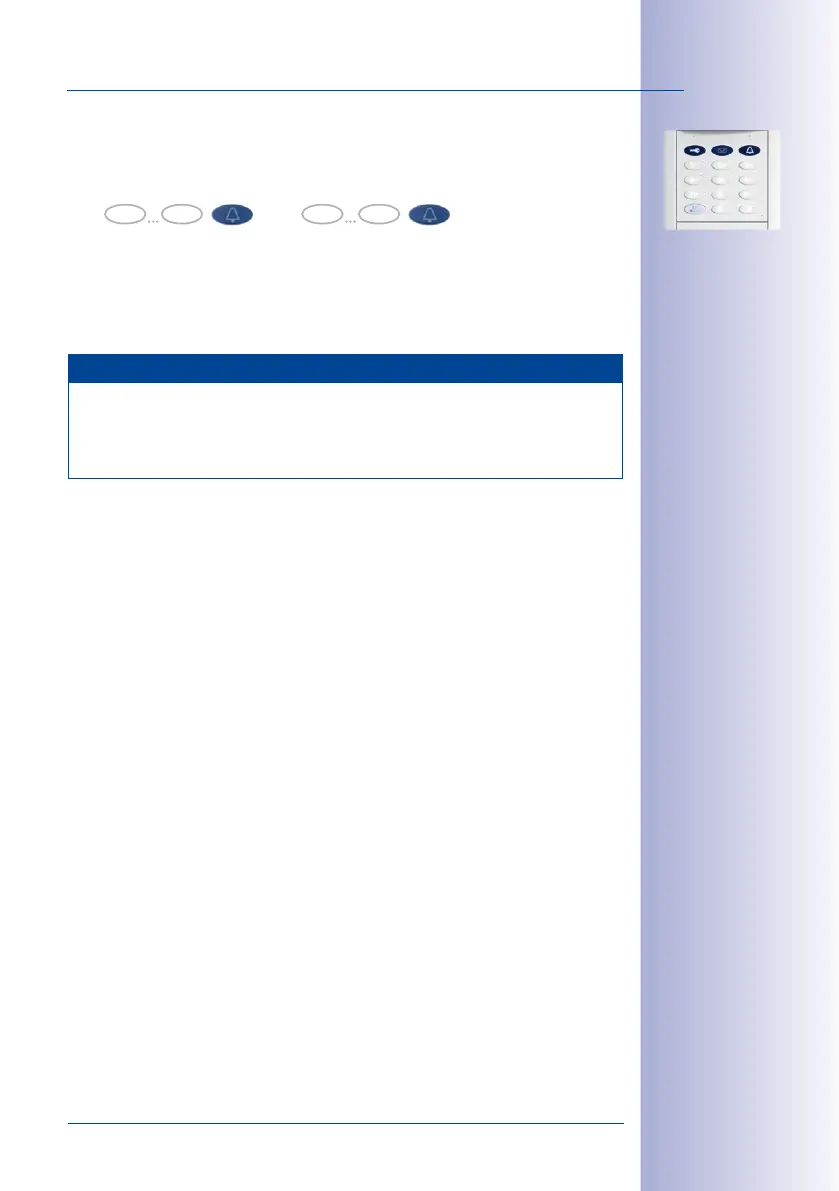
5. Enter Contact Number: Enter the contact number to be erased and briefly press the
blue bell button (the button’s flashing pattern will change). Re-enter the contact
number for confirmation and again press the blue bell button briefly.
6. The contact is now erased (no bell connection or voice mailbox remain for this
contact number). The system is returned to its regular operating mode (all buttons
light up white).
Note
In case of a wrong entry, cancellation of entry via the ESC/ALARM button, or a delay
of more than 60 seconds, a low warning tone is sounded and the system immediately
reverts to the regular operating mode (all buttons light up white). If required, re-enter
into Erase mode as described above.
0 9
Contact No.
0 9
Contact No.



 To Next Page