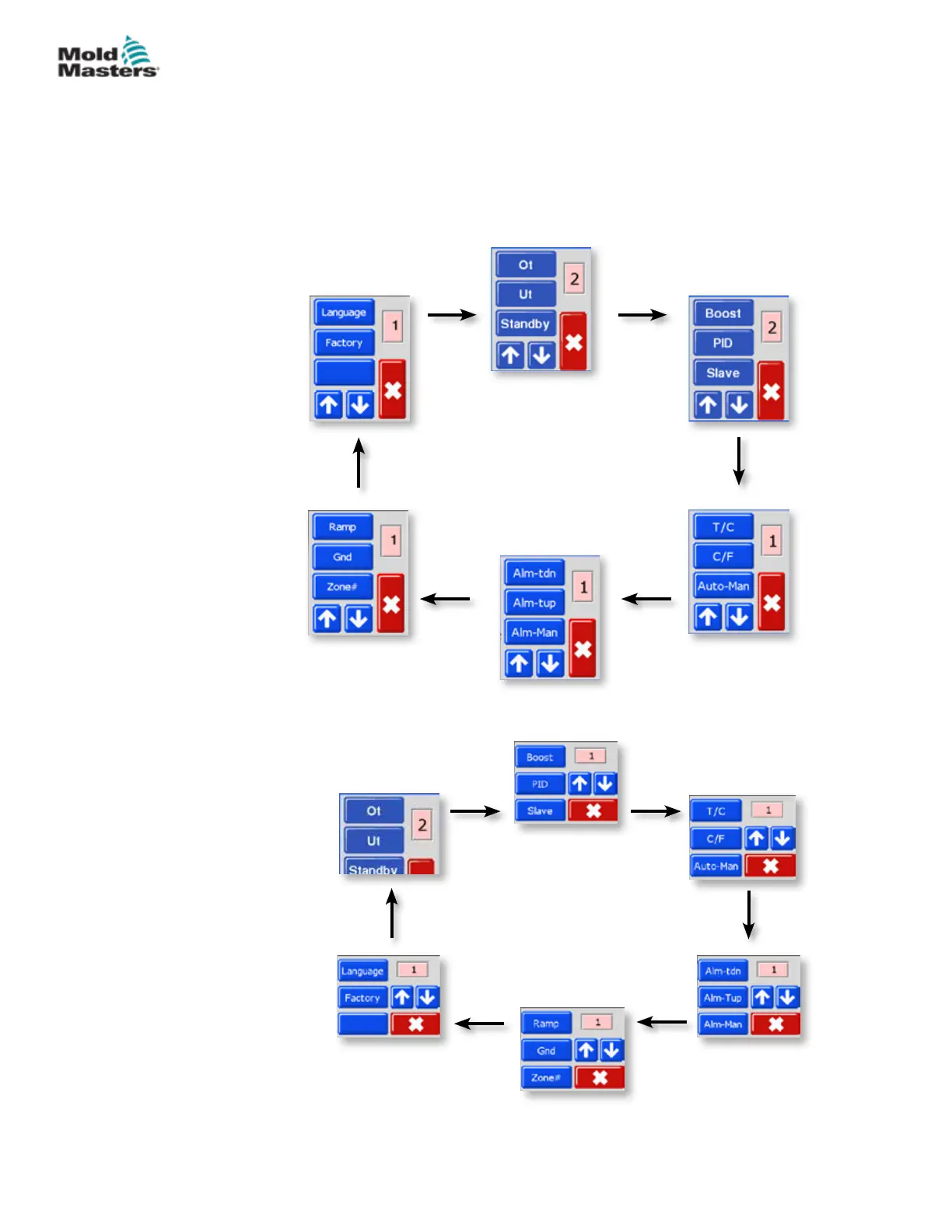
Figure 4-3 MT Menu
Figure 4-4 MT2 Menu
4.9 Program Menus
Select [Program] from the Function menu to reveal further setup options.
The [
] and [] buttons allow you to view the various options seen in the
diagrams below.
A more complete description of these various parameters is given further on
in this user manual in “Section 5 - Setup” on page 5-1 and in “Section 6 -
Operation” on page 6-1.
4-7
© 2020 Mold-Masters (2007) Limited. All Rights Reserved.
OVERVIEW
MT Controller User Manual



 To Next Page