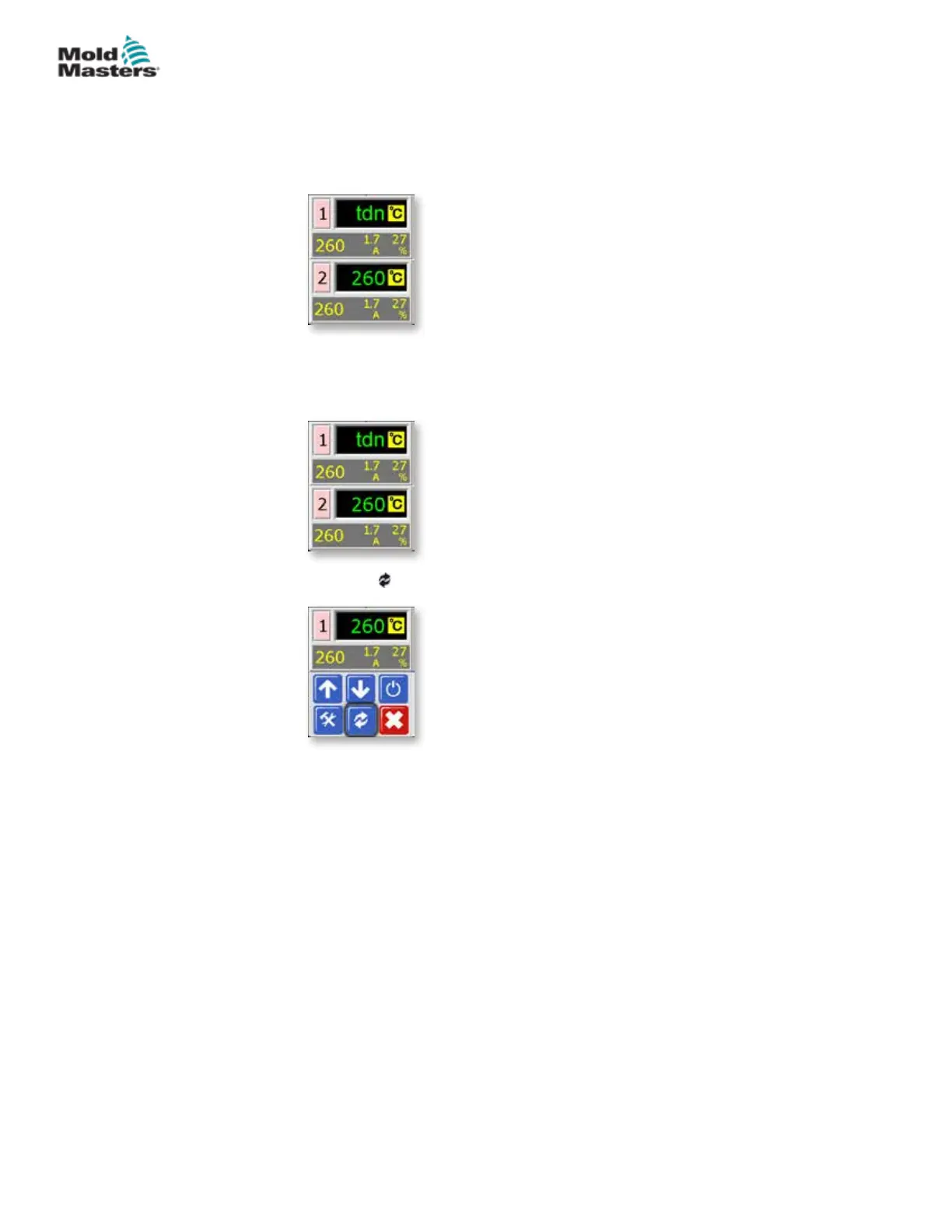
4. The screen reverts to main display.
The Standby temperature and conrmation message “tdn” will ash
alternately in the Actual Temperature window.
6.9 Leaving Standby Mode
1. Choose the Standby zone to obtain the initial menu.
2. Choose [ ] to leave Standby mode and revert to Auto mode.
Standby Mode – Individual Zones - continued
6-9
© 2020 Mold-Masters (2007) Limited. All Rights Reserved.
OPERATION
MT Controller User Manual



 To Next Page