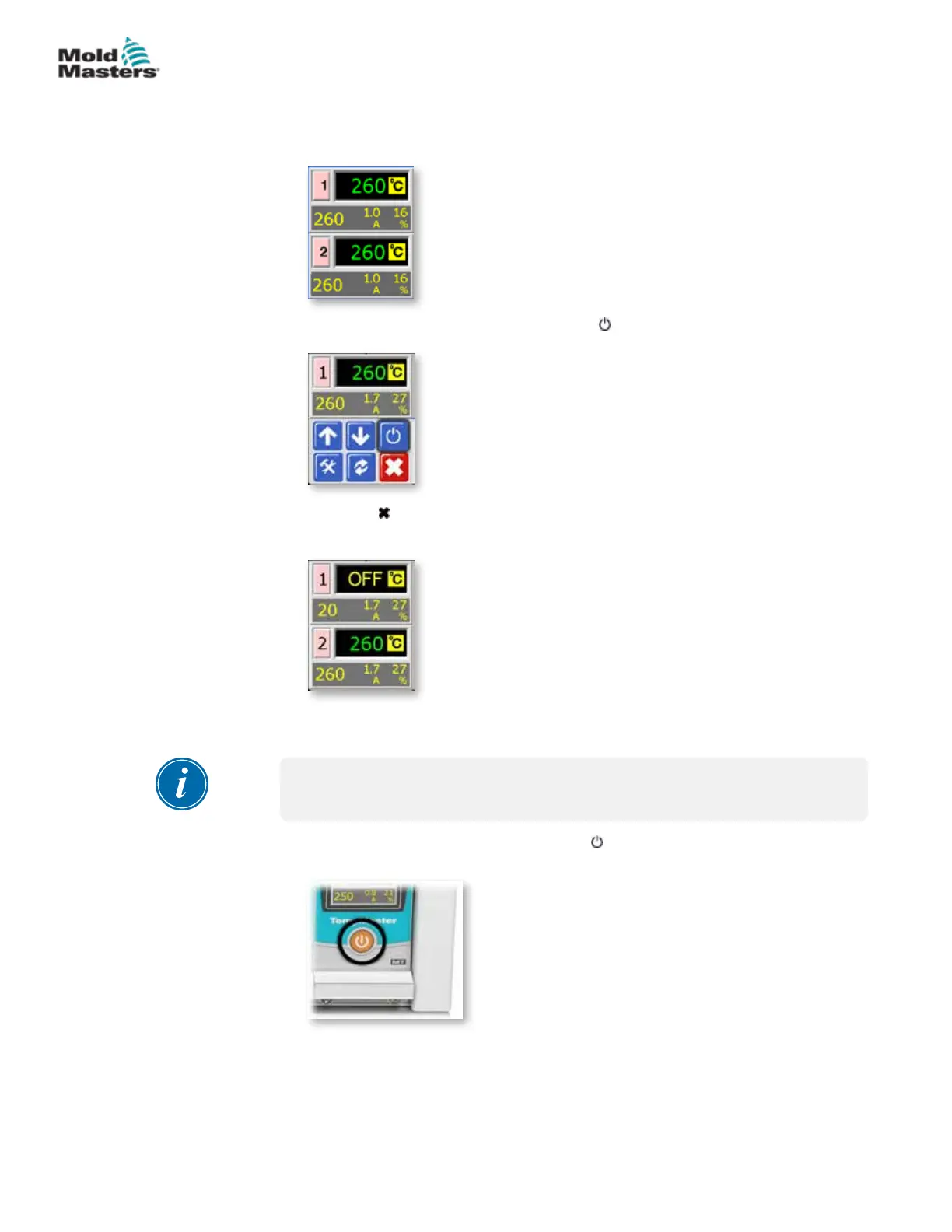
6.2 OFF Mode (Single Zone)
1. Each card controls two zones at a time, and each zone can be turned o
individually.
2. Choose either zone and then choose [ ] to stop.
3. Choose [ ] to return to main screen and see zone 1 is now in OFF mode.
Repeat these steps for the other zone if needed.
6.3 Off Mode (Single Module)
NOTE
This section is not applicable for the MT-02-02 controller.
1. Turn the module o by choosing the [ ] button on the front of the
individual card.
6-2
© 2020 Mold-Masters (2007) Limited. All Rights Reserved.
OPERATION
MT Controller User Manual



 To Next Page