6.11 Change Set Temperature (Auto or Manual)
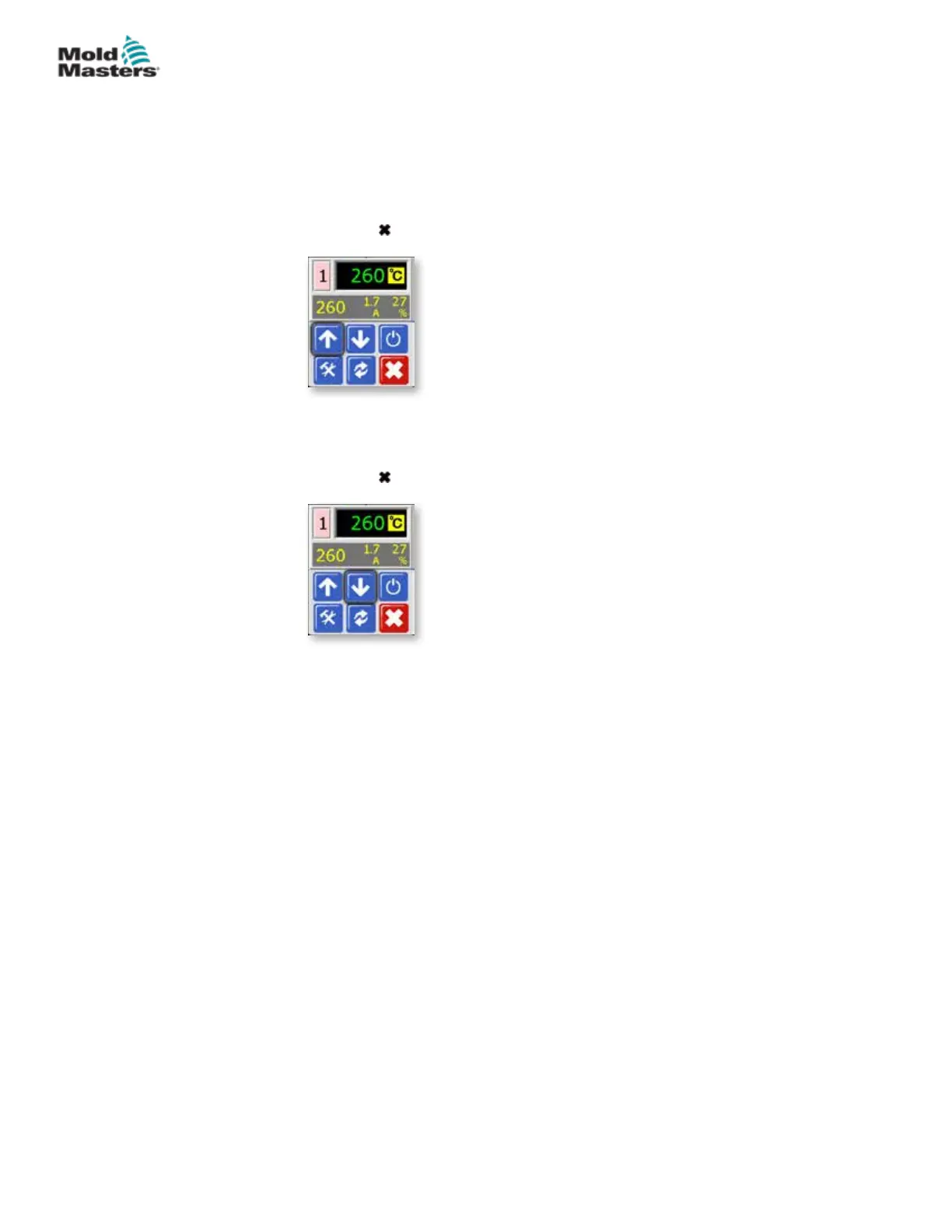
Using the up and down buttons changes temperature setting for both Auto
and Manual zones.
1. Increase Setting:
Choose the zone to display the initial menu and choose [] to raise the
temperature.
Choose [
] to revert to main display.
2. Decrease Setting:
Choose the zone to display the initial menu and choose [] to lower the
temperature.
Choose [ ] to revert to main display.
6-11
© 2020 Mold-Masters (2007) Limited. All Rights Reserved.
OPERATION
MT Controller User Manual



 To Next Page